Create a Security Group and add the user that you need access to

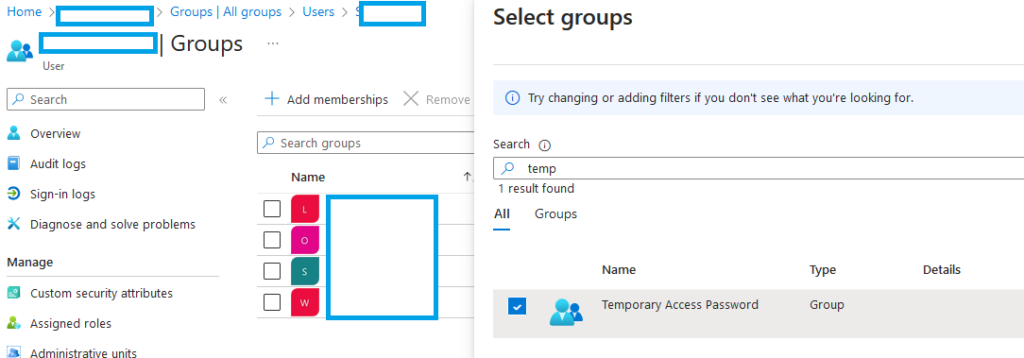
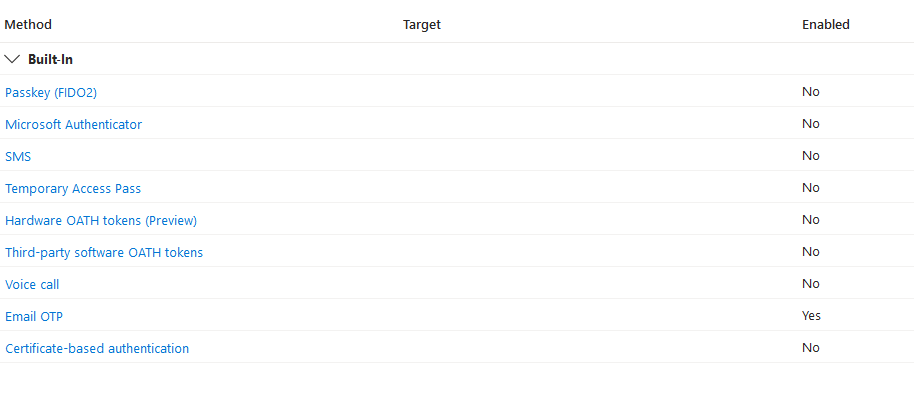
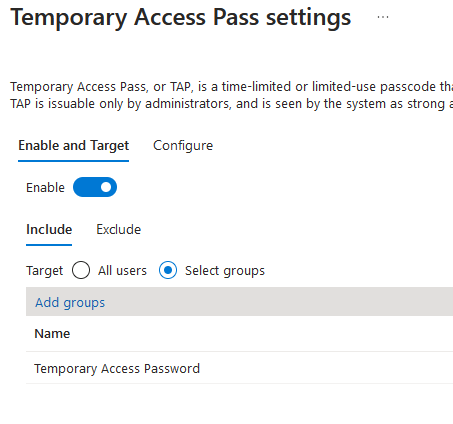
Enable the setting and choose the target group
Try to add the MFA method shows in the image from point 2 or go here
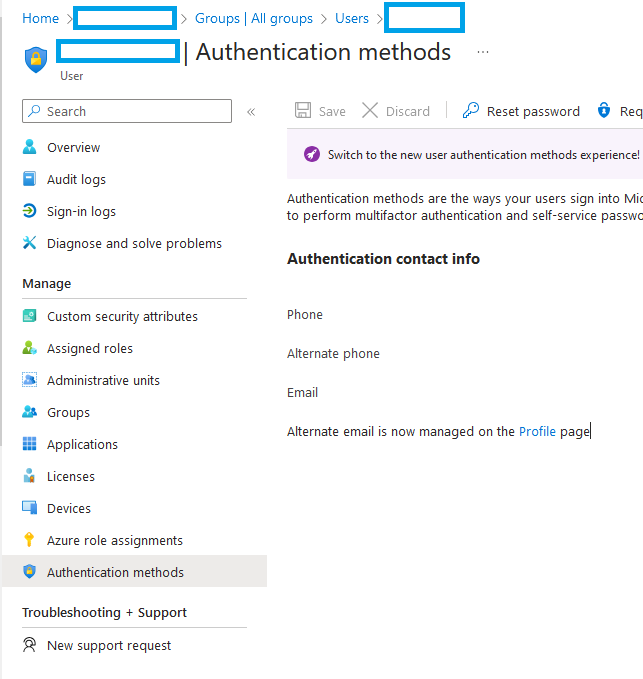

Create a Security Group and add the user that you need access to
Enable the setting and choose the target group
Try to add the MFA method shows in the image from point 2 or go here



Your blog is a constant source of inspiration for me. Your passion for your subject matter is palpable, and it’s clear that you pour your heart and soul into every post. Keep up the incredible work!