Introduction
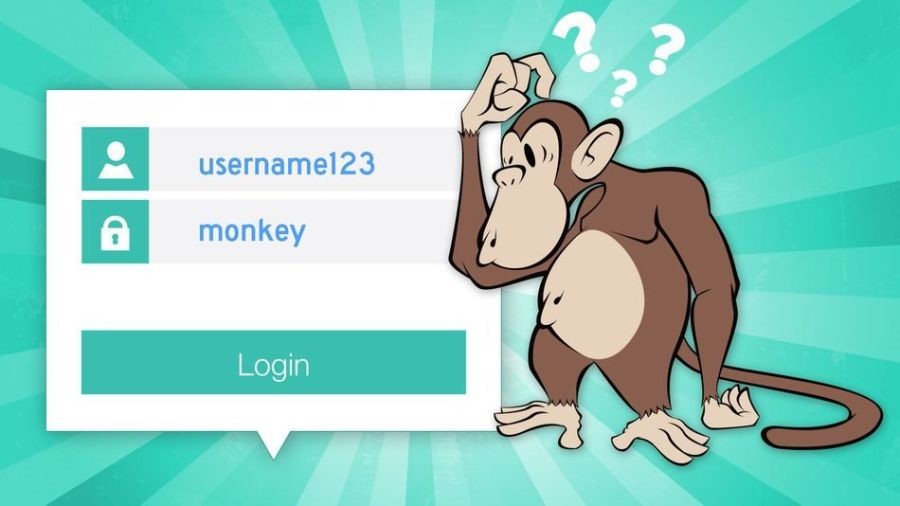
Welcome to the Using Passwords micro exercise. It is focused on the use of passwords, and contains several questions related to common password usage and what can be done to limit the risk of your passwords being compromised.
Timing
Take about 15 to 30 minutes, you can choose to tailor this to the time you have available.
What is expected of you
The proliferation of password use, and increasingly complex password requirements, places an unrealistic demand on users. Inevitably, users will devise their own coping mechanisms to cope with this “password overload”. This includes:
- Using the same password across different systems;
- Using simple and predictable password creation strategies;
- Writing passwords down where they can be easily found.
Attackers exploit these well-known coping strategies, leaving you vulnerable.
You are here to think and learn about this topic. You do not need to be a cyber security expert; it is not a test. The goal is to expand your knowledge and identify areas for improvement if necessary.
Let’s start…
Question 1: Which is the most hacked password globally?
- Password
- 11111111
- 123456
- Qwerty
Question 2: Which is the most hacked fictional character name password globally?
- Pokemon
- Batman
- Tigger
- Superman
Question 3: Choose the best password from the list below
- Pa55word!
- Manutd1977
- password1!
- 3redhousemonkey’s27!
Question 4: Consider the following scenario:
You have logged into your laptop and you cannot access your work email account doe to ah “Incorrect password”. You have checked and confirmed that the password you are entering is correct. You have the ability to change your own password.
What would you do in this scenario?
What immediate steps would you take? Who would be your contact in your organisation? Would you inform your organisation that your email may have been compromised?
YES or NO?
Correct answers and notes to the Questions
Question 1: Which is the most hacked password globally?
Answer 1: C
Notes: According to Have I Been Pwned: Check if your email has been compromised in a data breach , the password “123456” has been found 23 million times. “Qwerty” and “password” were found almost 4 million times and “111111” almost 400,000 times. haveIBeenPwned is a website that collects real world passwords previously exposed in data breaches.
Question 2: Which is the most hacked fictional character name password globally?
Answer 2: D
Notes: The password “superman” has been seen almost 350,000 times in data breaches. These compromised passwords were obtained from global breaches that are already in the public domain having been sold or shared by hackers. If you see a password that you use in this list you should change in immediately.
Questions 3: Choose the best password from the list below
Answer 3: D
Notes: A good way to create a strong and memorable password is to use three random words. The addition of uppercase letters, numbers and symbols can also be used to further strengthen passwords. Be creative to make it difficult to guess your password. It is recommended that you never user the following personal details for your password:
- Family members name
- Pets name
- Place of birth
- Favourite holiday
- Favourite sports team
Question 4
Consider the following scenario: You have logged into your laptop and you cannot access your work email account doe to ah “Incorrect password”. You have checked and confirmed that the password you are entering is correct. You have the ability to change your own password.
Correct answer YES
Notes: It is likely that an attacker has gained access to your email account and has used it to attempt to compromise others in the organisation. Now that you have regained access to your account it is important for you to:
- Make sure you set a new password that is stronger than your old one;
- Enable Two factor Authentication (2FA) if possible;
- Ensure that you use different passwords for work and personal accounts;
- Change passwords on other accounts where you have used the compromised password.
- It is important that your organisations IT team are informed to ensure that they can take mitigating actions to protect you and other users.
Advice
There are several best practices for securing your work and personal accounts
- Create a strong and memorable password – one method is using three random words or use built in password generators or password managers.
- Use Two Factor Authentication (2FA) – many companies allow you to set up 2FA on your accounts which involves signing into your accounts using two passwords or codes. For example, you will use your password first then a code will be sent to your phone.
- Use different passwords for your work account and personal accounts – using different passwords for different accounts will stop attackers being able to use the same password to access your other accounts.
- Use stronger passwords for email accounts – attackers can use your email to access many of your personal accounts and find out vital personal information, such as your bank details, address etc.
- Store passwords in a secure manner – this can involve using a password manager on your device, or if you prefer to write them down then store them securely away from the device.
- Never reveal your fill password to anyone!
If you want to learn more about the passwords, you can use the following links:


Hi, I’m Jack. Your blog is a treasure trove of valuable insights, and I’ve made it a point to visit daily. Kudos on creating such an amazing resource!