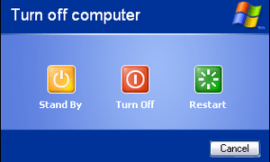
(Writing this article because it just happened on Dell Inc. Inspiron N5050)
Access the Windows Repair Environment screen
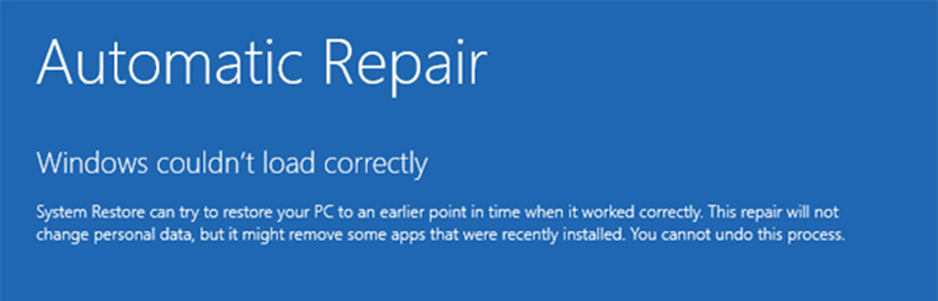
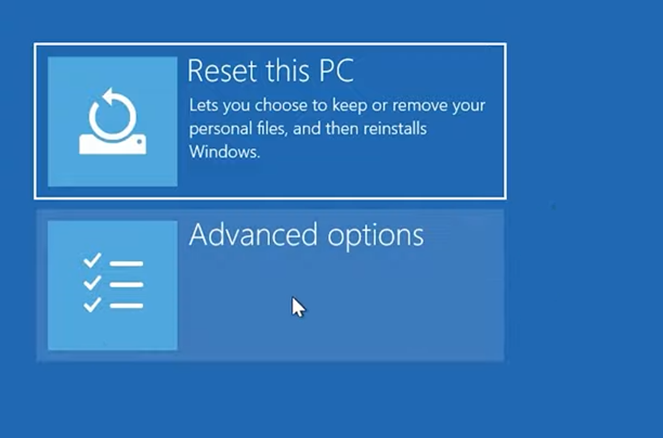
Click on Advanced Options -> Troubleshoot -> Advanced Options -> Command Prompt
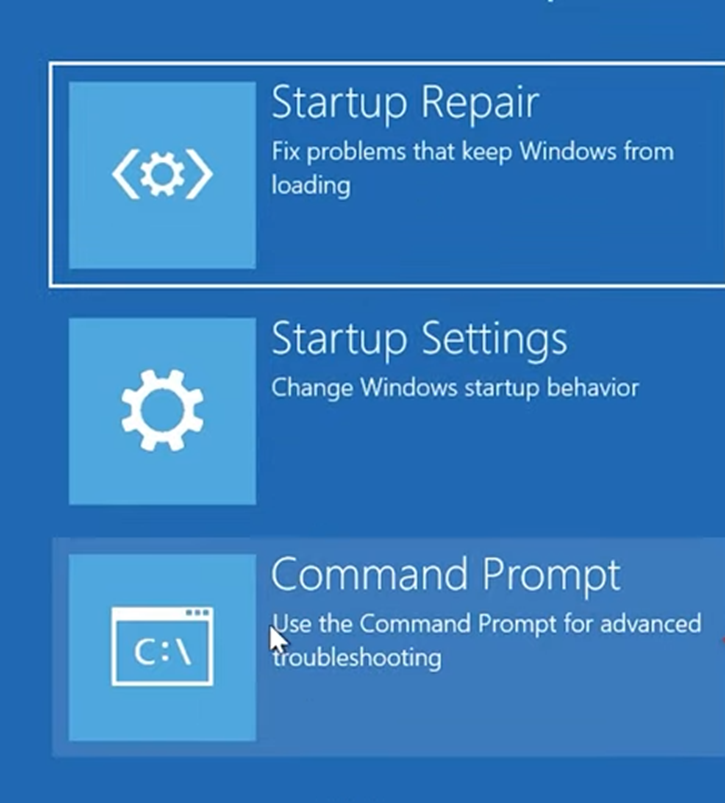
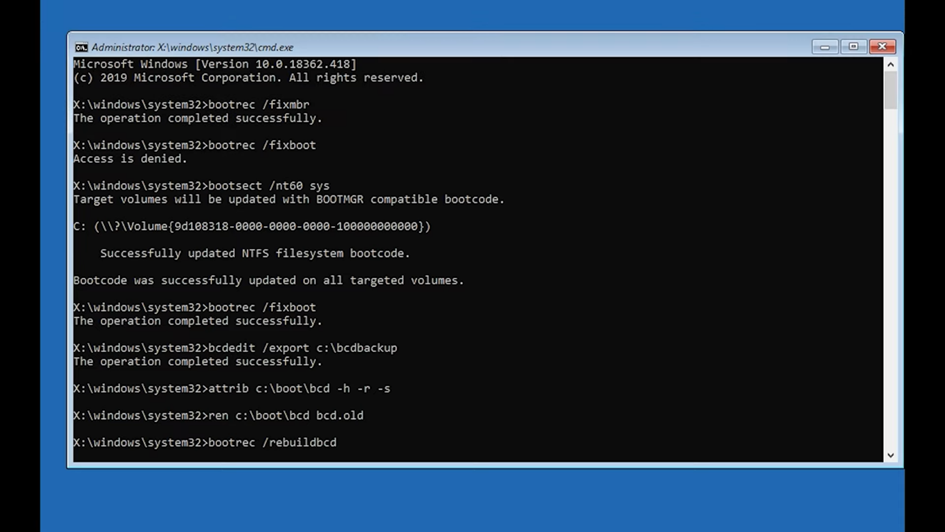
In cmd.exe type the following commands and press Enter after each one:
bootrec /fixmbr
bootrec /fixboot
If you get Access is denied. type the following:
bcdedit /export c:\bcdbackup
attrib c:\boot\bcd -h -r -s
ren c:\boot\bcd bcd.old
bootrec /rebuildbcd
Restart the computer and check if all is working as expected.
shutdown /r /t 3