How to Troubleshoot Networking Issues With Some Useful Network CMD Commands.
Scan, troubleshoot and resolve issues using Windows network CMD commands.
CMD comes from Command Prompt which is DOS like command-line interpreter. It is the analogue of Unix shells used on Unix-like systems.
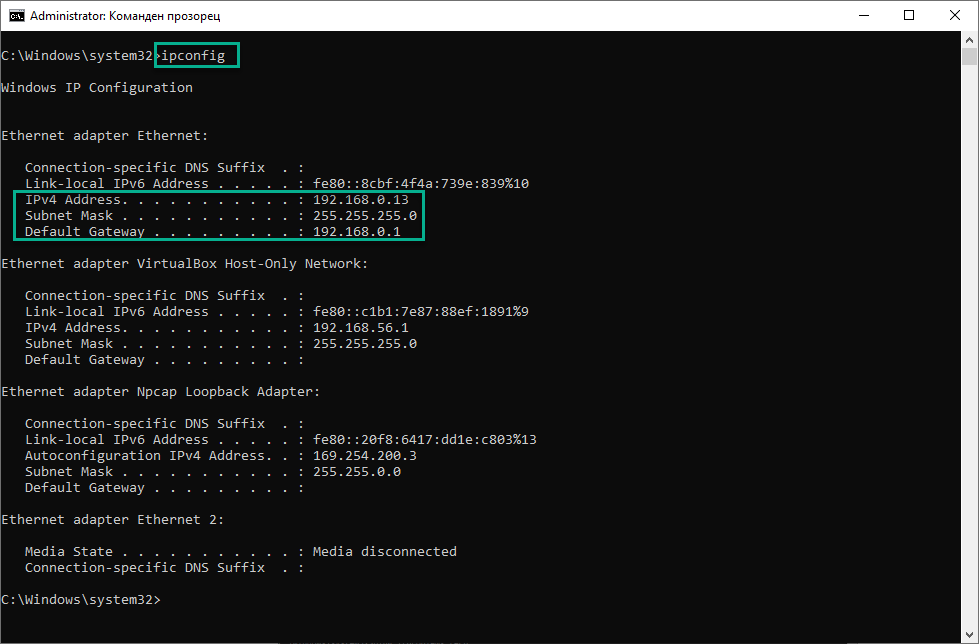
ipconfig
Quickly Find Your Local IP Address. Furthermore, you can see you MAC address (which is the unique identifier for your LAN card).
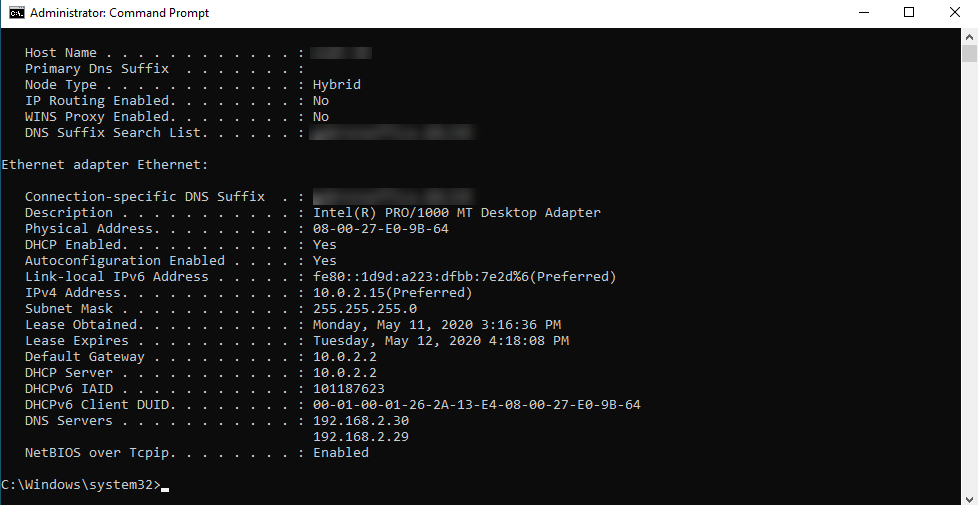
ipconfig /all
You will get more detailed information about all available network adapters.
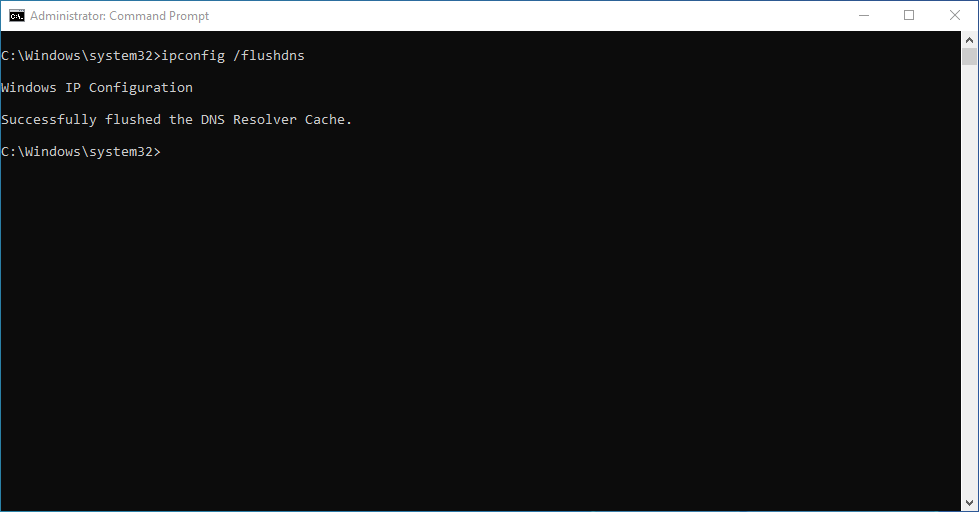
ipconfig /flushdns
This command removes all the information stored in the cache, forcing the computer to find new DNS information.
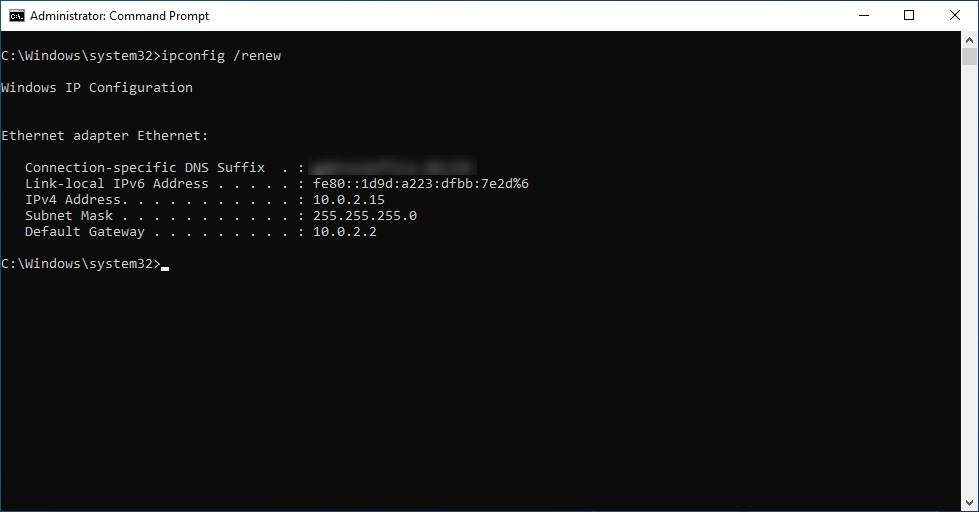
ipconfig /renew
Renew an IP Address by requesting it from the DHCP Server.
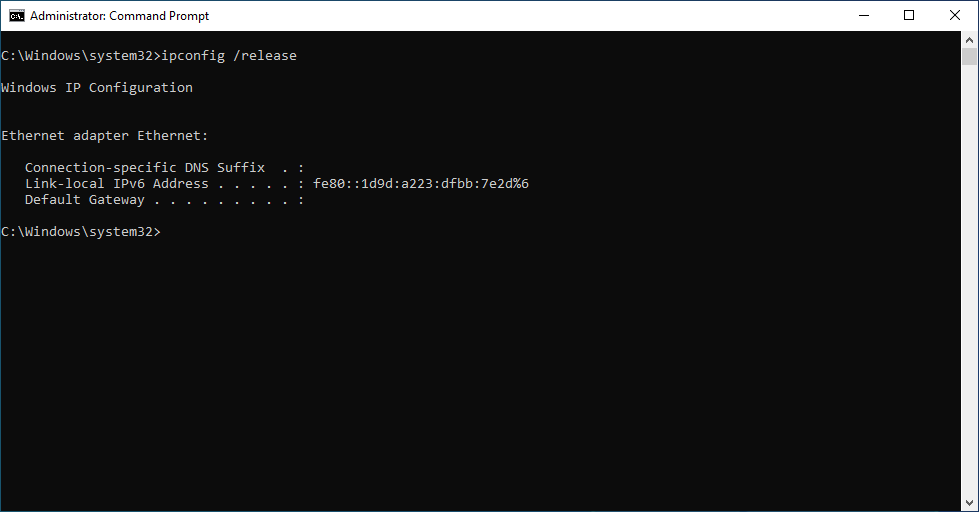
ipconfig /release
If you are not able to renew the address using the previous command, this one will release the IP Address and assign a new one.
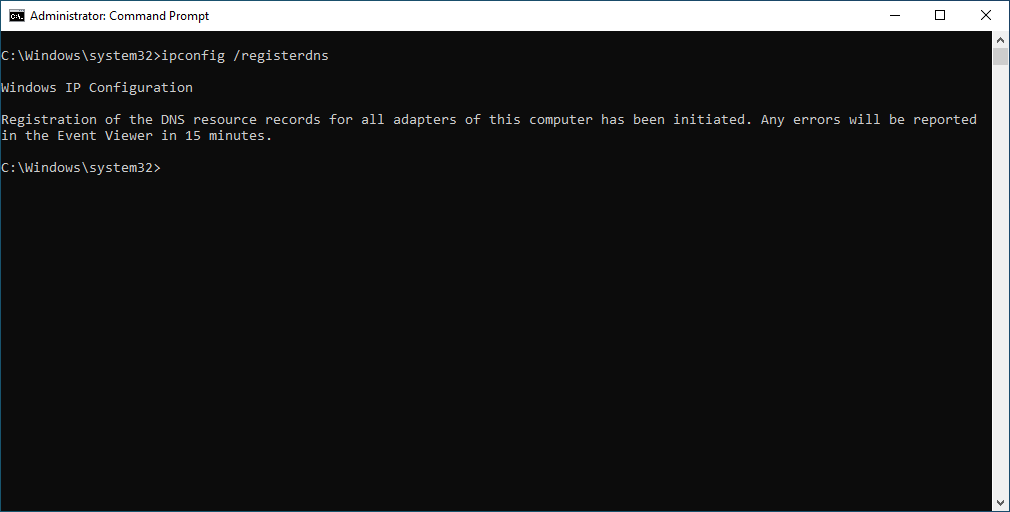
ipconfig /registerdns
Updates a host A/AAAA record within your active directory integrated DNS and initiates manual dynamic registration for the DNS names and IP addresses that are configured at a computer.
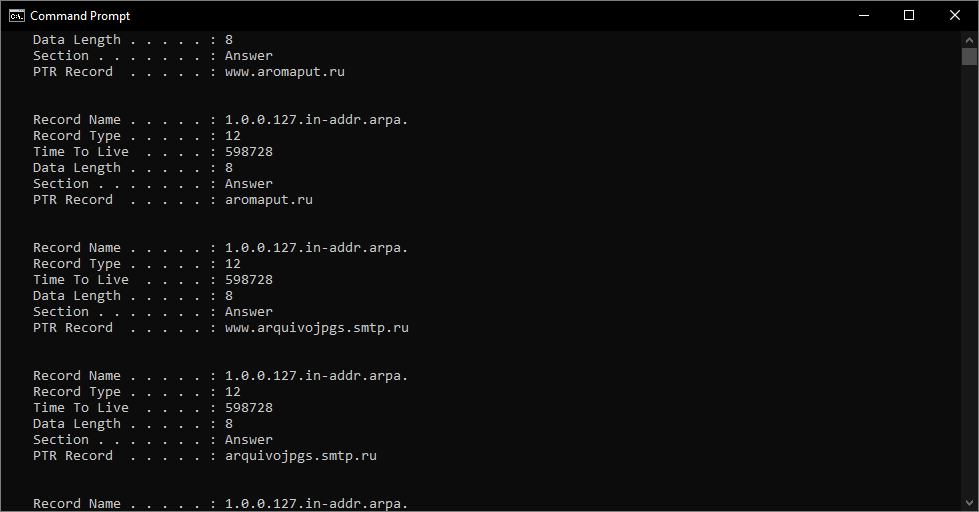
ipconfig /displaydns
It displays all the contents of the DNS Resolver Cache.
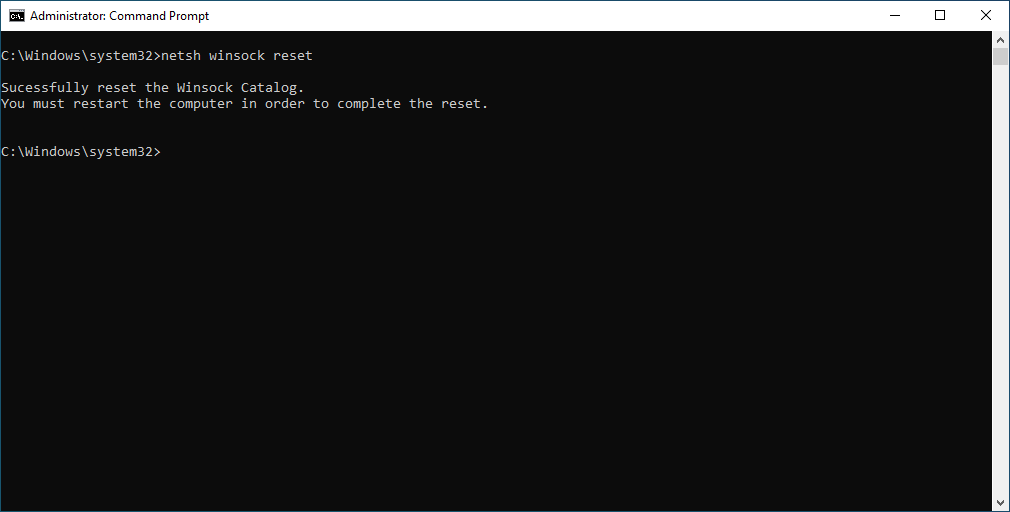
netsh winsock reset
Use it if you want to Reset Network Adapter (Winsock Reset). This is another great way for the network CMD commands that will restore the defaults of your TCP/IP configuration. A computer restart will be needed.
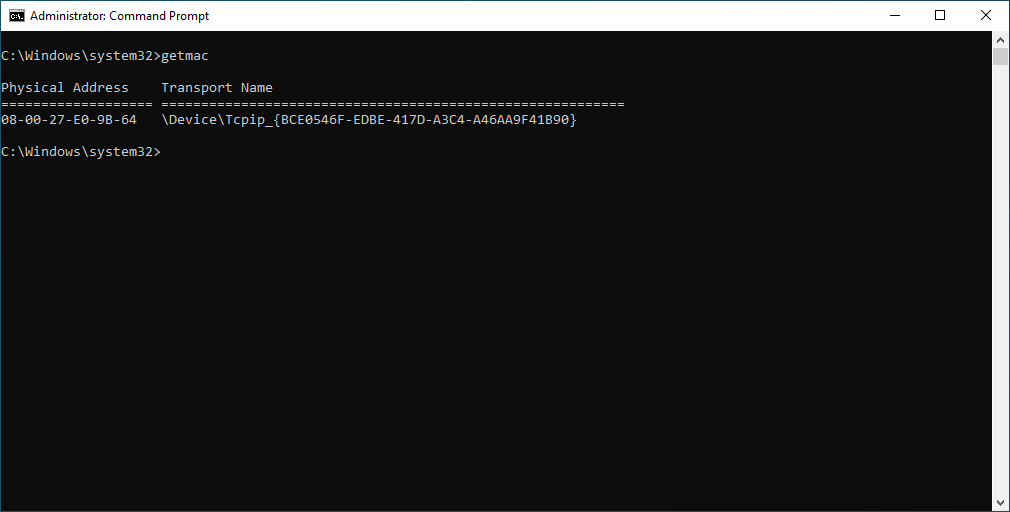
getmac
If you want to check the MAC address of a device getmac is your friend.
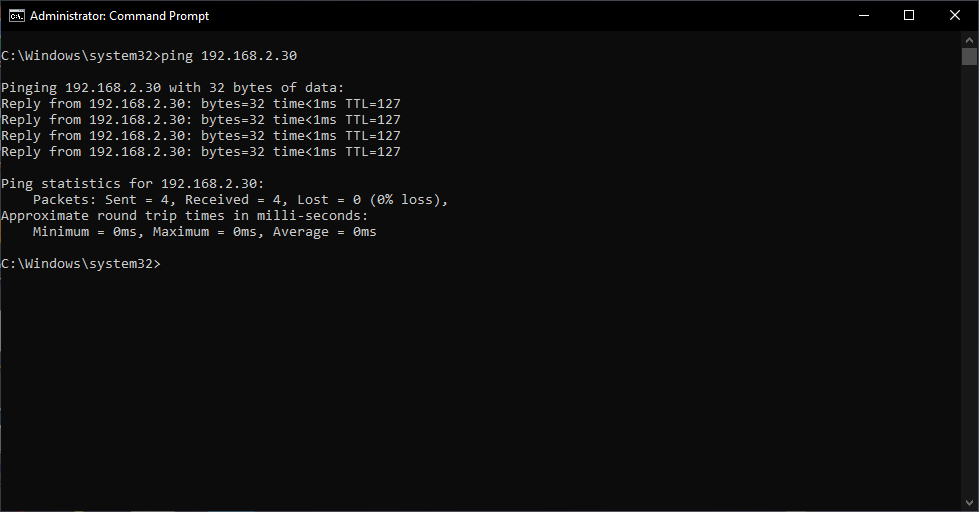
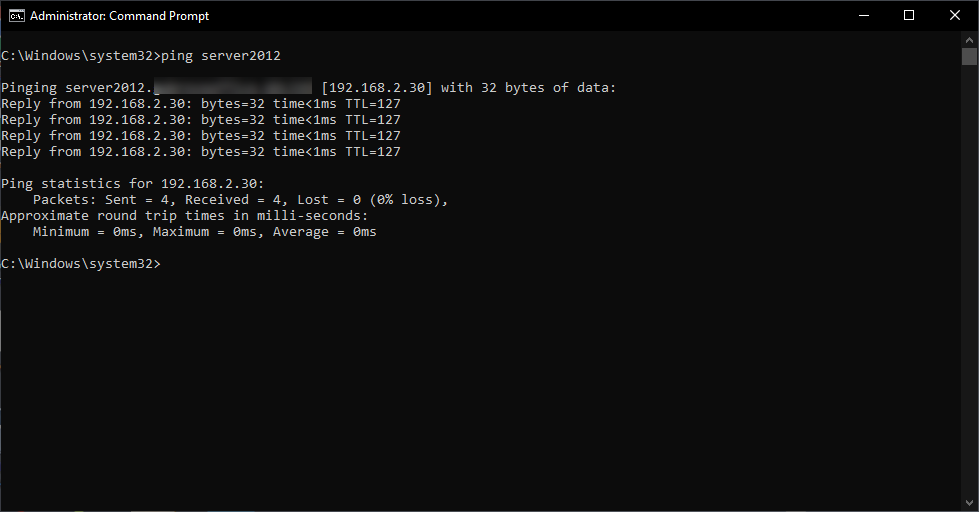
ping hostname or IP address
This will send packets to that address
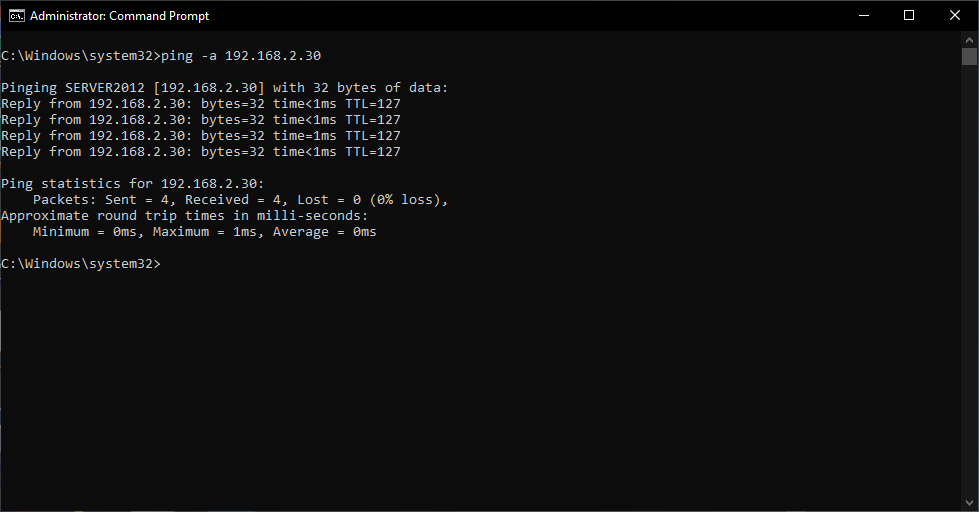
ping -a IP address
Sends packets to that address and returns the hostname.
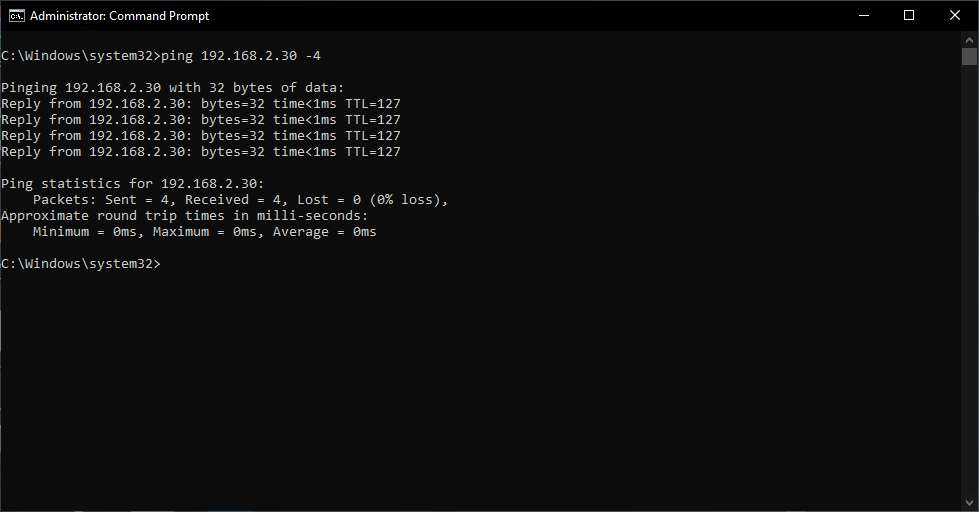
ping hostname -4
Sends packets to that hostname and returns the IPv4 address
ping hostname -6
This command is similar to the command above, but will display the IPv6 address.
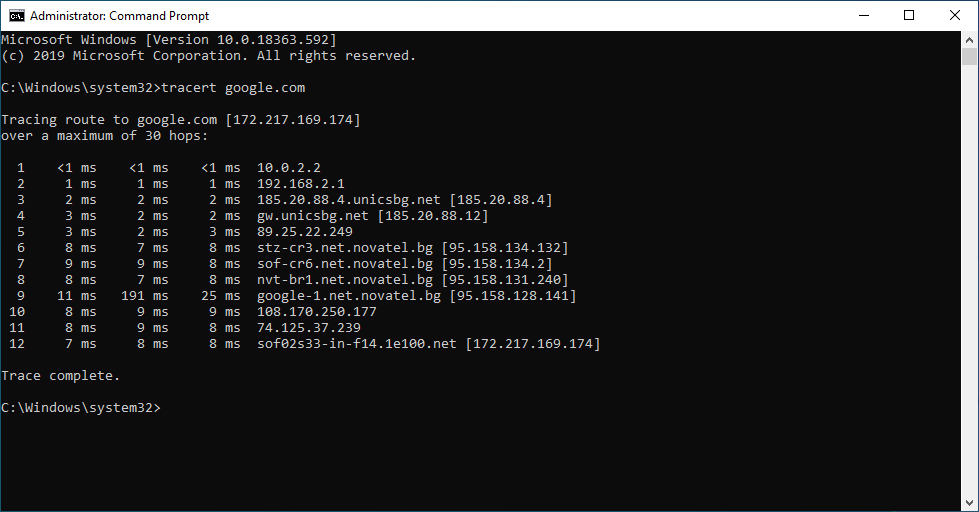
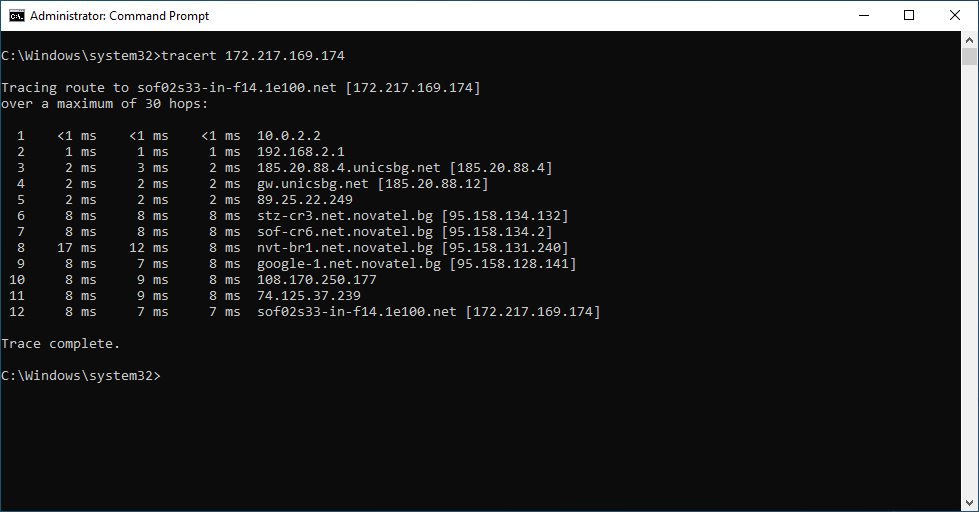
tracert hostname or IP address
Traces the route it takes for a packet to reach a destination.
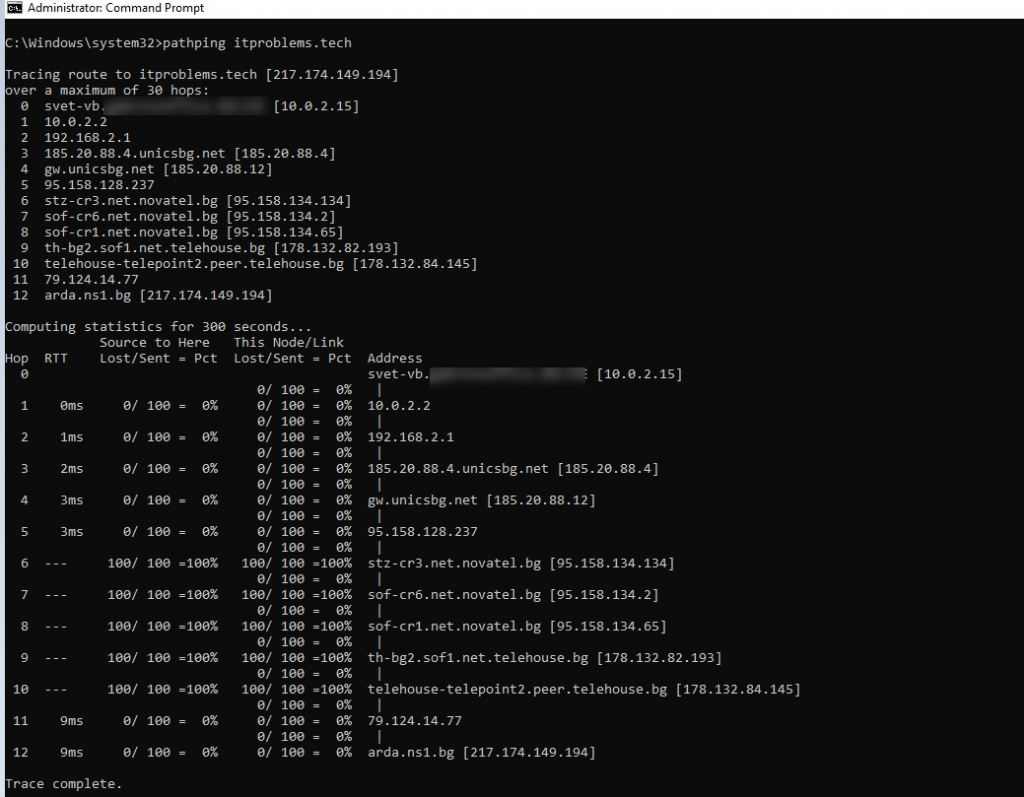
pathping
Traces route and provides network latency and packet loss for each router as well as link in the path. Combines the functionality of PING and TRACERT.
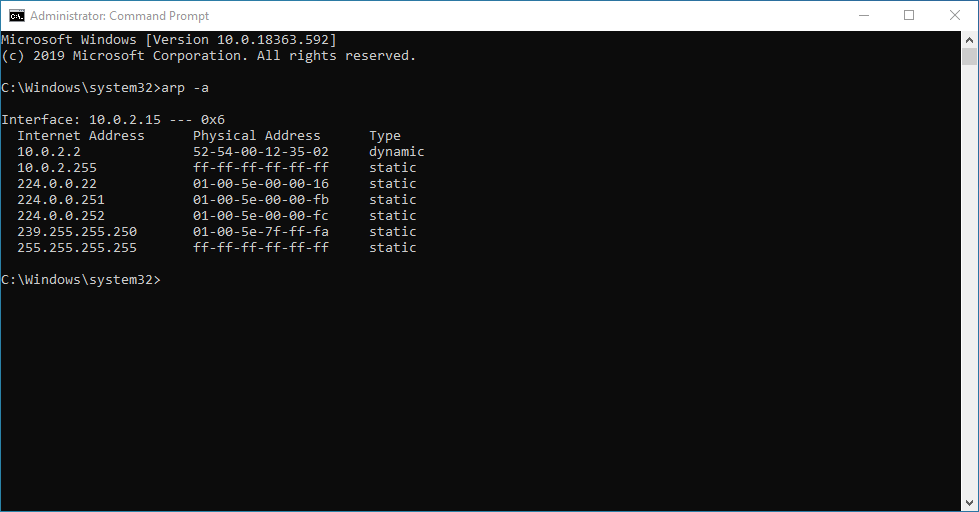
arp -a
Checks all the available hosts on the network and returns the hosts’ IPv4 and MAC addresses as well as if they are using static or dynamic DHCP.
netstat
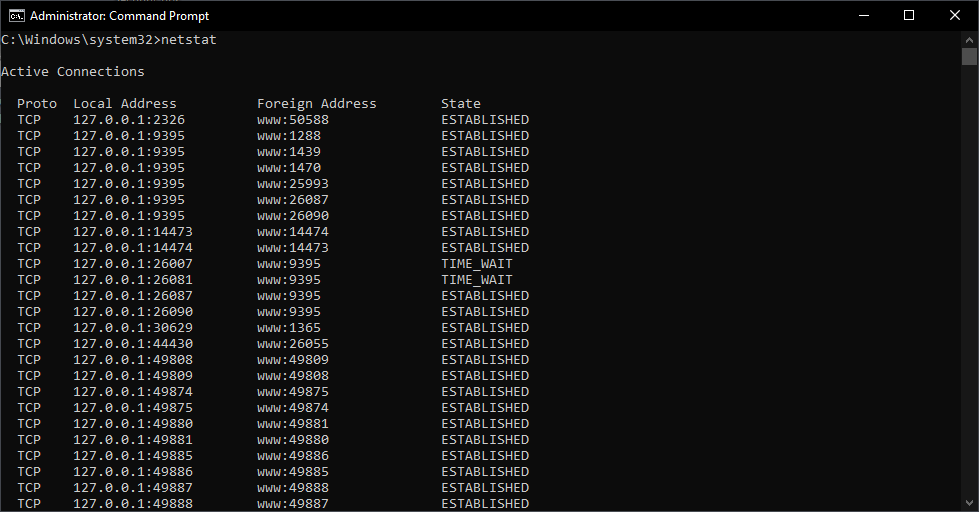
If you want to check all the TCP connections from your local IP address you can use the command above