
What Is Ransomware
Ransomware software is created to block your access to your files and the operating system. The victim can get a ransom text message for a payment. It requires the user do download Tor browser and pay in cryptocurrency—such as Bitcoin—because it is anonymous and untraceable.
How Ransomware Gets Spread
An email attachment or suspicious downloaded files (cracked software and torrenting) can deliver the ransomware. You can enable the file extensions in Windows because some files may look like a well known icon but to have, for example, a .pdf.exe extension. Also, avoid opening files that contain macros (written code hidden in the file). In other cases, black hat hackers scan the network for vulnerabilities, both in the system and software to inject the malicious program. The most venerable services are SMB (Server Message Block) for sharing data between computers in the same network and RDP (Remote Desktop Protocol) for accessing a remote machine.
This virus can infect all machine and storage devices in your network. It is a good practice to detach the external drive from the computer after the backup finishes.
Preventing Ransomware
There is no clear solution to prevent all cybersecurity threats, that can reach you. No matter which antivirus or antimalware program you are using, the backups are your best solution against not just viruses, but all sorts of attacks, human and natural problems.
The Backup Rule of Three
Below is an example of the famous 3-2-1 rule:
- 3 copies of your data;
- 2 different formats – Google Drive and external hard drive;
- 1 offsite backup – in case of fire or other disaster.

In summary, you can have one data copy/backup to a free cloud storage providers such as Google Drive. The second one should be local to an external hard disk drive. The third one can be also a local copy/backup, but kept it in another location.
Difference Between Data Copy and Data Backup
The difference between data copy and backup is that for the backup you need a special software. Configuring data backup also gives the options to set up retention policy. That is how you can revert to any file back in a given moment from the past.
Software Solutions

The built-in Windows Defender works fine against the malicious attacks. Тhat’s why it is so important to keep your system up-to-date and to have installed the latest patches. If you are running on Linux you can just uninstall Wine software, which allows certain Microsoft apps to run smoothly.
Acronis is also a good product for both backup solutions and ransomware protection. It will notify the user for malicious software and won’t let them backup the encrypted file.
CloudBerry has backup protection, if ransomware ends up encrypting the data on your system when you run the next backup. You will be notified, if your files are encrypted. It will give you a warning so that you don’t end up deleting your data and previous backups. You can restore and get your data back, from the last not corrupted backup.
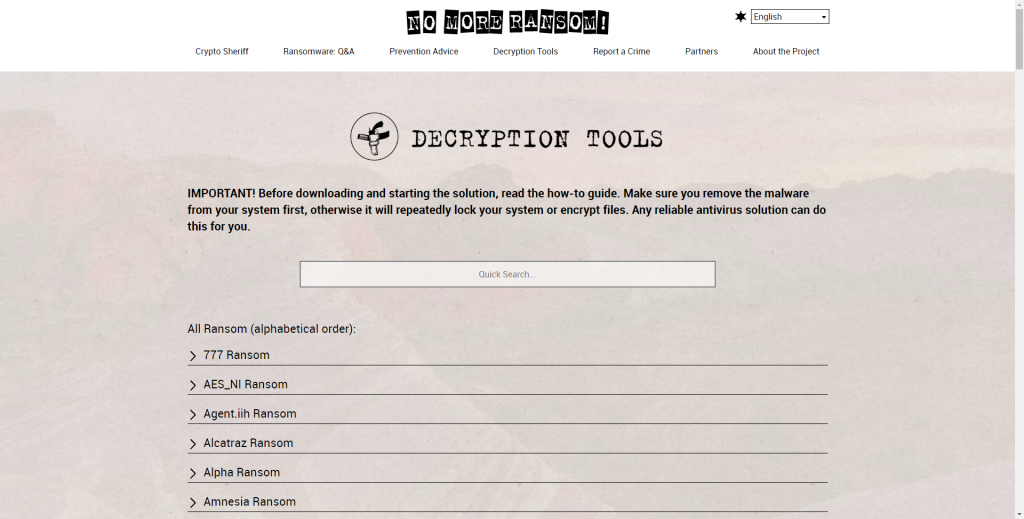
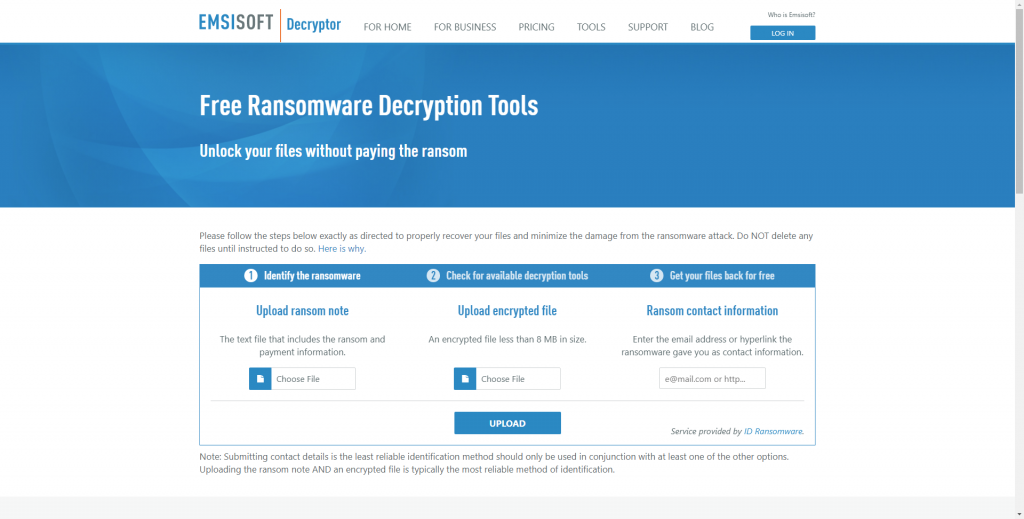
There is a website https://www.nomoreransom.org/ which allows you to upload an infected file or one, combined with its uninfected version, and then it will try to find if there is an online decryptor for your particular ransomware. Other useful website is https://www.emsisoft.com/ransomware-decryption-tools/ .
Conclusion
Do not pay the ransom, if the files are not important, because otherwise you will encourage the hackers to proceed with these malicious attacks.