(Almost) everything you need to repair Windows problems in one small handy tool.
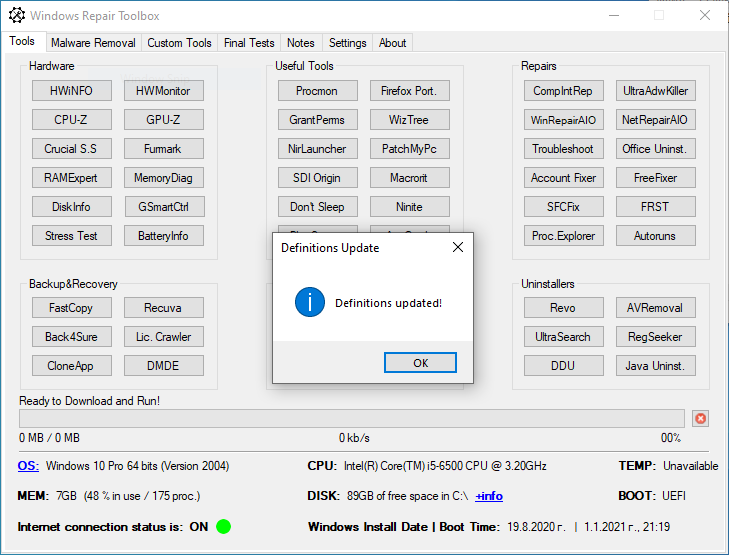
The toolbox has hardware and software test and benchmark programs, backup and recovery tools, build in windows and external troubleshooting software and scripts, shortcuts for Windows built-in commands, software uninstallers, anti-virus/malware tools and many more.
Menus – Tools, Malawre Removal, Custom Tools, Final Tests …
Tools Section – Hardware, Backup&Recovery, Useful Tools, Windows, Repairs and Uninstallers
Malware Removal Section – Malware Removal, Ransomware Infection, Optimize / Repair, Update and CPU/RAM/DISK Monitors
Custom Tools Section – Here you can find your own custom tools
Final Tests Section – Checks, Webcam, Microphone
Hardware Tools
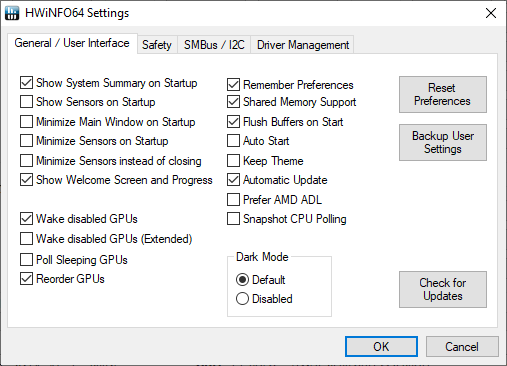
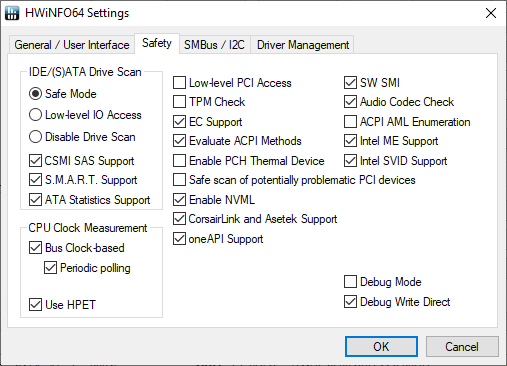
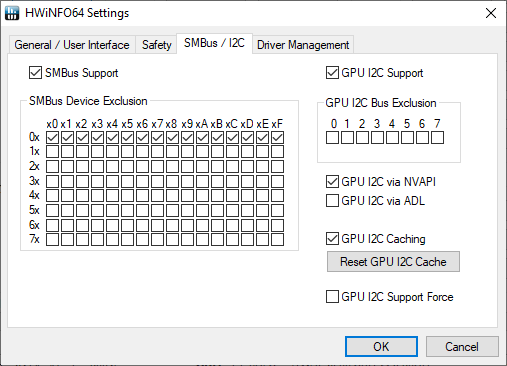
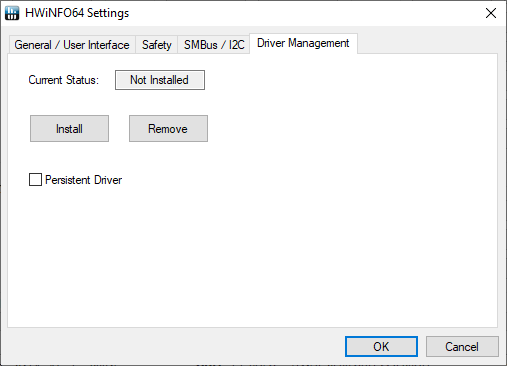
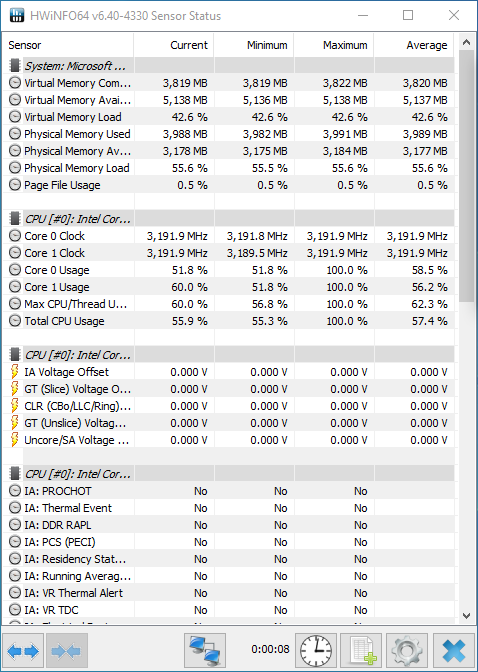
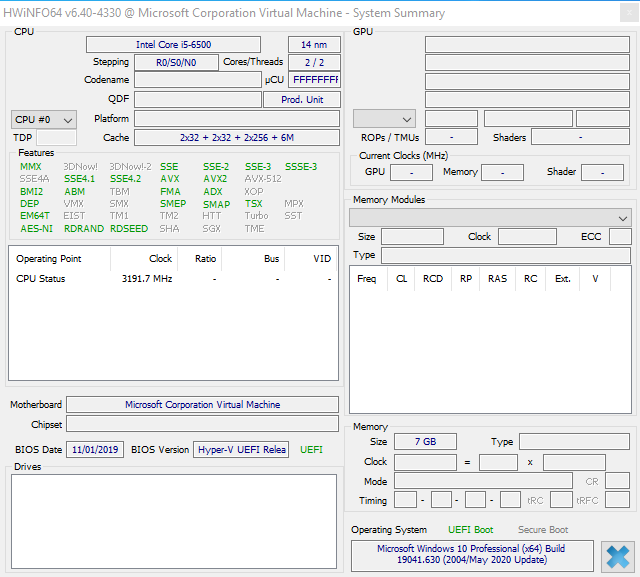
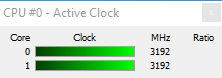
HWiNFO
It shows dettailed information about all the hardware components.
HWMonitor
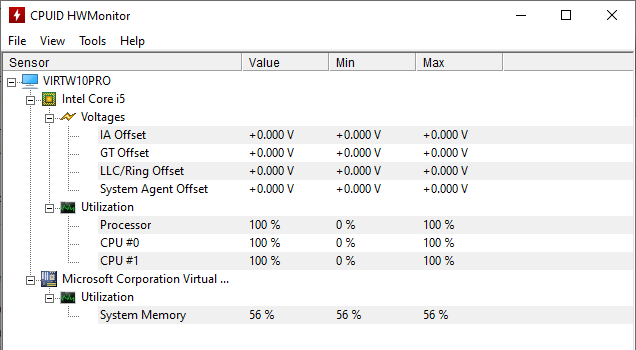
Monitors the computer temperature, fan speed and voltage.
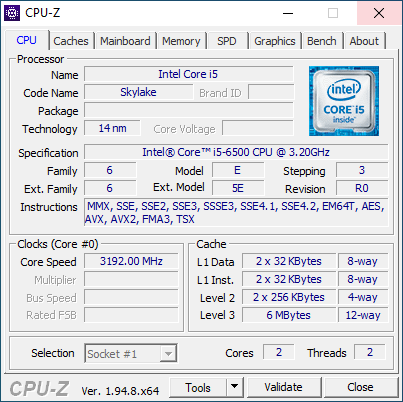
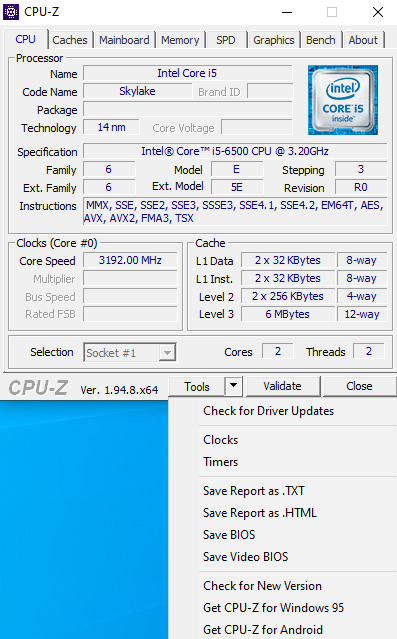
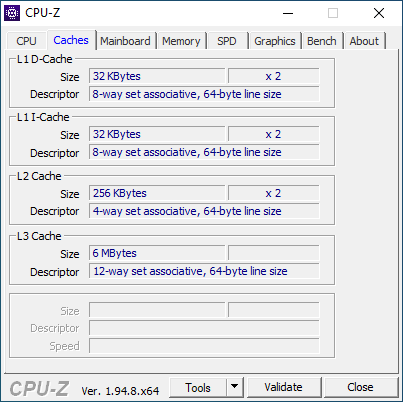
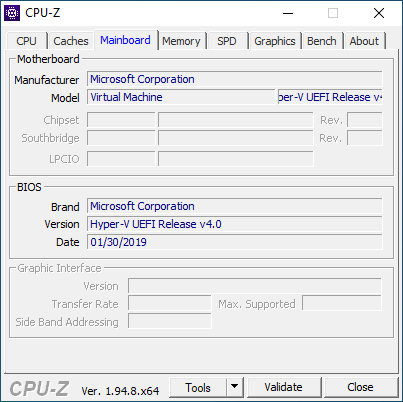
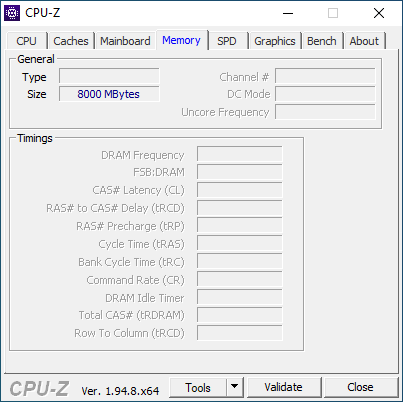
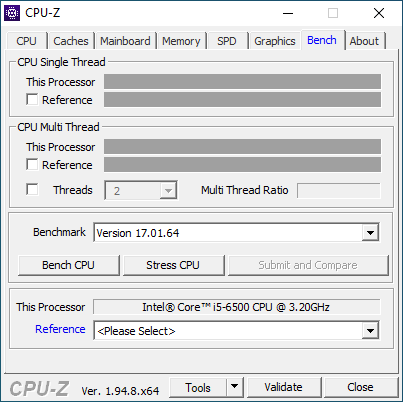
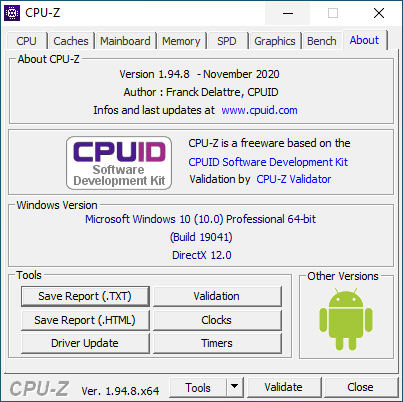
CPU-Z
Provides information about CPU, Motherboard, Memory and System.
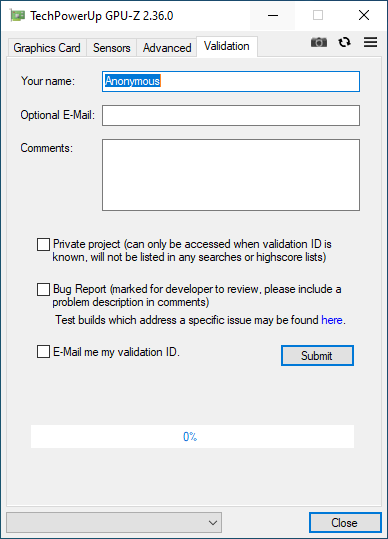
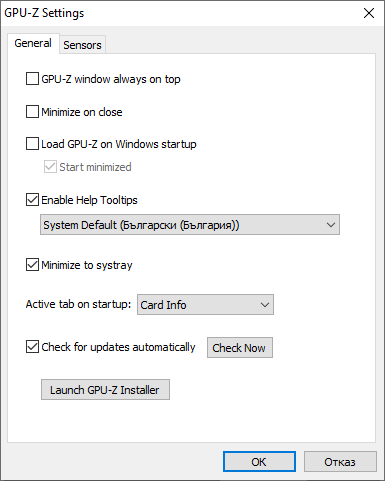
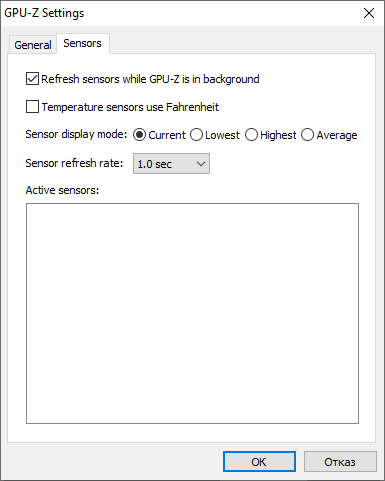
GPU-Z
Software designed to provide vital information about your video card and graphics processor.
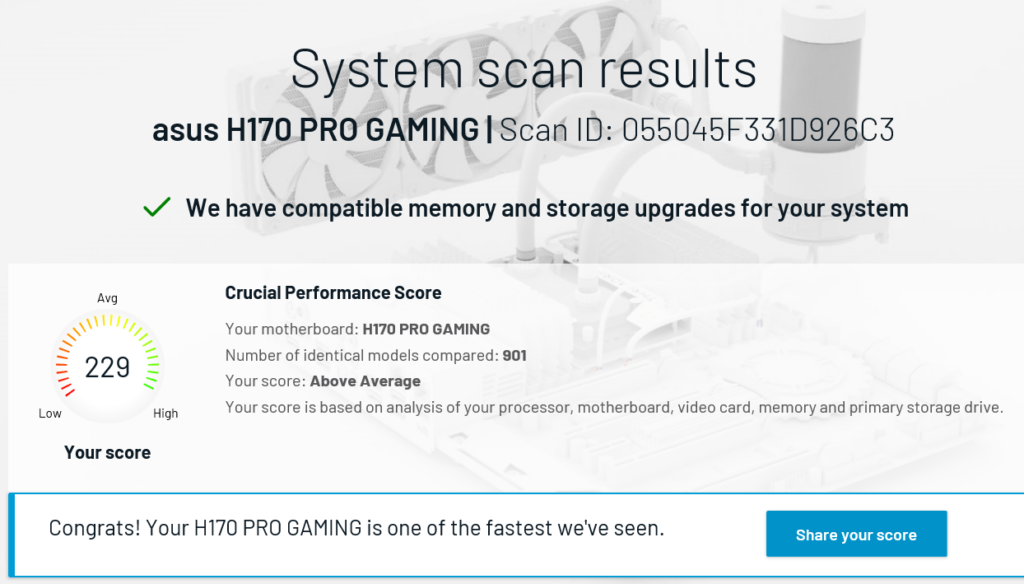
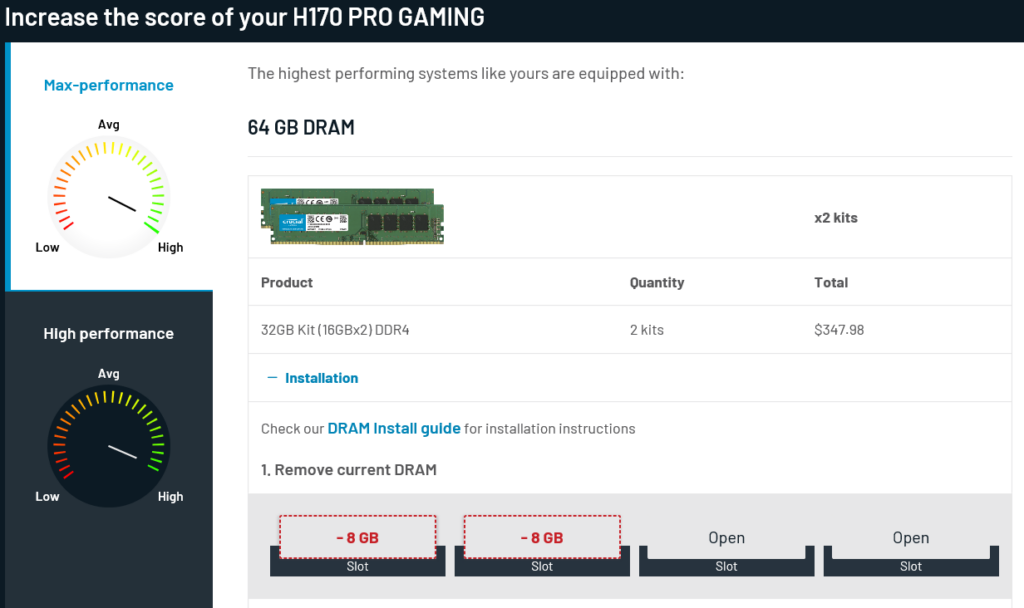
Crucial SS
Finds suitable upgrades for your Windows computer. It also reveals what’s the maximum memory supported and number of slots.
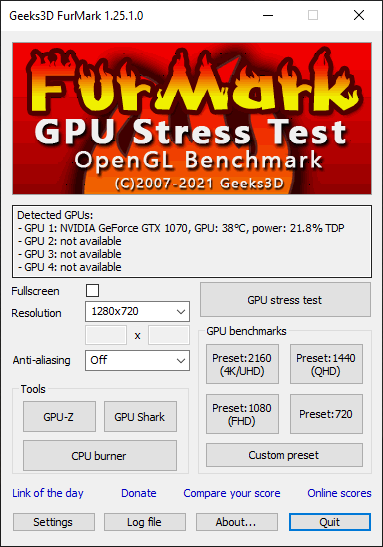
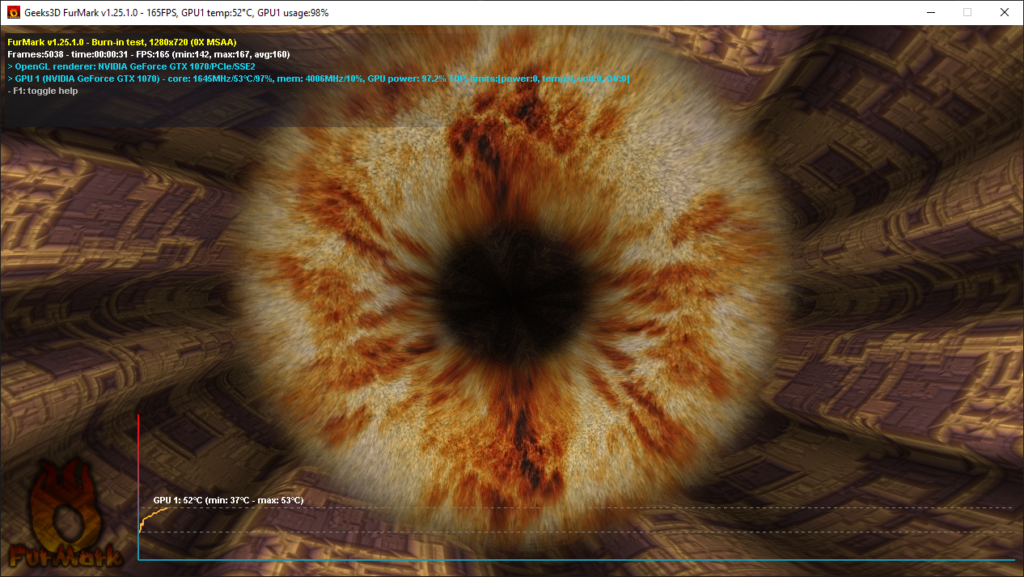
Funmark
FunMark is a lightweight but very intensive graphics card / GPU stress test on Windows platform. It’s a quick OpenGL benchmark as well.
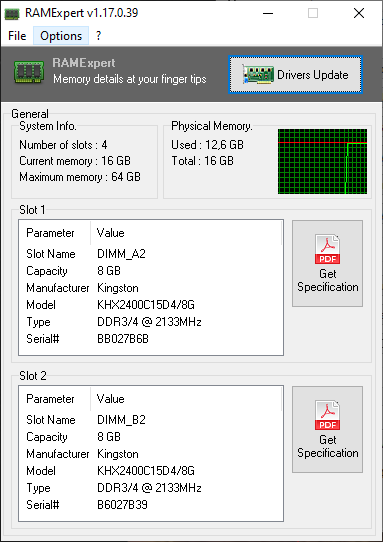
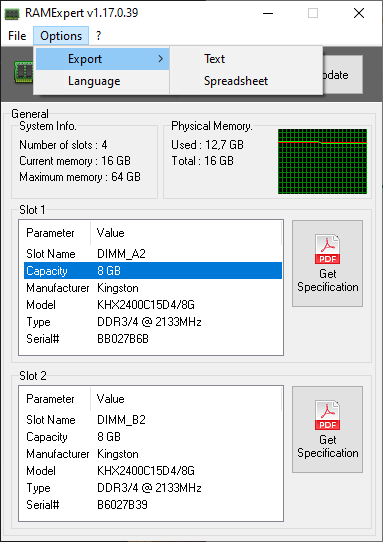
RAMExpert
Provides information about the RAM, including upgrade capability indication, based on motherboard empty slots.
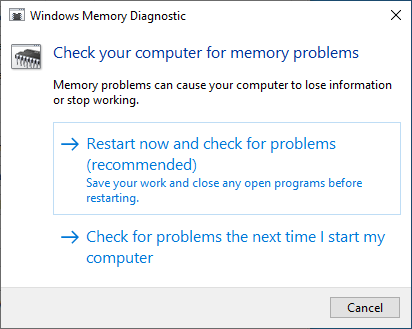
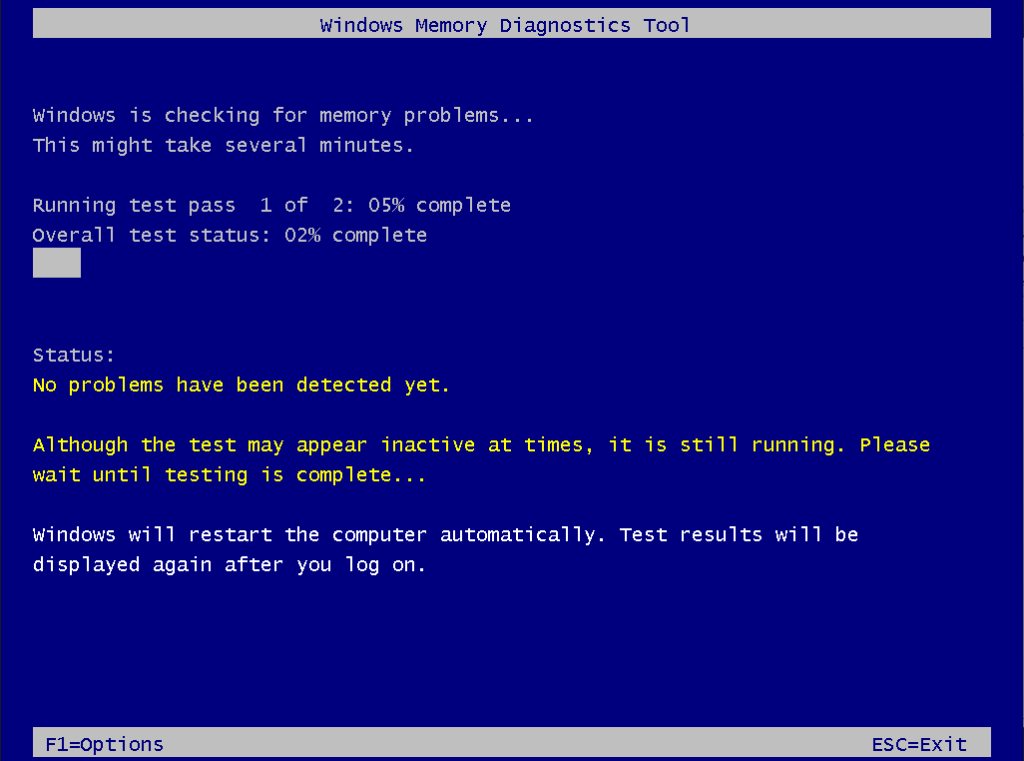
MemoryDiag
Windows Memory Diagnostics. WIndows built-in tool to check for memory problems. This invokes the mdsched command.
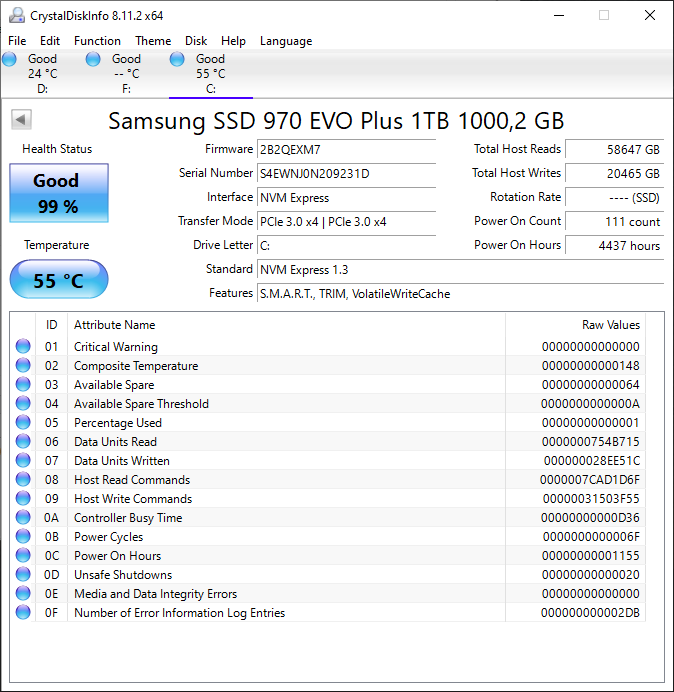
DiskInfo
CrystalDiskInfo is an HDD/SSD utility which allows you to view details about your hard disk drive. Support S.M.A.R.T., monitor health status and temperature.
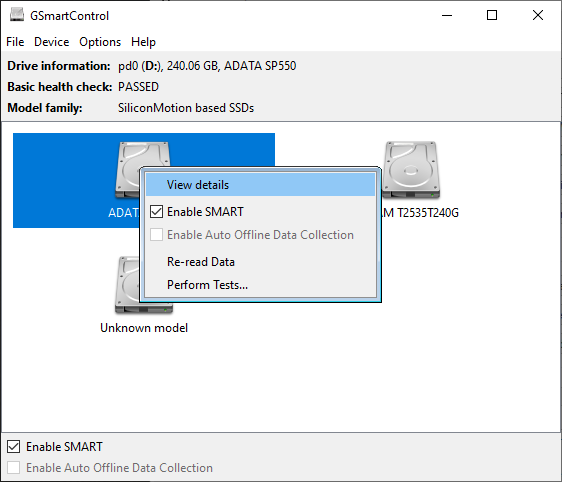
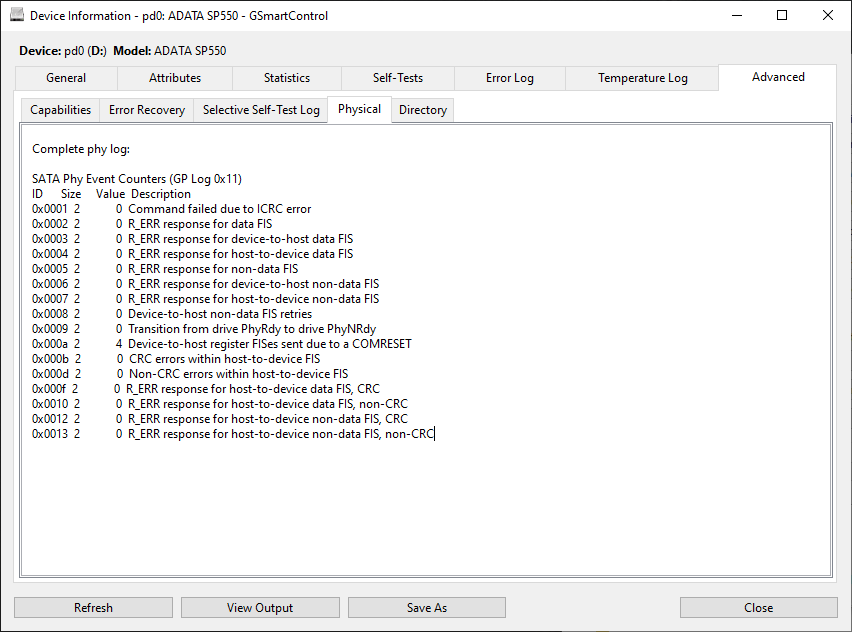
GSmartCtrl
GSmartCtrl is an HDD/SSD health inspection tool. Allows to inspect the drive’s SMART data to determine its health, as well as run various test on it.
Stress Test
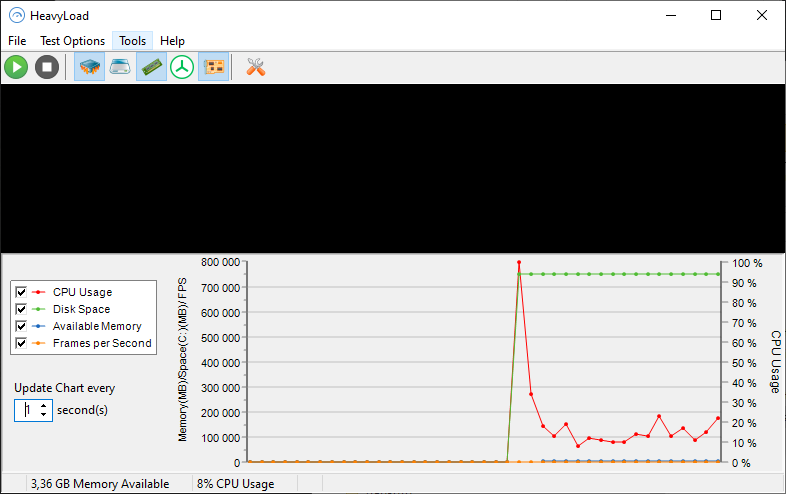
Heavy Load puts your workstation or server PC under a heavy load and lets you test whether they will still run reliably.
BatteryInfo
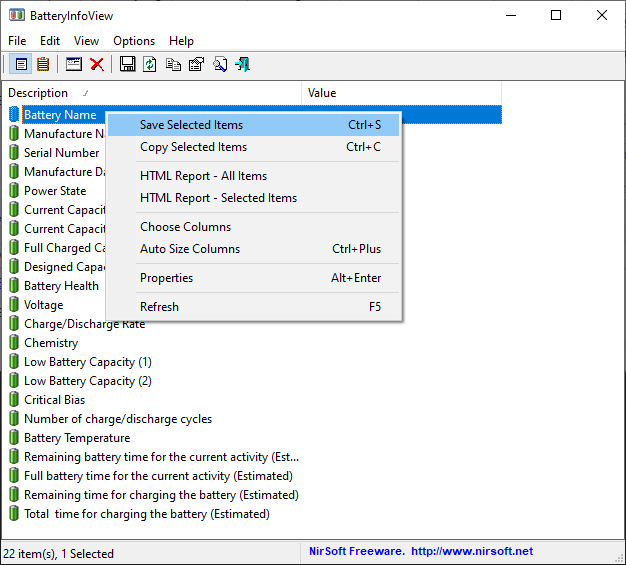
BatteryInfoView is a small utility for laptops and notebook computers that displays the current status and information about your battery.
Backup&Recovery
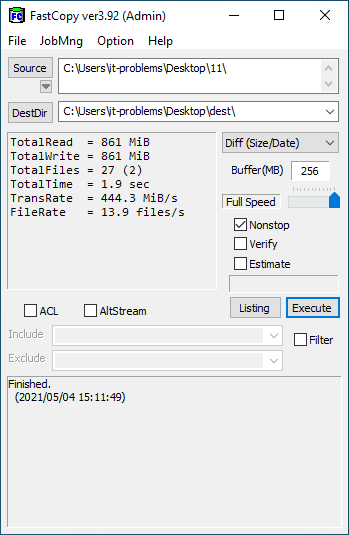
FastCopy
A faster way to copy, move or delete large number of files.
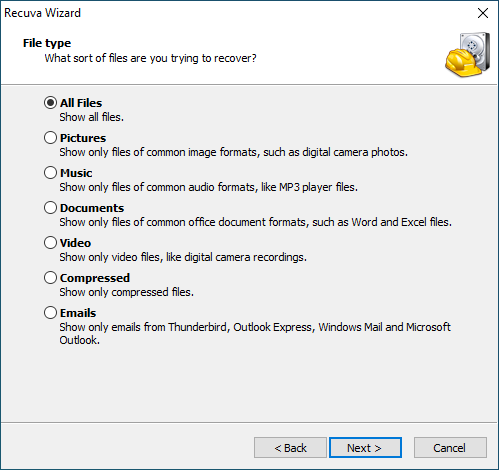
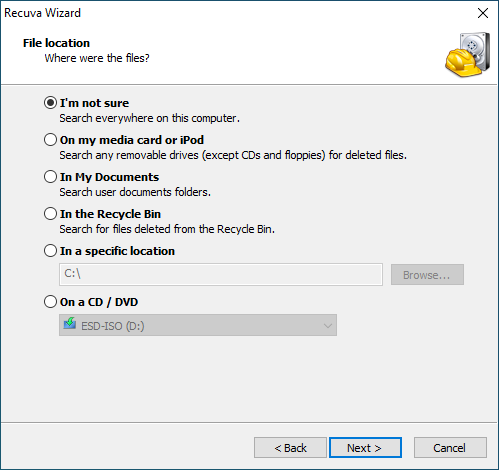
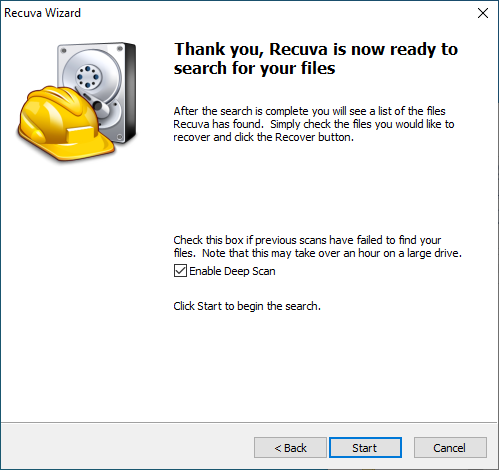
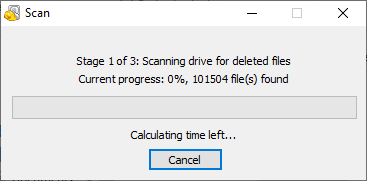
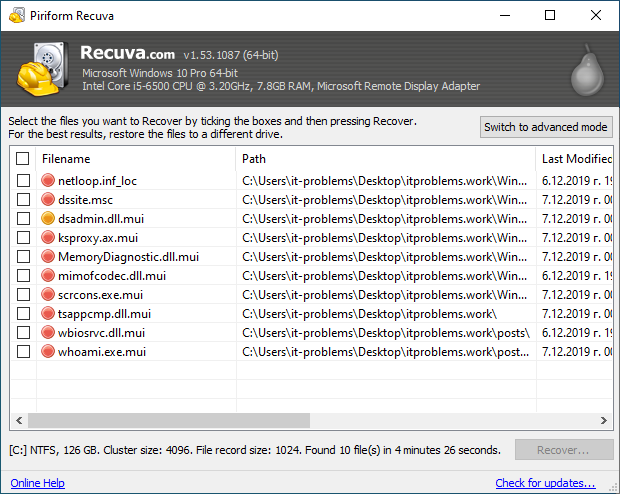
Recuva
Recover files deleted from your Windows computer, Recycle bin, digital camera card or MP3 player.
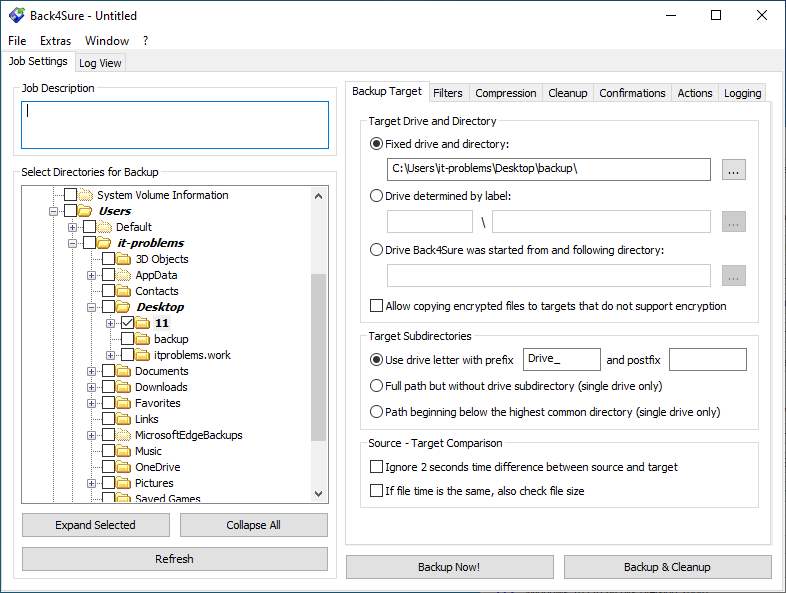
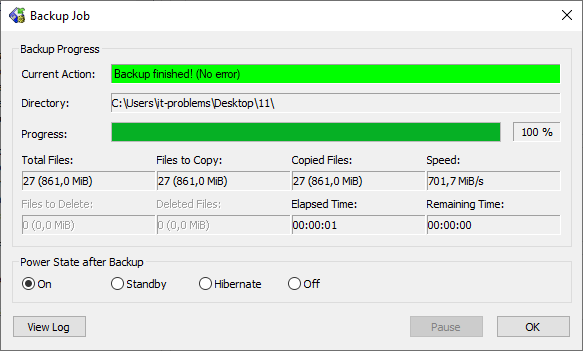
Back4Sure
Program for making backup copies of your document, pictures, music, videos and anything you find valuable.
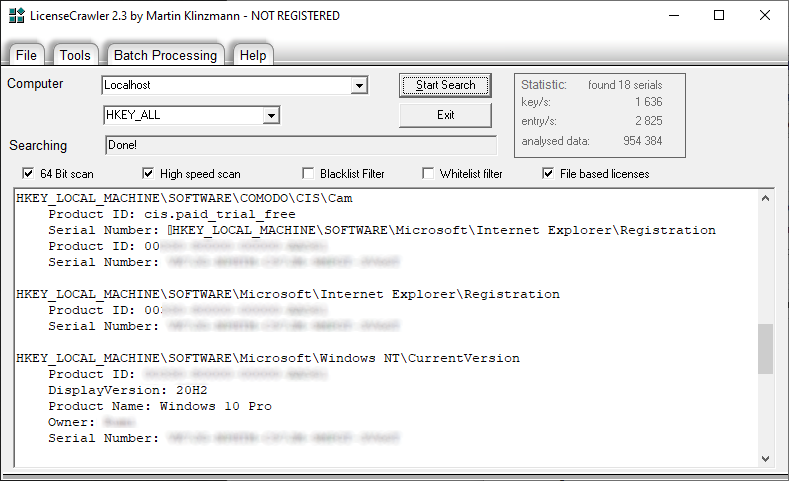
Lic. Crawler
The LicenseCrawler can discover applications product keys and other serial numbers or licenses.
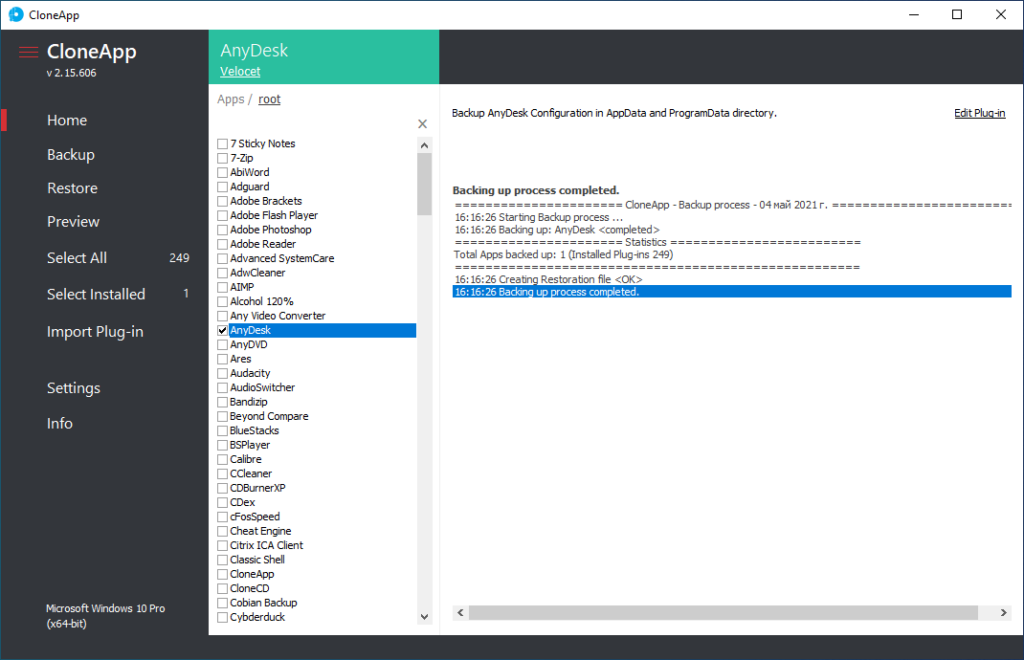
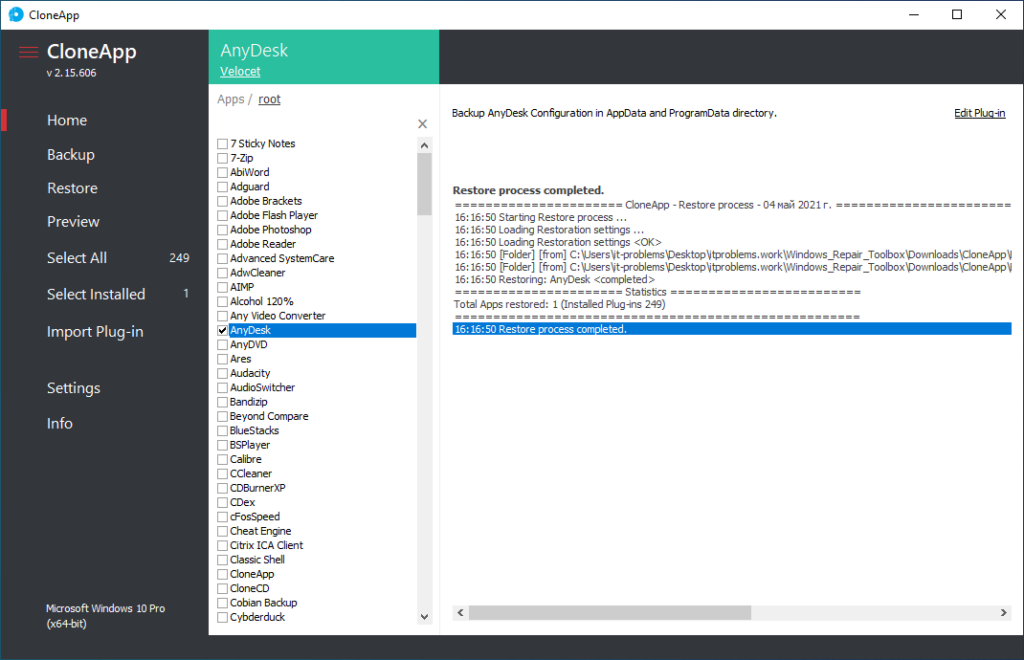
CloneApp
Program to back up preferences, settings and other data of supported applications (it supports about 250 different Windows programs). CloneApp is highly customizable and can be extended via “plug-ins”, plain text files which define exactly which files, folders and Registry keys the program should preserve.
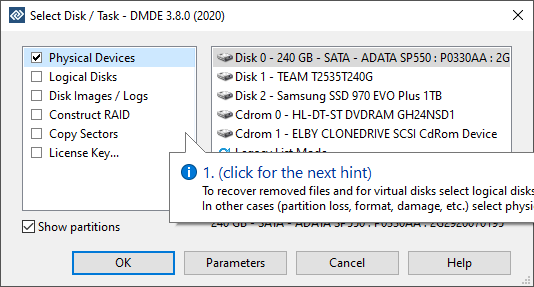
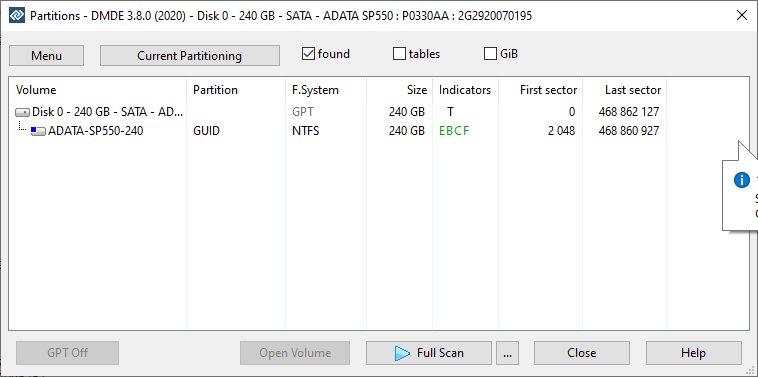
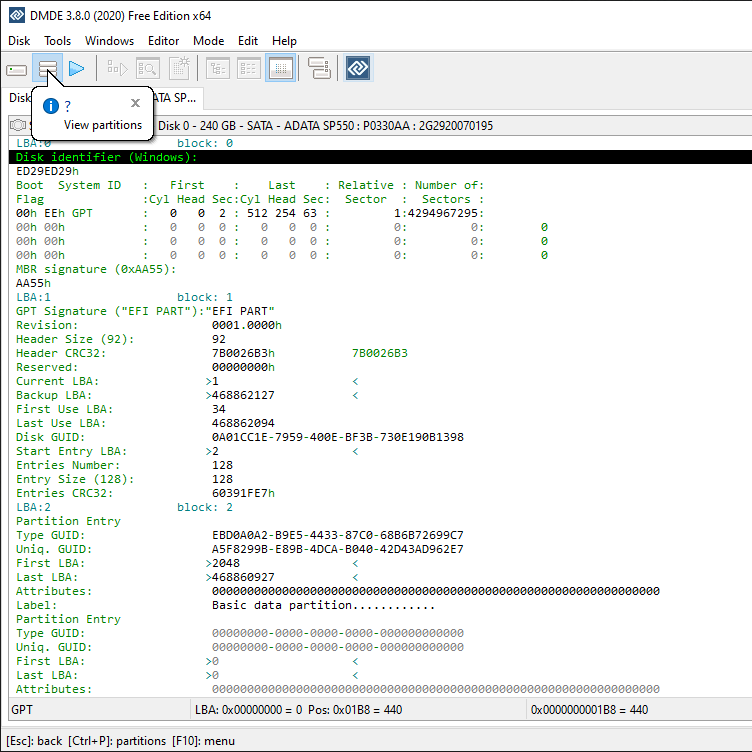
DMDE or softdm.com
DM Disk Editor and Data Recovery Software is about data searching, editing and recovery on disks. It may recover directory structure and files in some complicated cases through the use of special algorithms. DMDE has a number of freeware features such as disk editor, simple partition manager (e.g. allows partition undeleting), a tool to create disk images and clones, RAID constructor, file recovery from the current panel.
Useful Tools
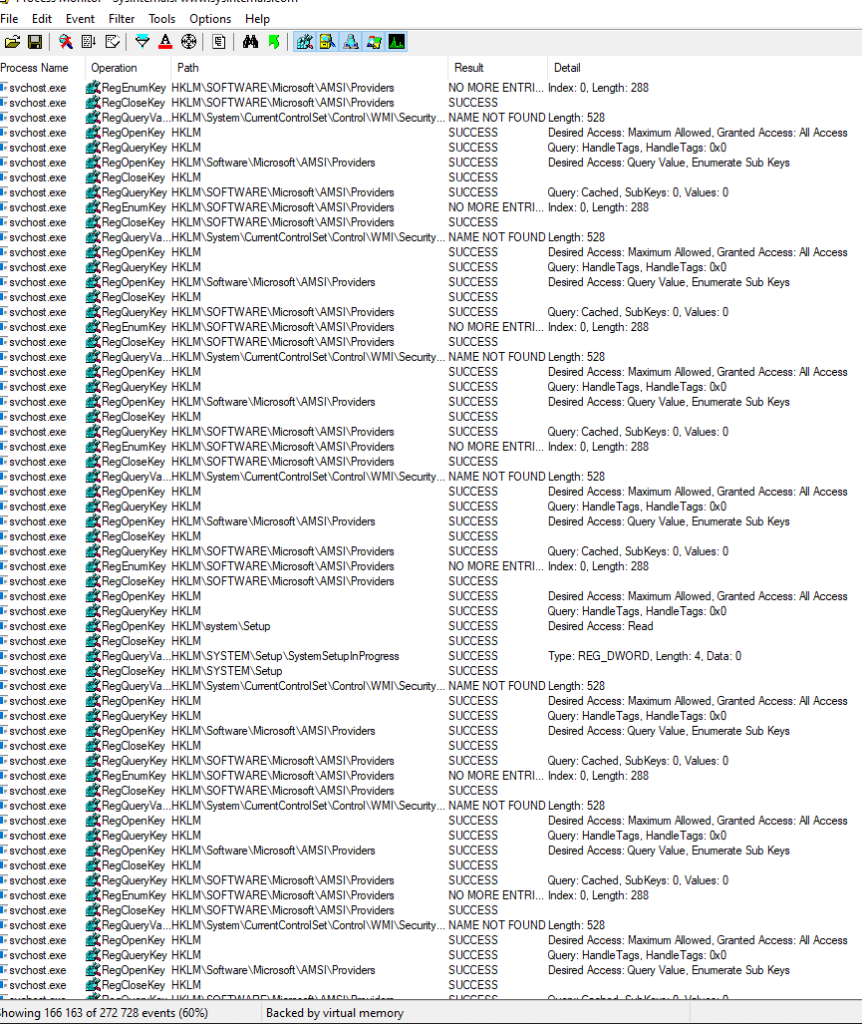
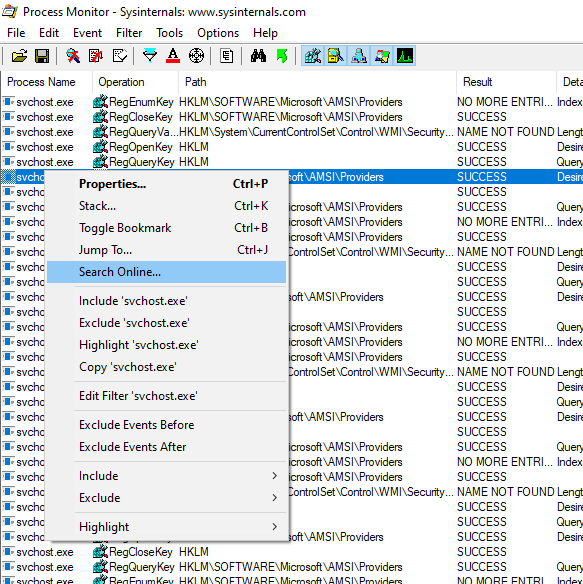
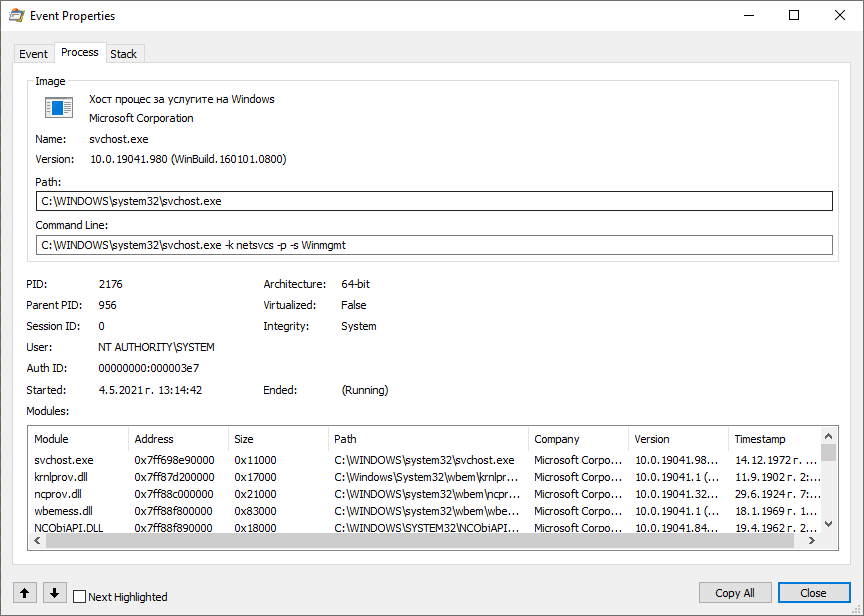
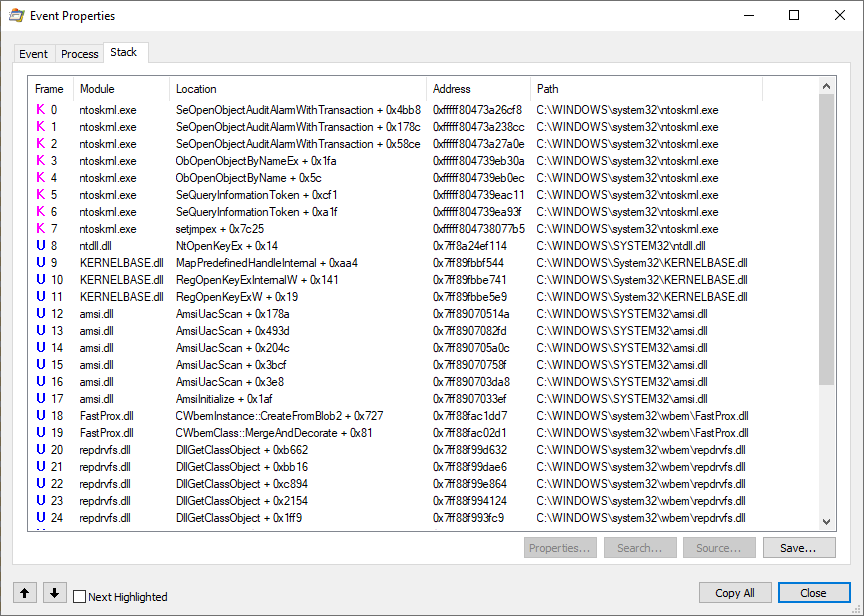
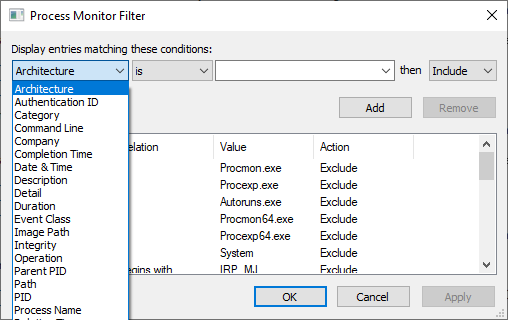
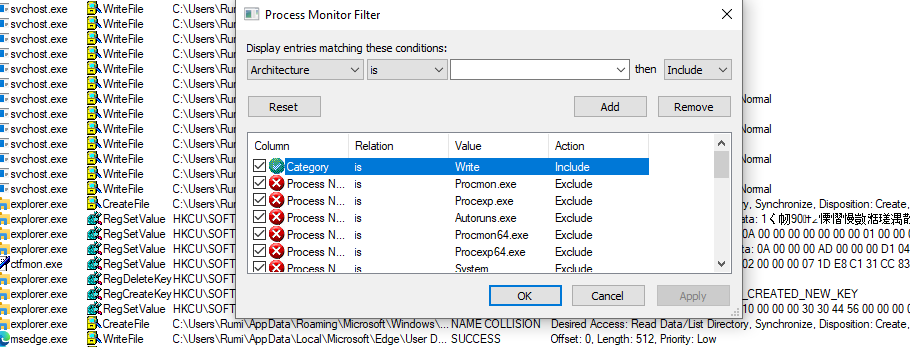
Procmon
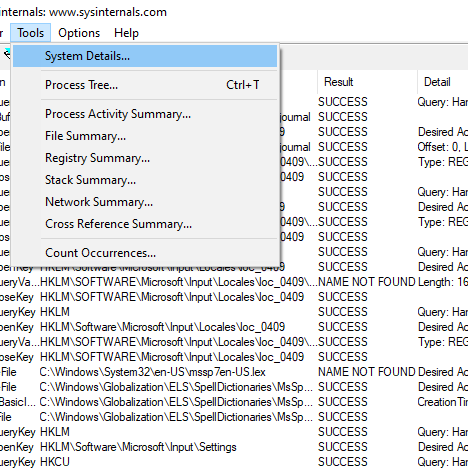
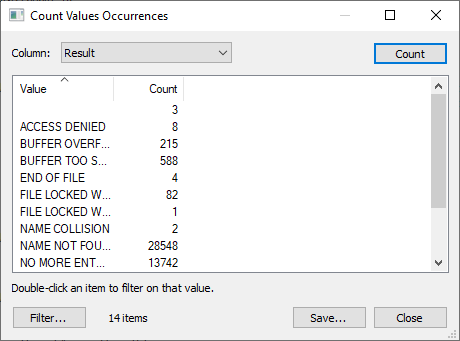
Process Monitor is an advanced monitoring tool for Windows that shows real-time file system, Registry and process/thread activity.
Firefox Port
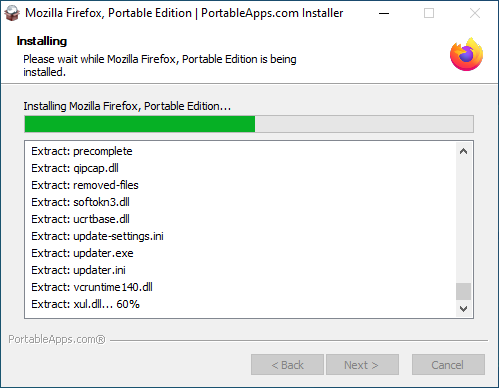
Portable edition of Mozilla Firefox
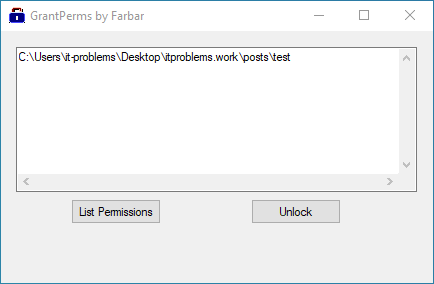
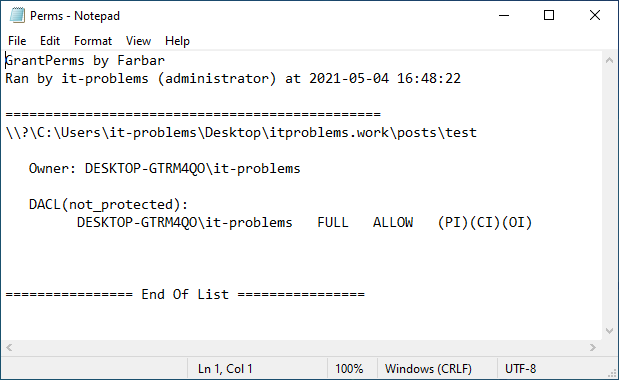
GrantPerms
Checks permissions and unlocks multiple files and folders.
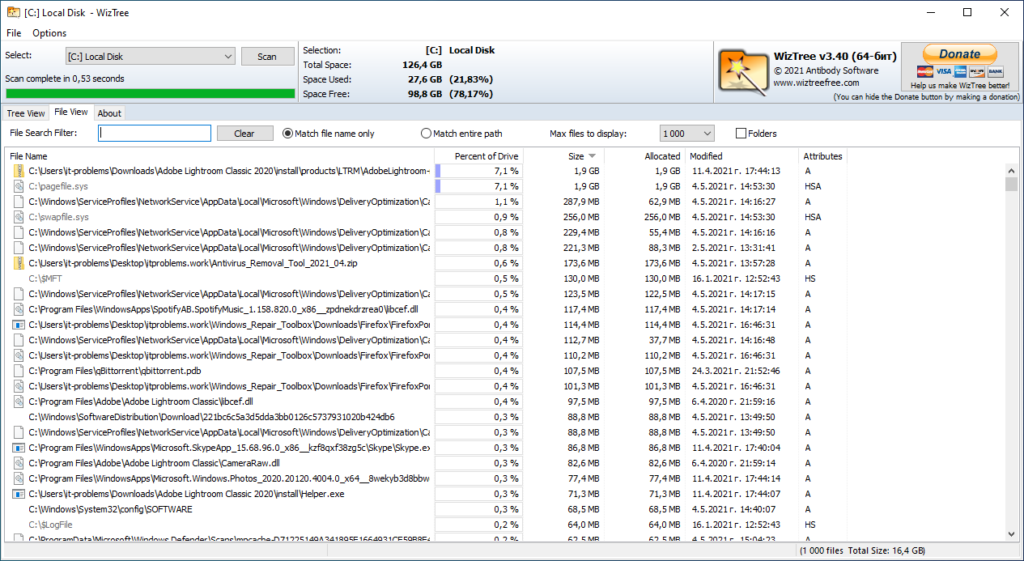
WizTree
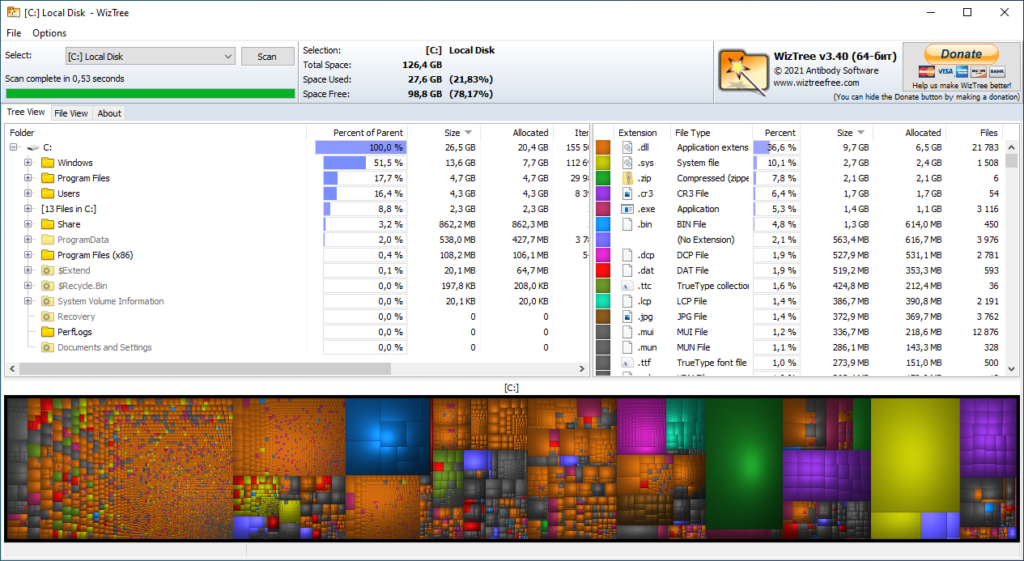
Finds the files and folders using the most disk space on your hard drive.
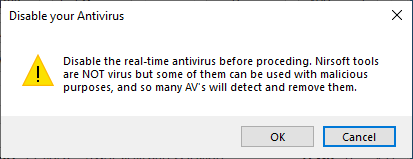
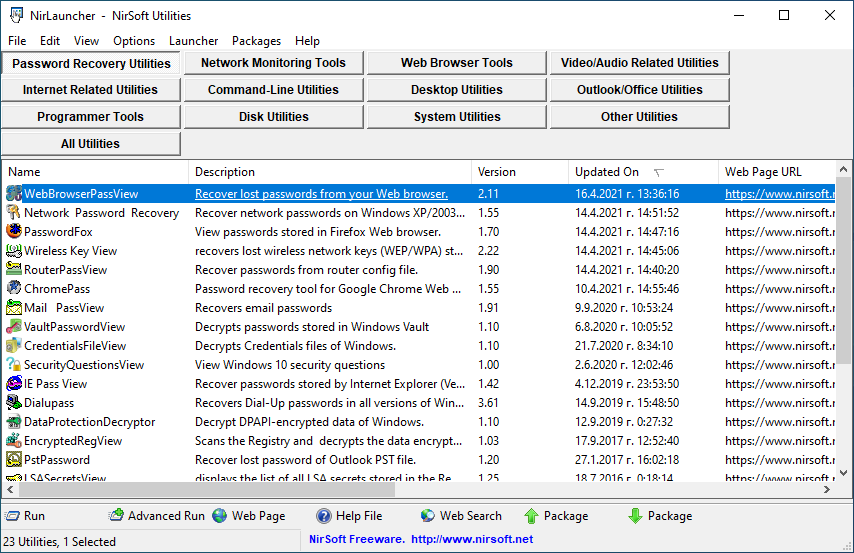
NirLauncher
The package includes the Nirsoft Tools (e.g. ProduKey, BlueScreenView, AppCrashView, WirelessKeyView, WebBrowserPassView, MailPassView and many more).
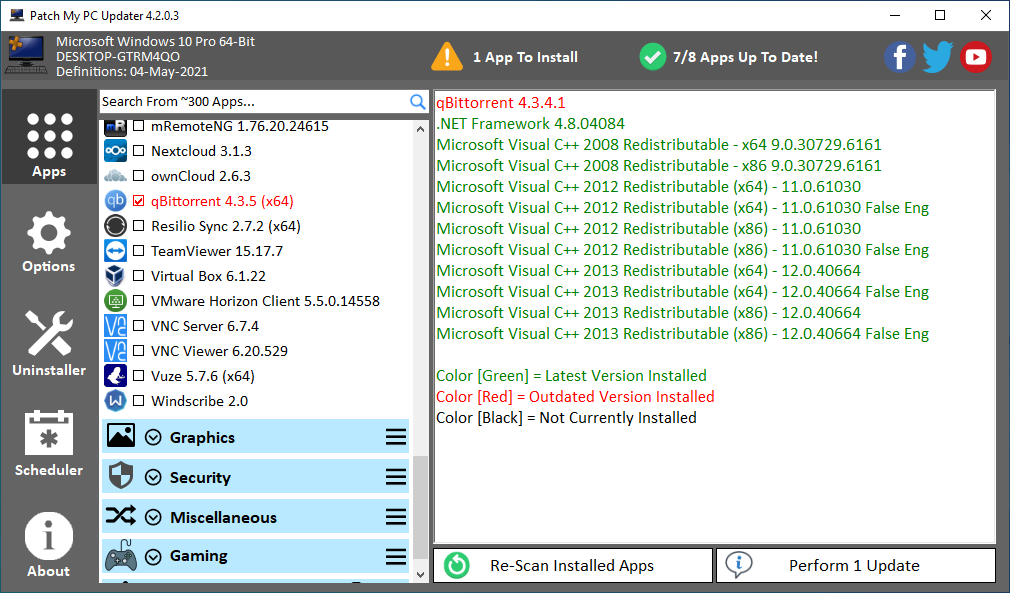
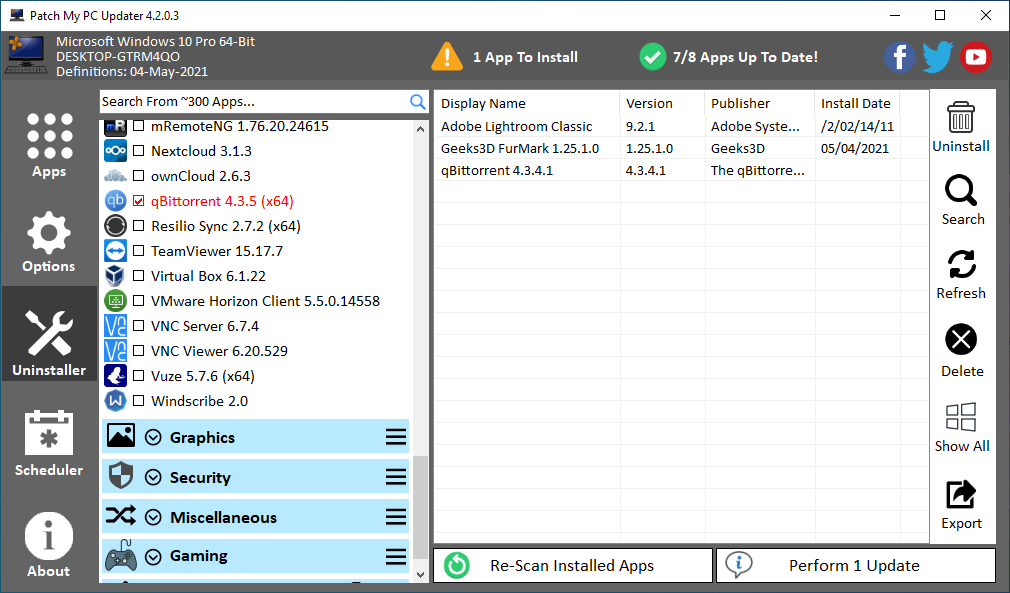
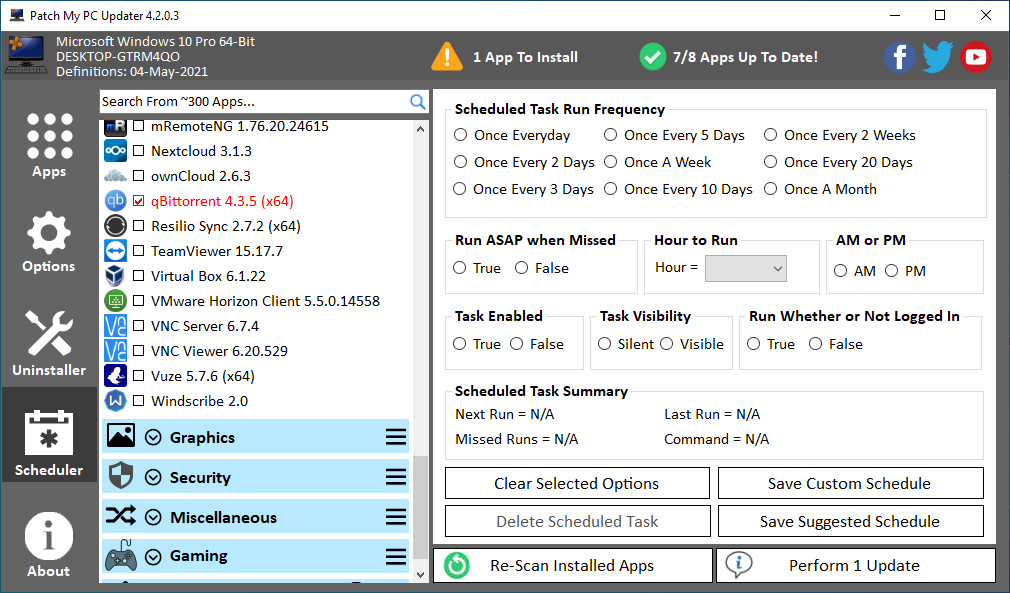
PatchMyPC
Patch My PC Updater is a free, easy-to-use program that keeps over 100 programs up-to-date on your computer. It is also an easy way to install any of these programs on to your computer.
SDI Origin
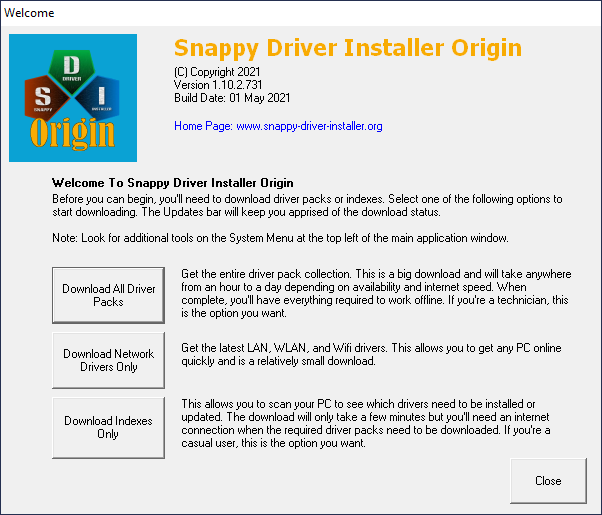
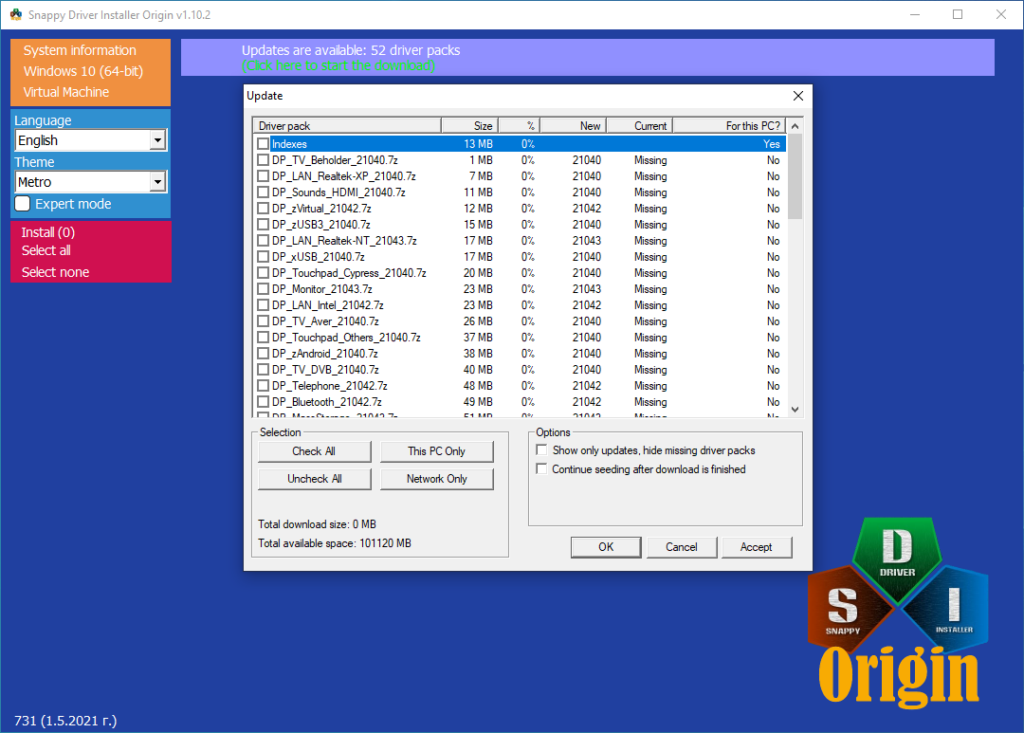
Snappy Driver Installer Origin is an application to install/update drivers an PCs running Microsoft Windows.
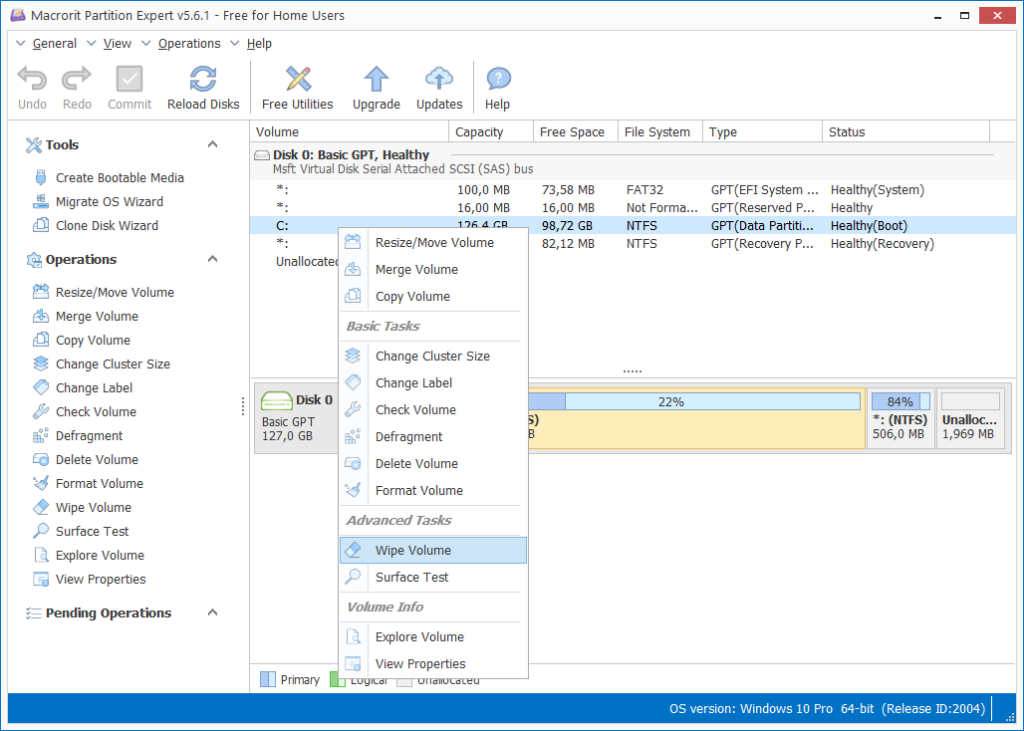
Macrorit
Macrorit Disk Partition Expert is a powerful and easy to use partition software.
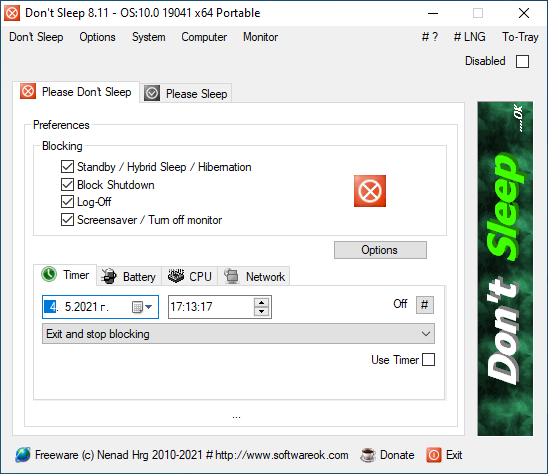
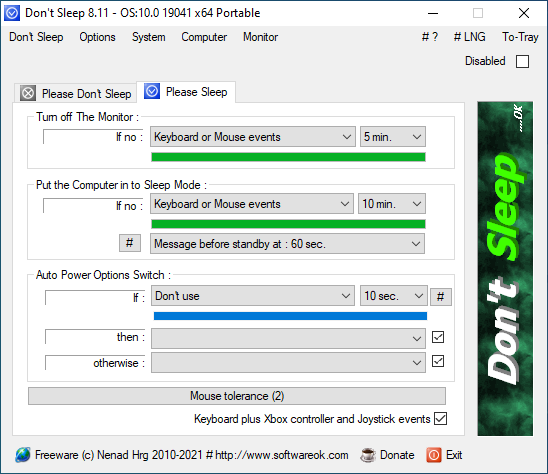
Don’t Sleep
Small portable Windows program to prevent system shutdown, standby, hibernate, turn off and restart.
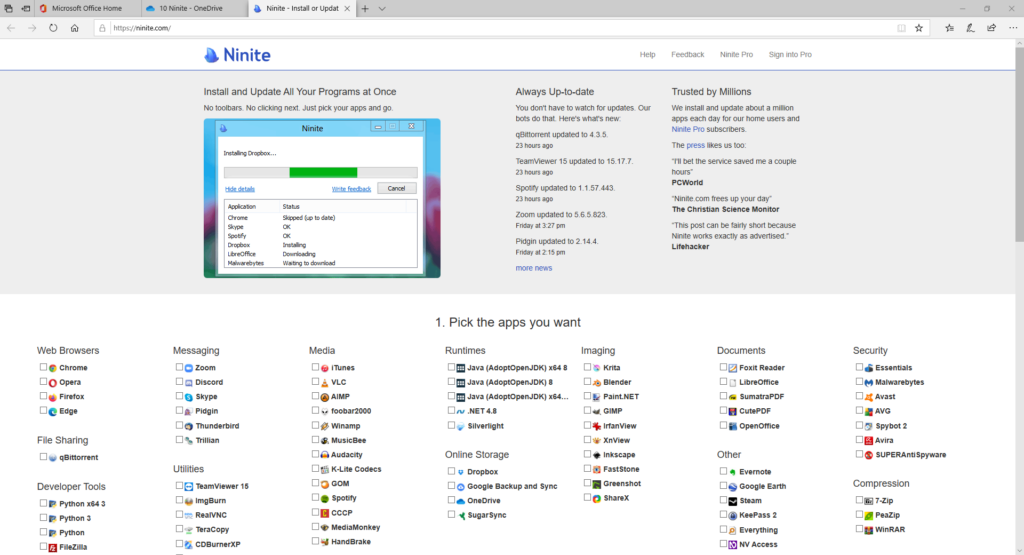
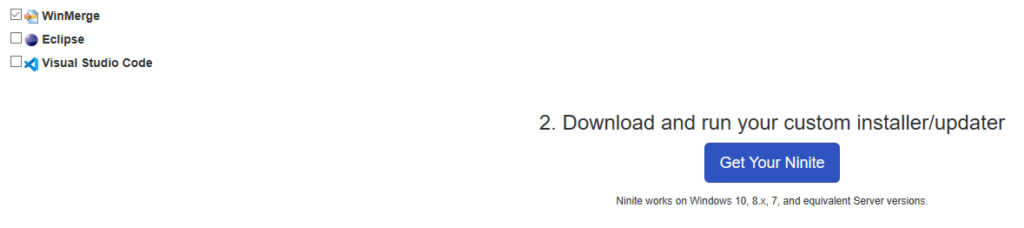
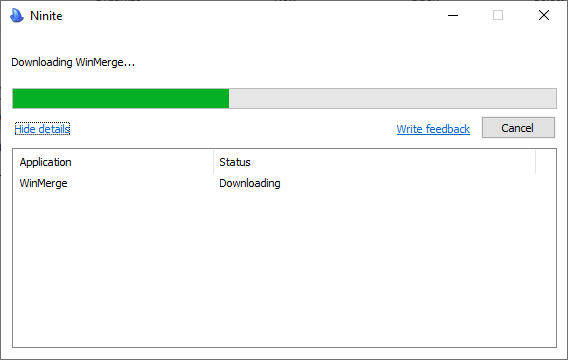
Ninite
Installs and update all your programs at once.
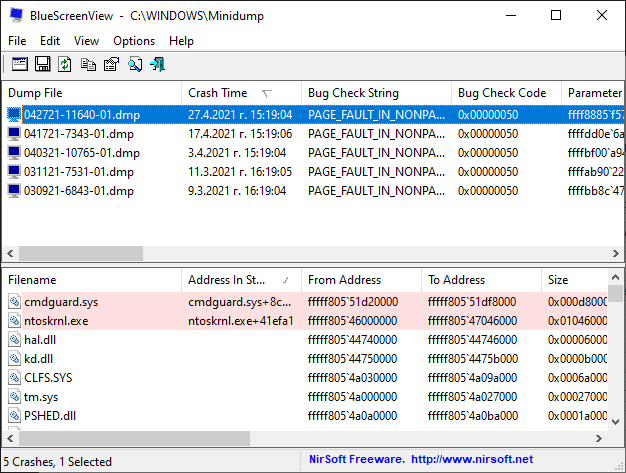
BlueScreenView
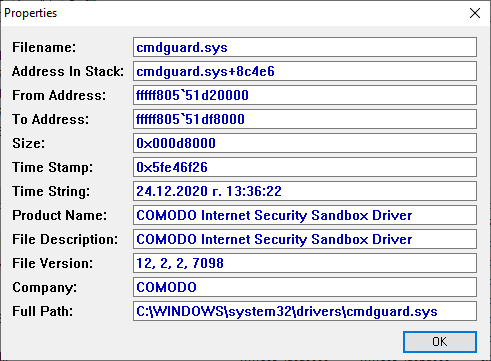
Scans all your minidump files crated during ‘blue screen of death’ crashes, and displays the information about all crashes in one table.
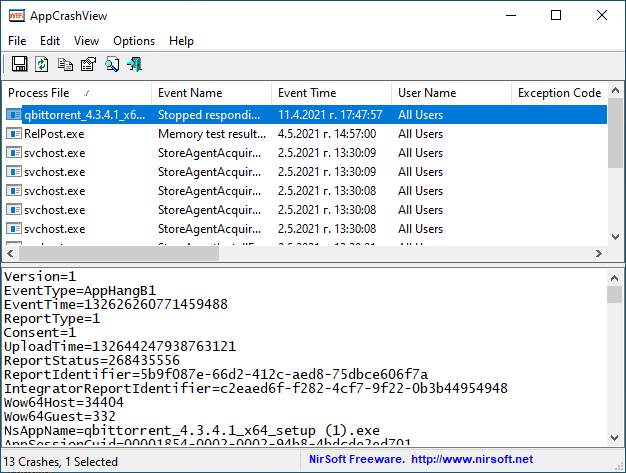
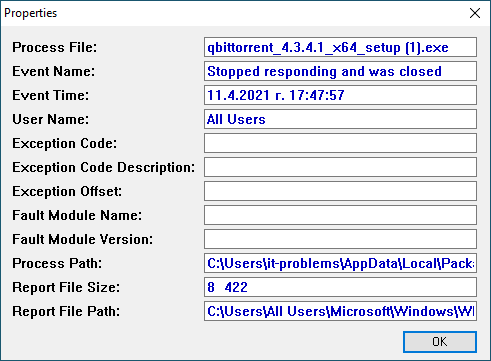
AppCrash
AppCrashView is a small utility that displays the details of all application crashes occurred in your system.
Windows
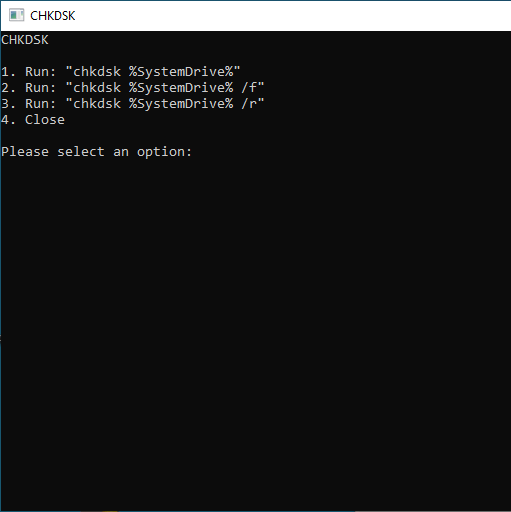
CHKDSK
Console application to quickly run the most used chkdsk commands.
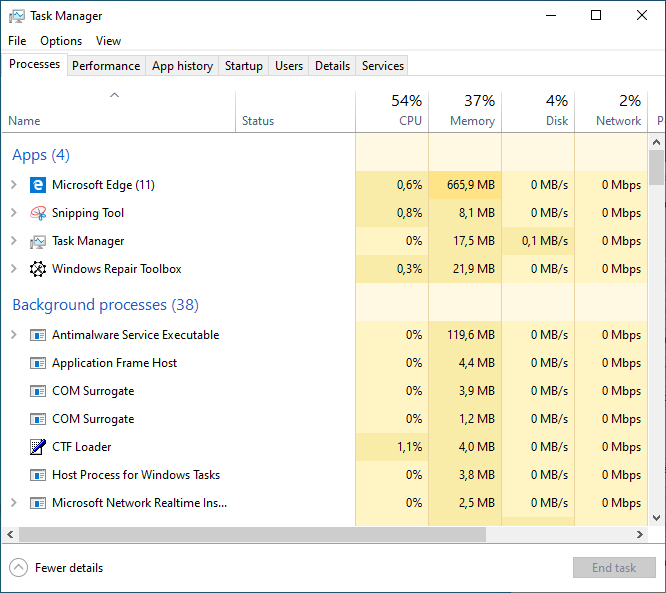
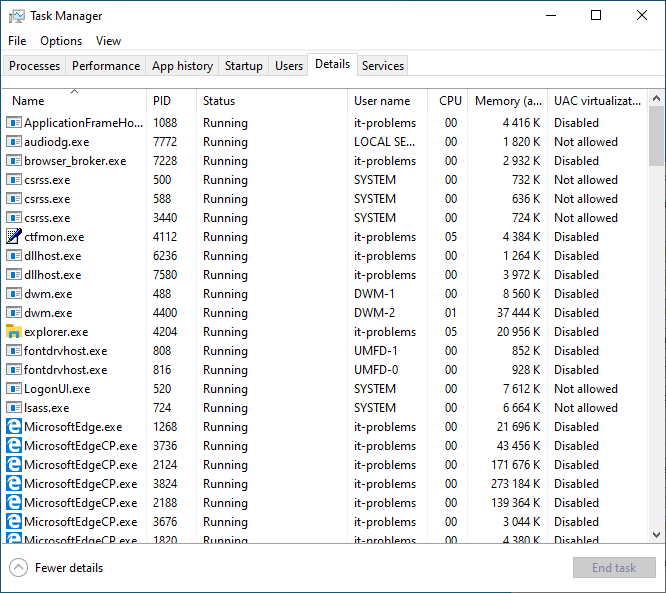
TaskManager
Manage running apps and view system performance.
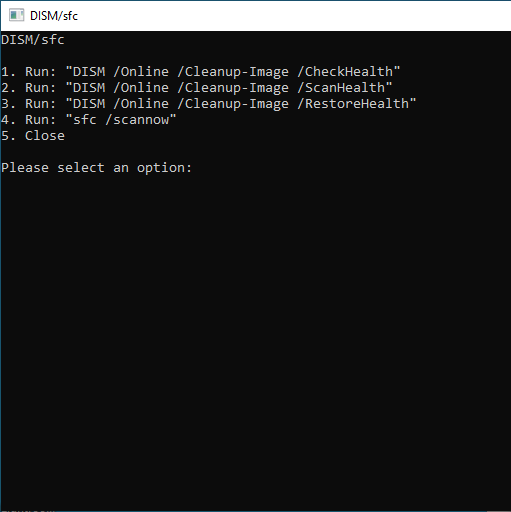
DISM/SFC
Console application to quickly run the most used DISM and SFC commands.
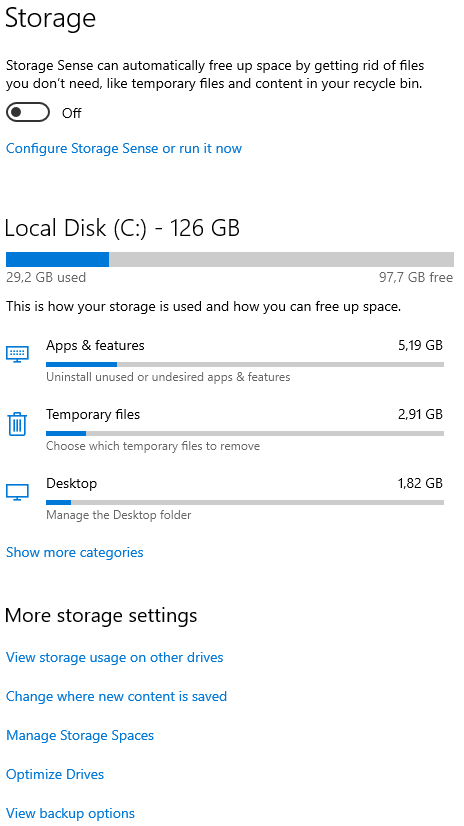
DiskCleanUP
Enables you to clear your disk of unnecessary files. On Windows 10, opens the “Storage” settings.
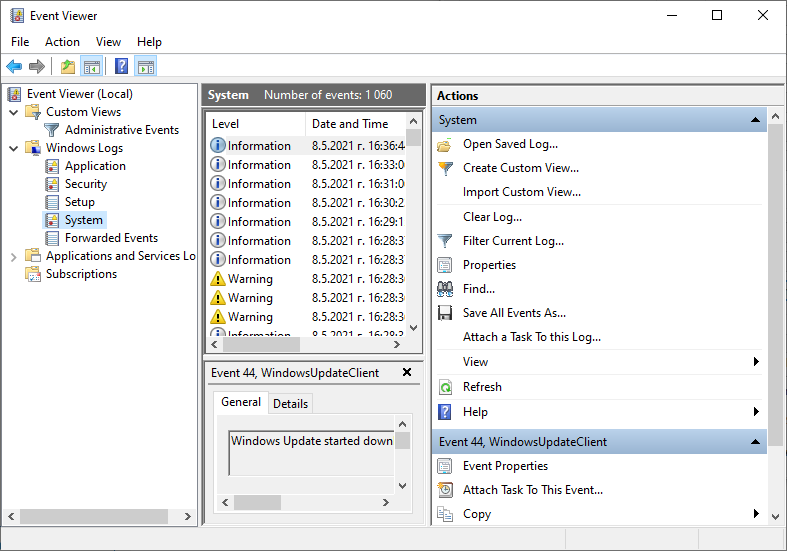
Event Viewer
View monitoring and troubleshooting messages from Windows and other programs.
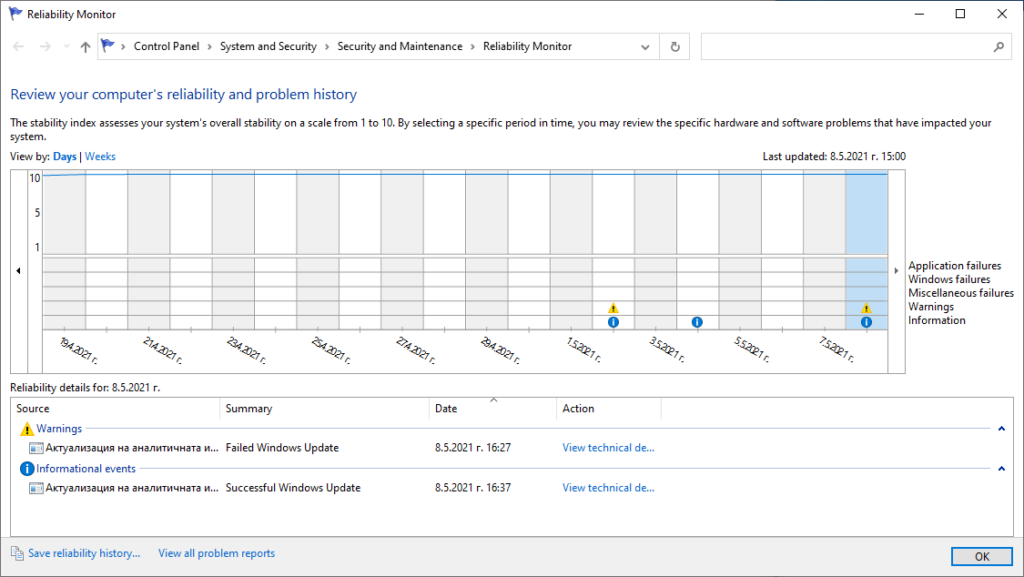
Reliability
Provides a system stability overview and details about events that impact reliability.
Repairs
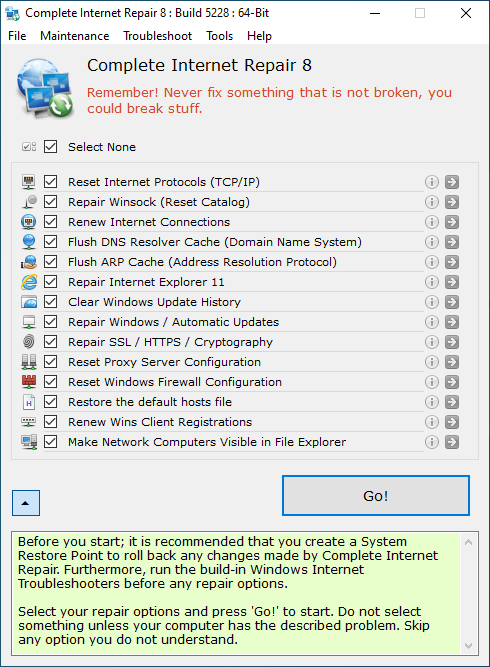
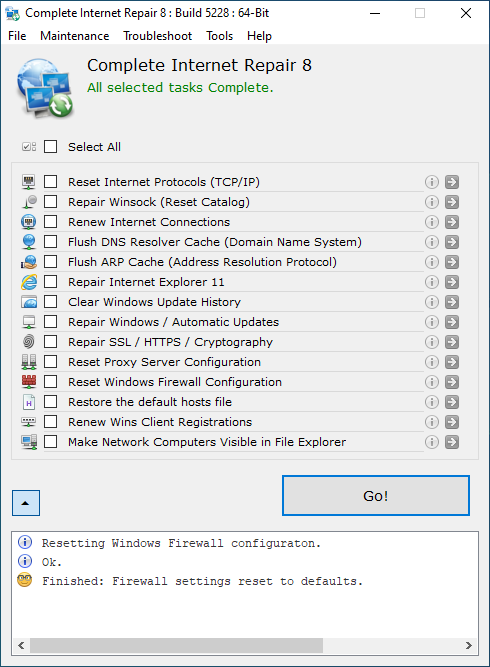
CompIntRep
Complete Internet Repair is a software that will attempt to repair everything internet and networking related.
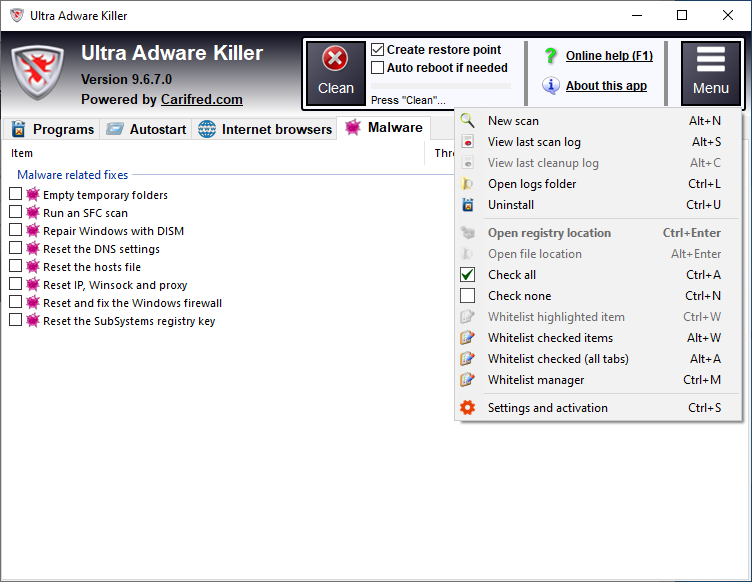
UltraAdwKiller
Ultra Adware Killer is a powerful adware remover which has the ability of detecting and removing adware for all the users in the system. It also allows to reset the browsers configuration.
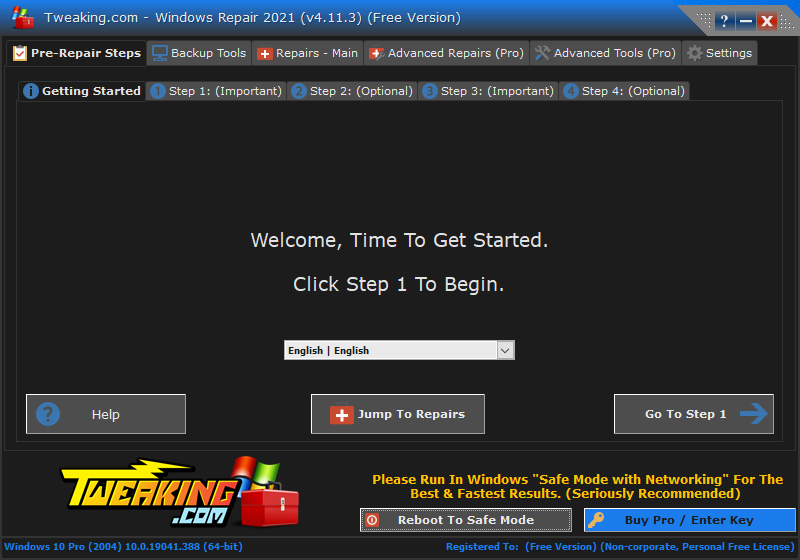
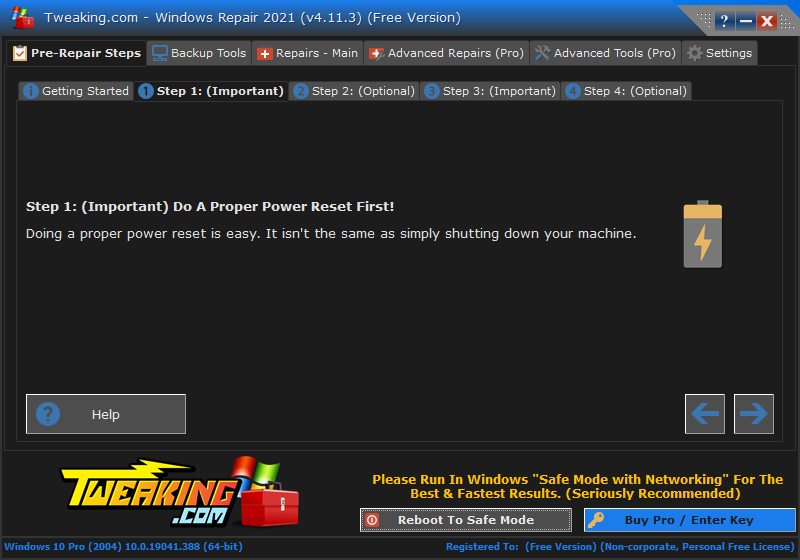
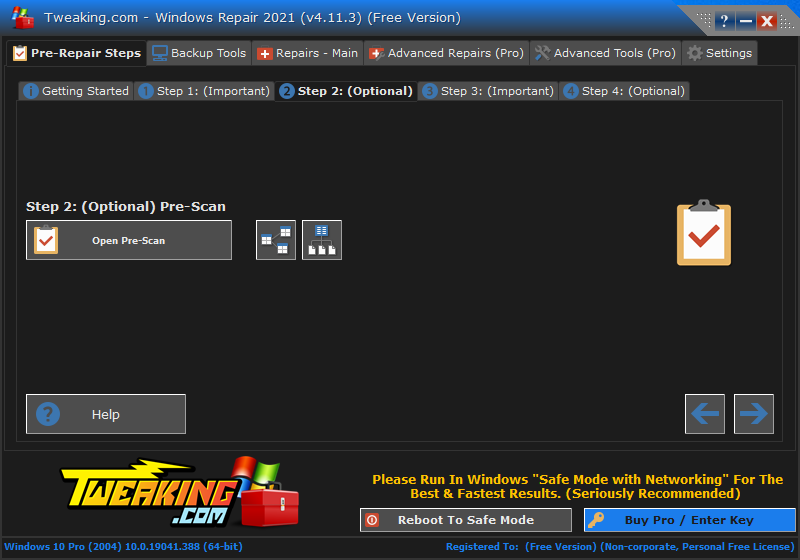
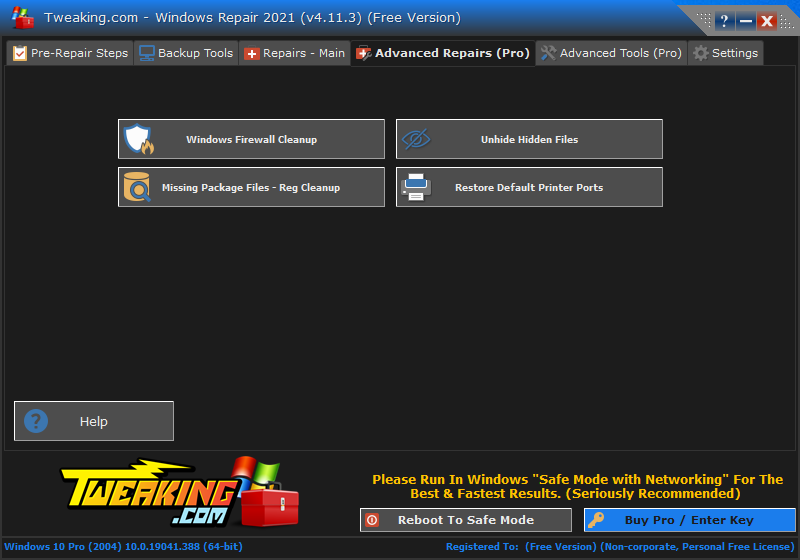
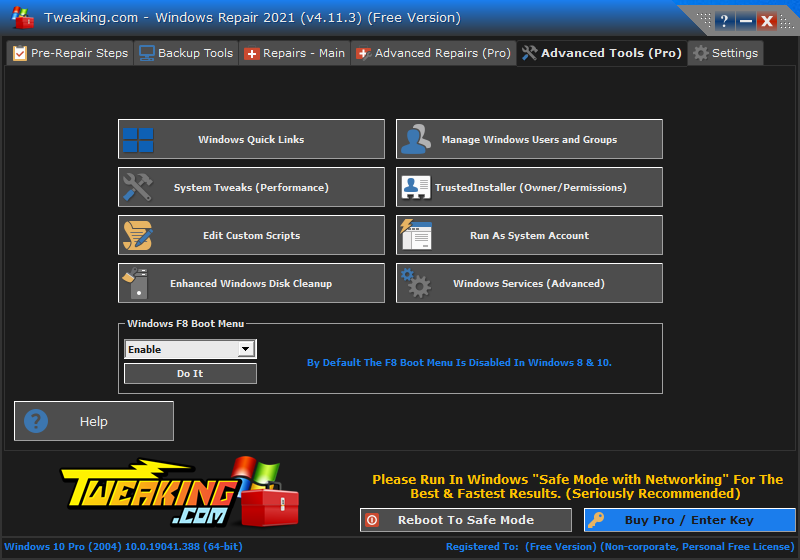
WinRepairAIO
Windows Repair All-In-One is a tool that fixes a lot of problems by restoring Windows original settings, becoming, for that reason, very useful when it comes to revert malware damage.
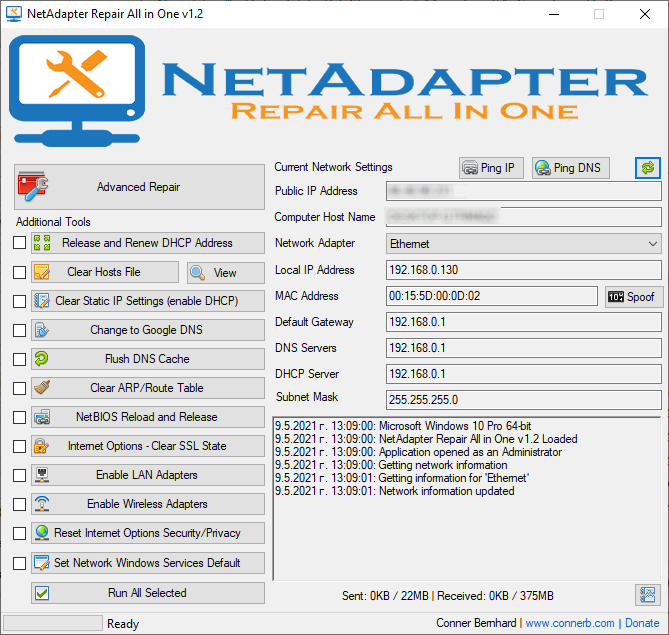
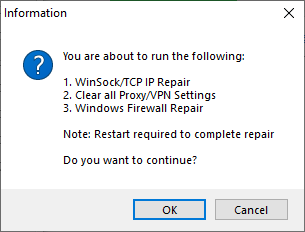
NetRepairAIO
NetAdapter Repair All in One is a troubleshoot and repair common problems with Windows networking adapters.
Troubleshoot
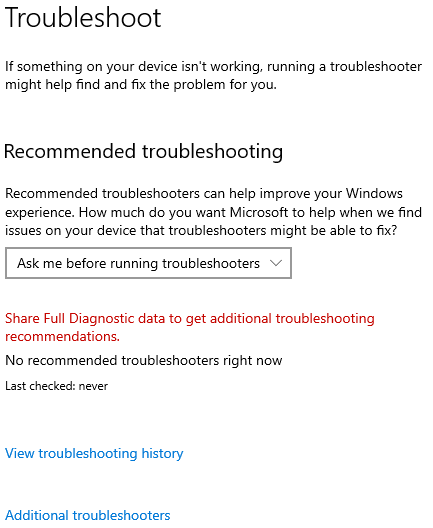
This invokes the Windows built-in troubleshooting packs to deal with common problems.
Office Uninst.
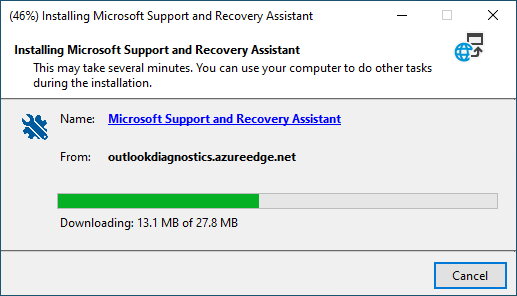
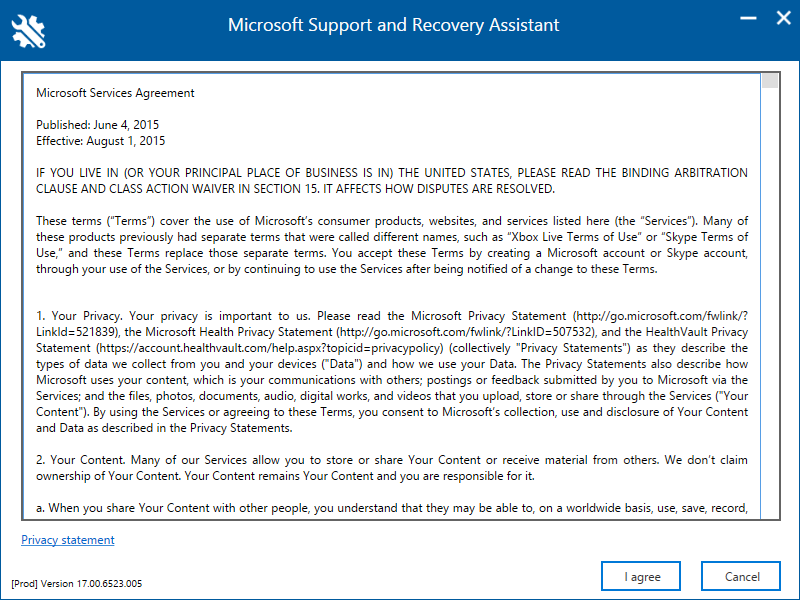
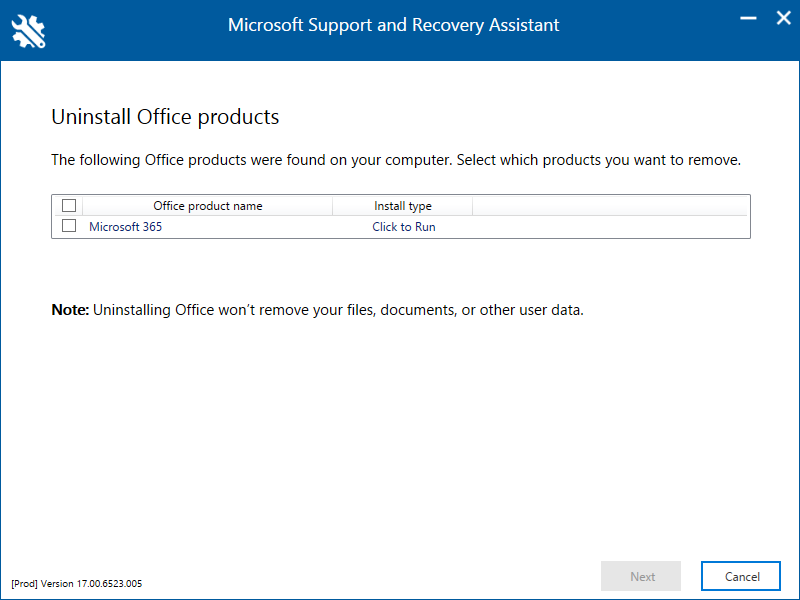
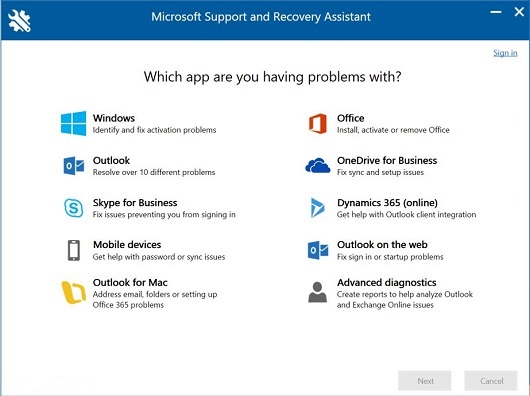
Microsoft Office Uninstaller is the official tool from Microsoft to completely uninstall Office. It supports all Office versions since 2007.
Note: This tool don’t work if you installed Office from the Windows Store. To uninstall Office in the Windows Store, go to Start -> Settings -> Apps. Under Apps & Features select the version of Office you want to uninstall. Select Uninstall.
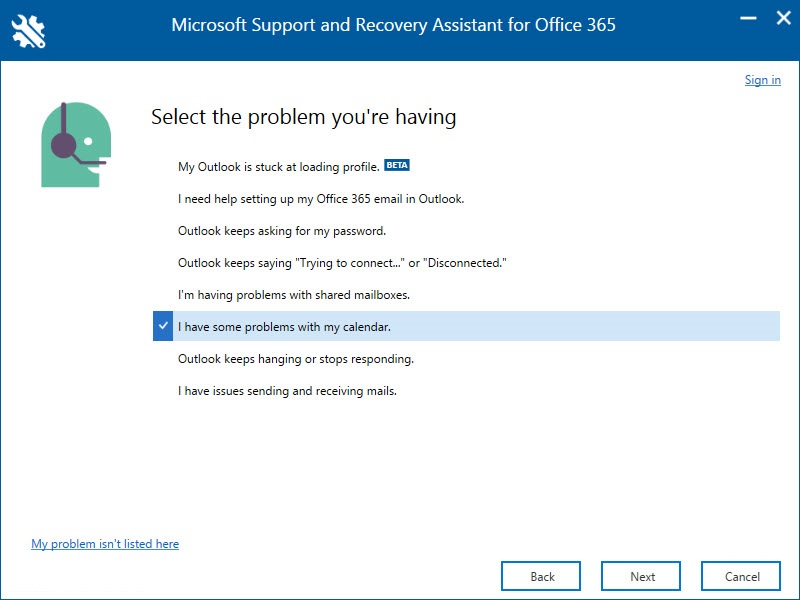
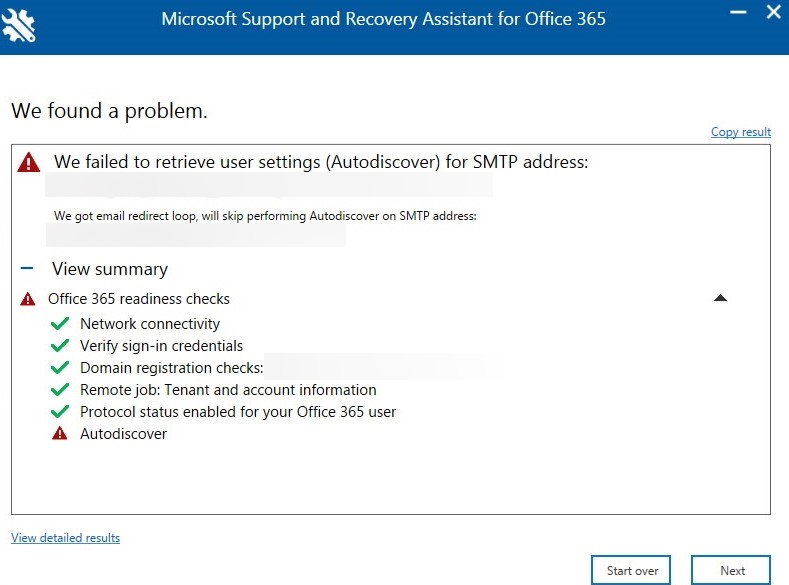
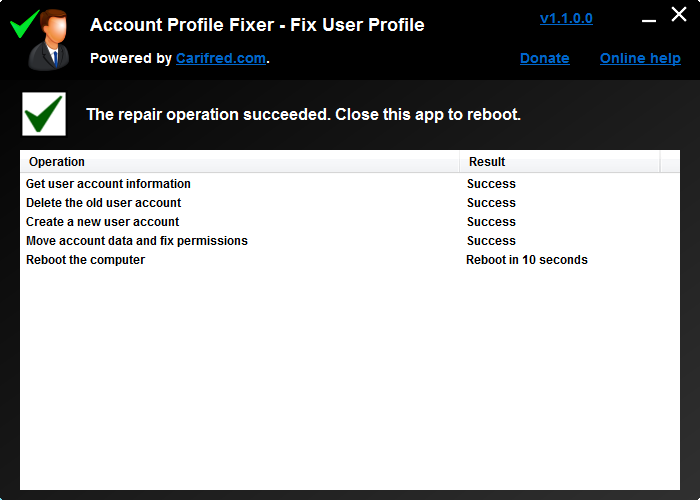
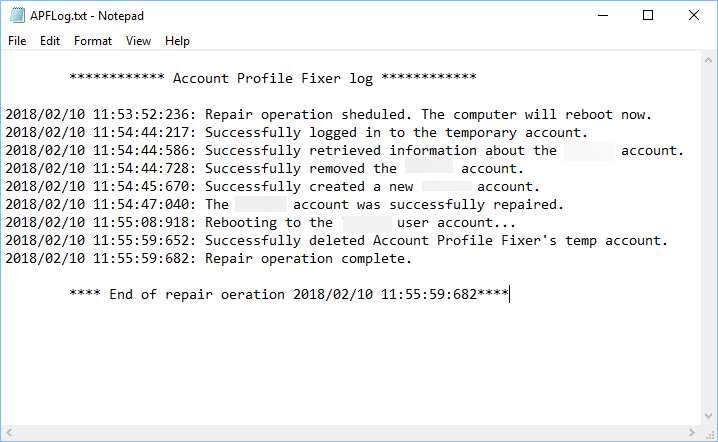
Account Fixer
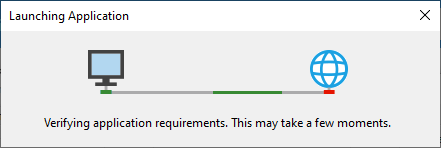
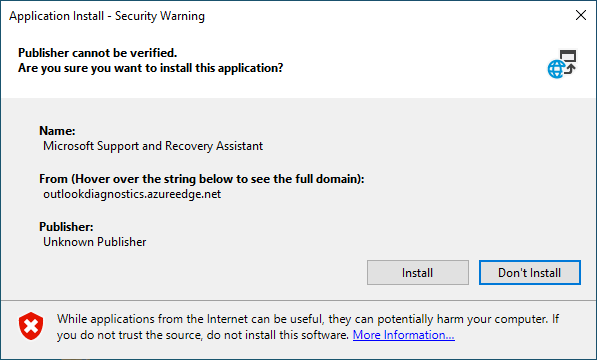
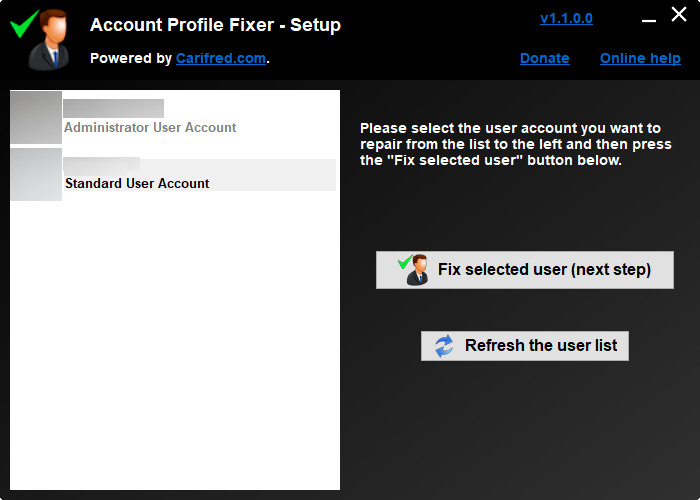
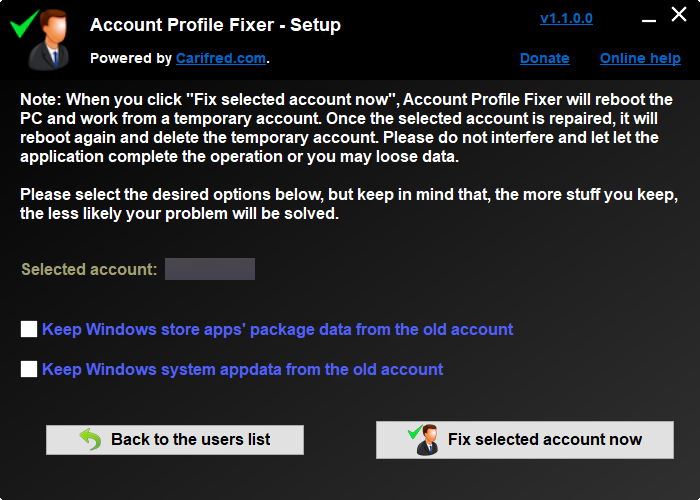
Account Profile Fixer automates the process of properly creating a new user account and moving data from the old one. It creates a new user account with the exact same name, profile directory and privileges as the broken one, moves all the data and deletes the old user account. The process is completely automated and in the end you are automatically logged in to the new user, repaired user account.
Note: If the user account to repair is a Microsoft account, it will be converted to a local account.
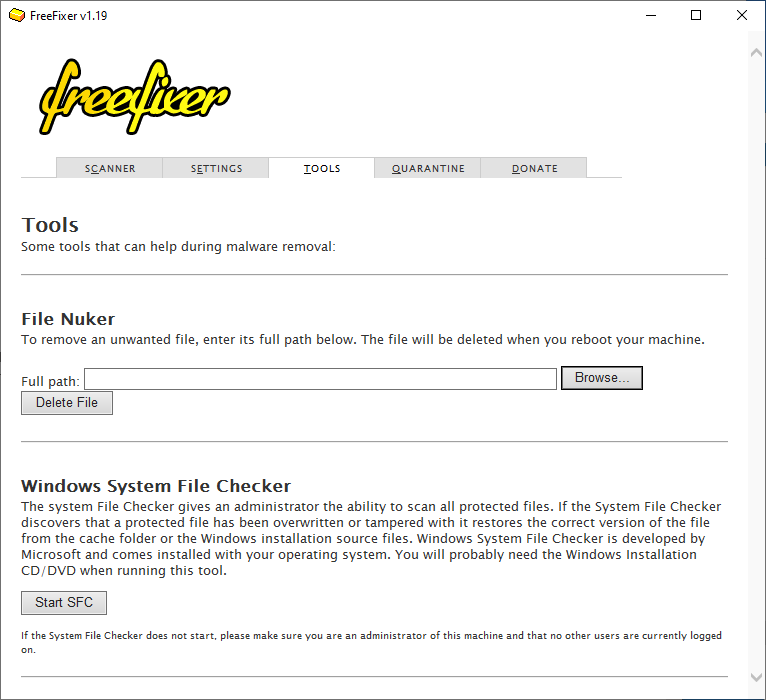
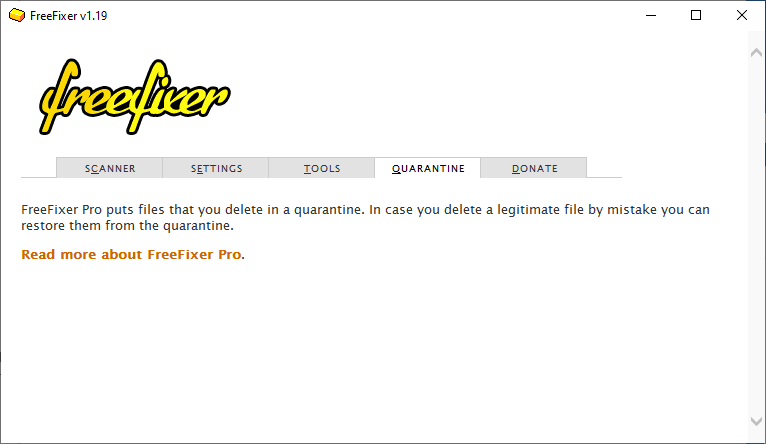
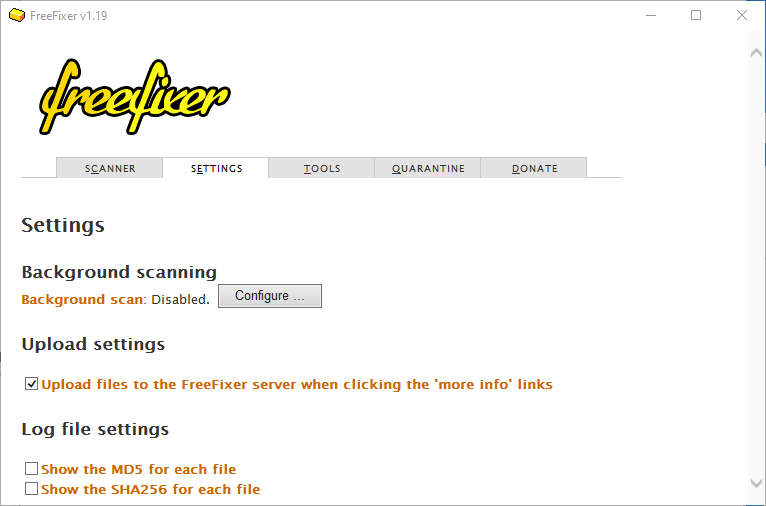
FreeFixer
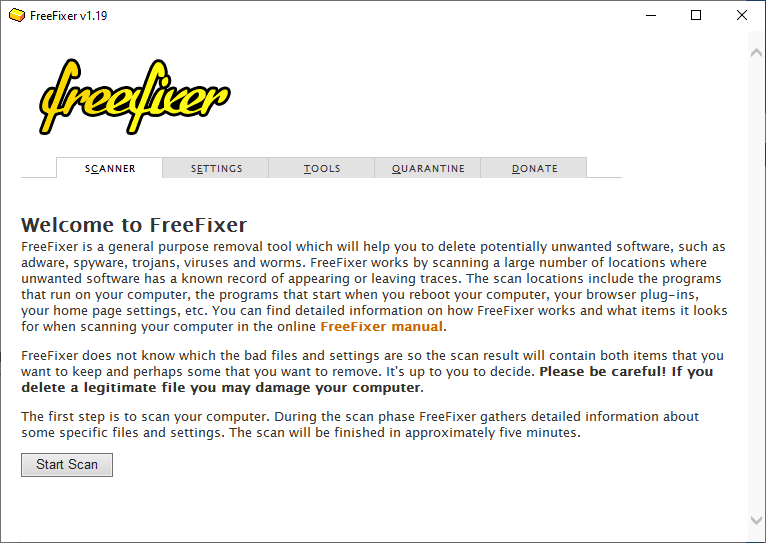
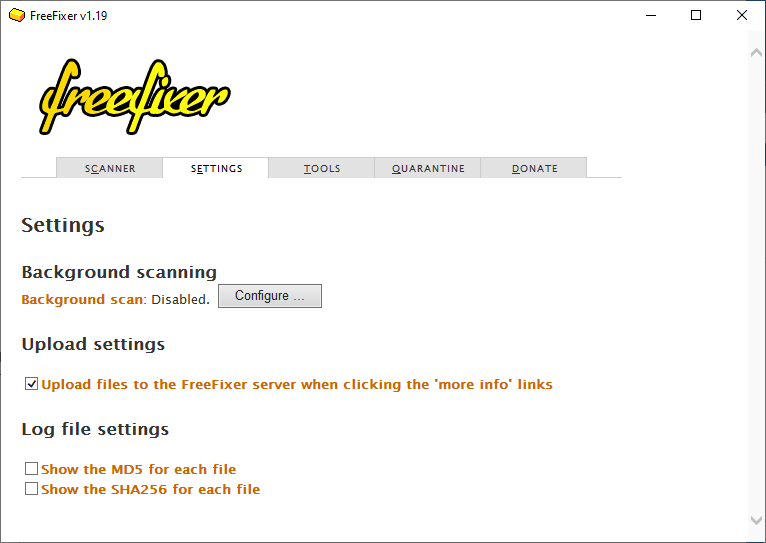
This is general purpose removal tool which will help you to delete malware by scanning a large number of locations where unwanted software has a known record of appearing or leaving traces. FreeFixer does not know what is unwanted, so it presents the scan results and it’s up to you to decide if some file should be removed and if some settings should be restored to their default value.
FreeFixer v1.19 log
 http://www.freefixer.com/
 Operating system: Windows 10
 Log dated 2021-05-09 14:13
 Autorun.inf files
 Processes (151 whitelisted)
 pid=6720,  C:\Program Files\WindowsApps\Microsoft.YourPhone_1.21022.215.0_x64__8wekyb3d8bbwe\YourPhone.exe, signer: [unsigned]
 pid=8180,  C:\Program Files\WindowsApps\Microsoft.Windows.Photos_2020.20120.4004.0_x64__8wekyb3d8bbwe\Microsoft.Photos.exe, signer: [unsigned]
 pid=2292,  C:\Users\it-problems\Desktop\dev.itproblems.work\Windows_Repair_Toolbox\Windows_Repair_Toolbox.exe, signer: [unsigned]
 pid=1616,  C:\Users\it-problems\Desktop\dev.itproblems.work\Windows_Repair_Toolbox\Downloads\FreeFixer\freefixer_portable\x64\freefixer.exe, signer: [unsigned]
 Explorer.exe Modules (290 whitelisted)
 C:\Program Files\WinMerge\ShellExtensionX64.dll, signer: [unsigned]
 Recently created/modified files (4 whitelisted)
 4 minutes, c:\Users\it-problems\Desktop\dev.itproblems.work\Windows_Repair_Toolbox\Downloads\FreeFixer\freefixer_portable\x86\freefixer.exe, signer: [unsigned]
 4 minutes, c:\Users\it-problems\Desktop\dev.itproblems.work\Windows_Repair_Toolbox\Downloads\FreeFixer\freefixer_portable\x64\tools\ffnd\ffnd.exe, signer: [unsigned]
 4 minutes, c:\Users\it-problems\Desktop\dev.itproblems.work\Windows_Repair_Toolbox\Downloads\FreeFixer\freefixer_portable\x64\freefixer.exe, signer: [unsigned]
 4 minutes, c:\Users\it-problems\Desktop\dev.itproblems.work\Windows_Repair_Toolbox\Downloads\FreeFixer\freefixer_portable\x86\tools\ffnd\ffnd.exe, signer: [unsigned]
 4 minutes, c:\Users\it-problems\AppData\Local\Temp\tmp2C7B.tmp, signer: Noriyuki MIYAZAKI [valid]
 8 minutes, c:\Windows\assembly\NativeImages_v4.0.30319_32\System.Runt0d283adf#\9fd368d0c1c6140c095d22c66541b974\System.Runtime.WindowsRuntime.ni.dll, signer: [unsigned]
 8 minutes, c:\Windows\assembly\NativeImages_v4.0.30319_32\System.Runtime\4ed6871db0c734a40c75bb8e77e5e1d2\System.Runtime.ni.dll, signer: [unsigned]
 8 minutes, c:\Windows\assembly\NativeImages_v4.0.30319_64\Microsoft.CSharp\7ec812ee3f41195d25f37cf59faae9c7\Microsoft.CSharp.ni.dll, signer: [unsigned]
 8 minutes, c:\Windows\assembly\NativeImages_v4.0.30319_32\System.Dire573b08f5#\38741a28dca2c9c5bac95086531123a9\System.DirectoryServices.AccountManagement.ni.dll, signer: [unsigned]
 8 minutes, c:\Windows\assembly\NativeImages_v4.0.30319_32\System.Web\c4cffda2f22f026bedb0b1bff43ff8b4\System.Web.ni.dll, signer: [unsigned]
 16 minutes, c:\Users\it-problems\AppData\Local\Packages\Microsoft.MicrosoftEdge_8wekyb3d8bbwe\TempState\Downloads\AccountProfileFixer (1).exe, signer: Da Silva Alfredo [valid]
 16 minutes, c:\Users\it-problems\AppData\Local\Packages\Microsoft.MicrosoftEdge_8wekyb3d8bbwe\TempState\Downloads\AccountProfileFixer.exe.tz05wl4.partial, signer: Da Silva Alfredo [valid]
 19 minutes, c:\Users\it-problems\Desktop\dev.itproblems.work\Windows_Repair_Toolbox\Downloads\AccountFixer\AccountProfileFixer.exe, signer: Da Silva Alfredo [valid]
 41 minutes, c:\Windows\assembly\NativeImages_v4.0.30319_32\Microsoft.Kd58820a5#\28ff90fb1573539922e9b23dca5dd961\Microsoft.KeyDistributionService.Cmdlets.ni.dll, signer: [unsigned]
 41 minutes, c:\Windows\assembly\NativeImages_v4.0.30319_32\Microsoft.Pae3498d9#\400fd20d8eba23b9a1ffa577f396309a\Microsoft.PowerShell.Commands.Management.ni.dll, signer: [unsigned]
 41 minutes, c:\Windows\assembly\NativeImages_v4.0.30319_32\System.Confe64a9051#\1a8175654406dff733afeae51e762de1\System.Configuration.Install.ni.dll, signer: [unsigned]
 41 minutes, c:\Windows\assembly\NativeImages_v4.0.30319_32\Microsoft.P521220ea#\3ed02c85f8d7212104b64d1290e8791f\Microsoft.PowerShell.Commands.Utility.ni.dll, signer: [unsigned]
 41 minutes, c:\Windows\assembly\NativeImages_v4.0.30319_32\Microsoft.A9acaf597#\58c03df31d7bea389f3ceec89ac3f1c0\Microsoft.AppV.AppvClientComConsumer.ni.dll, signer: [unsigned]
 41 minutes, c:\Windows\assembly\NativeImages_v4.0.30319_32\System.Transactions\5ee787a5d3af291bde492f9125f33864\System.Transactions.ni.dll, signer: [unsigned]
 41 minutes, c:\Windows\assembly\NativeImages_v4.0.30319_64\System.Thre7bb2aad0#\35016a729d69be629b757422811341cd\System.Threading.Tasks.ni.dll, signer: [unsigned]
 41 minutes, c:\Windows\assembly\NativeImages_v4.0.30319_32\Microsoft.P6f792626#\dd88a76abfbf16881b99276628899ecb\Microsoft.PowerShell.Security.ni.dll, signer: [unsigned]
 41 minutes, c:\Windows\assembly\NativeImages_v4.0.30319_64\System.Web\472e610169049b14e11b19673a3c4956\System.Web.ni.dll, signer: [unsigned]
 41 minutes, c:\Windows\assembly\NativeImages_v4.0.30319_32\System.Data\d59641b67f45cd4d20f8afe1143eee41\System.Data.ni.dll, signer: [unsigned]
 41 minutes, c:\Windows\assembly\NativeImages_v4.0.30319_64\System.Runt0d283adf#\366397011a3d60d47eb2189d3a5a0146\System.Runtime.WindowsRuntime.ni.dll, signer: [unsigned]
 41 minutes, c:\Windows\assembly\NativeImages_v4.0.30319_32\System.Manaa57fc8cc#\9cdb2fe9ec7ad664fd7c829f19e01b50\System.Management.Automation.ni.dll, signer: [unsigned]
 42 minutes, c:\Windows\assembly\NativeImages_v4.0.30319_32\Microsoft.Pb378ec07#\d13b6b643acd0fe2ac842d29eb52ec44\Microsoft.PowerShell.ConsoleHost.ni.dll, signer: [unsigned]
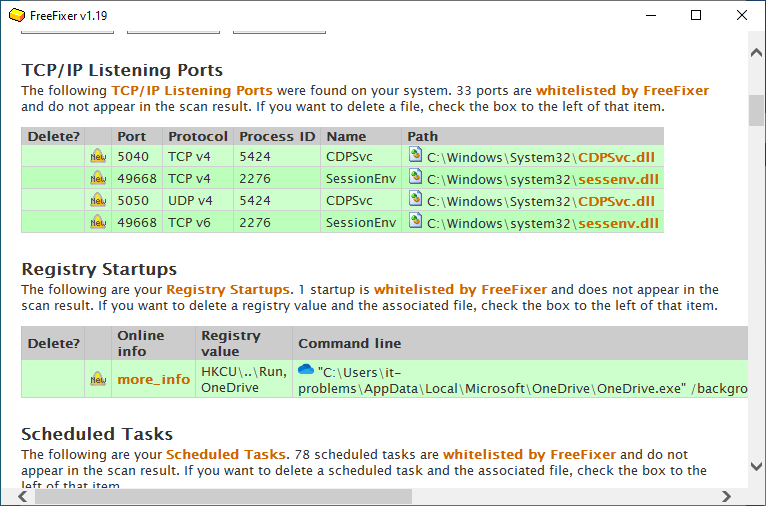
 TCP/IP Listening Ports (33 whitelisted)
 5040,  -,            TCP v4, pid=5424,  CDPSvc, C:\Windows\System32\CDPSvc.dll, signer: Microsoft Windows [valid]
 49668, -,            TCP v4, pid=2276,  SessionEnv, C:\Windows\system32\sessenv.dll, signer: Microsoft Windows [valid]
 5050,  -,            UDP v4, pid=5424,  CDPSvc, C:\Windows\System32\CDPSvc.dll, signer: Microsoft Windows [valid]
 49668, -,            TCP v6, pid=2276,  SessionEnv, C:\Windows\system32\sessenv.dll, signer: Microsoft Windows [valid]
 Errors
 Problems opening folder 'c:\Program Files\Windows Defender Advanced Threat Protection\Classification\Configuration' to enumerate files. FindFirstFile failed. System error message: Access is denied. Error code: 5.
 Problems opening folder 'c:\ProgramData\Microsoft\Windows Defender Advanced Threat Protection\DataCollection' to enumerate files. FindFirstFile failed. System error message: Access is denied. Error code: 5.
 Problems opening folder 'c:\ProgramData\Microsoft\Windows Defender Advanced Threat Protection\Downloads' to enumerate files. FindFirstFile failed. System error message: Access is denied. Error code: 5.
 Problems opening folder 'c:\ProgramData\Microsoft\Windows Defender Advanced Threat Protection\Temp\PSScriptOutputs' to enumerate files. FindFirstFile failed. System error message: Access is denied. Error code: 5.
 Problems opening folder 'c:\ProgramData\Packages\Microsoft.SkypeApp_kzf8qxf38zg5c\S-1-5-21-2841668312-2932128218-1878793529-1001\SystemAppData\Helium' to enumerate files. FindFirstFile failed. System error message: Access is denied. Error code: 5.
 Problems opening folder 'c:\ProgramData\Packages\Microsoft.XboxGamingOverlay_8wekyb3d8bbwe\S-1-5-21-2841668312-2932128218-1878793529-1001\SystemAppData\Helium' to enumerate files. FindFirstFile failed. System error message: Access is denied. Error code: 5.
 End of FreeFixer log
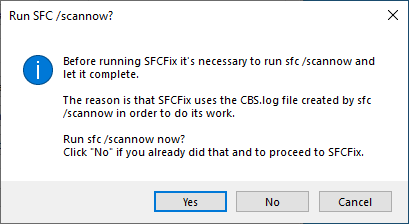
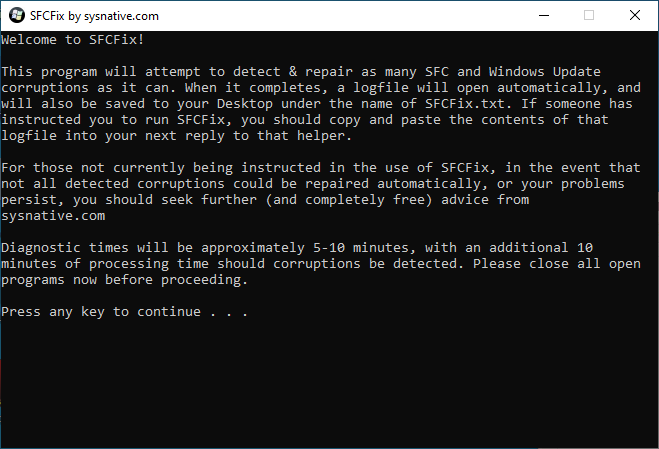
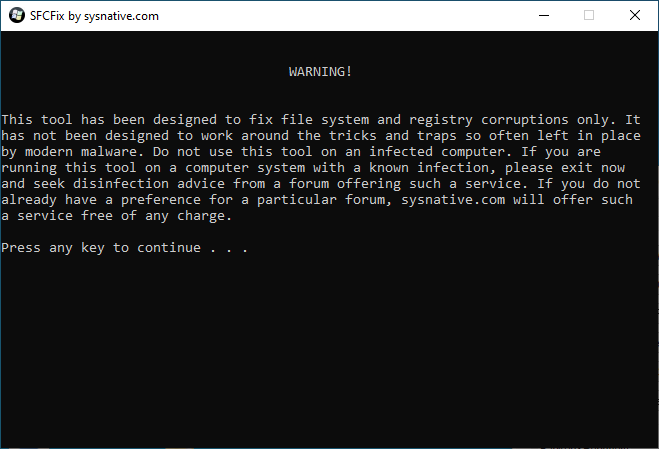
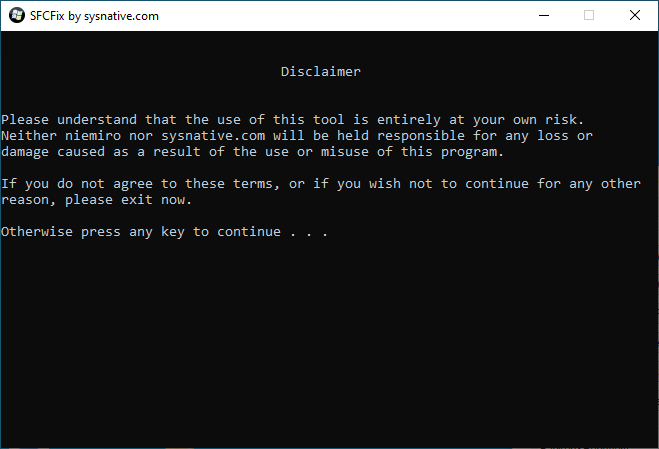
SFCFix
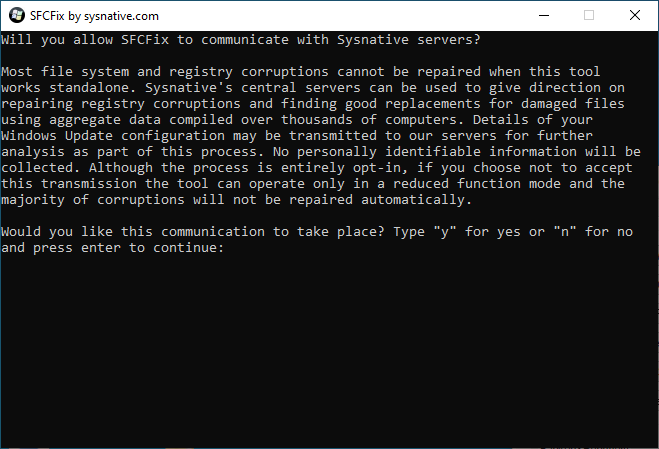
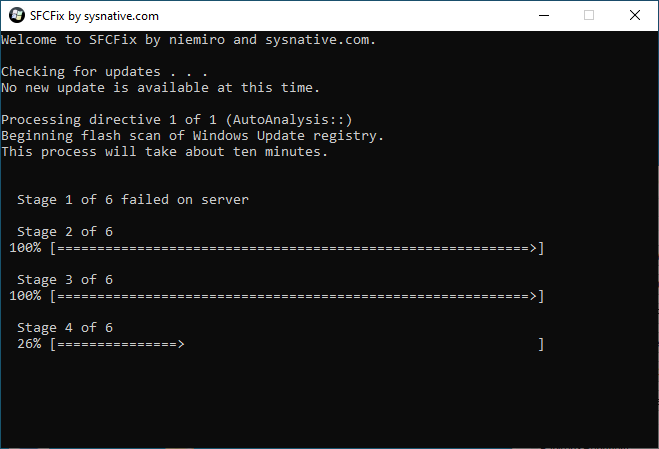
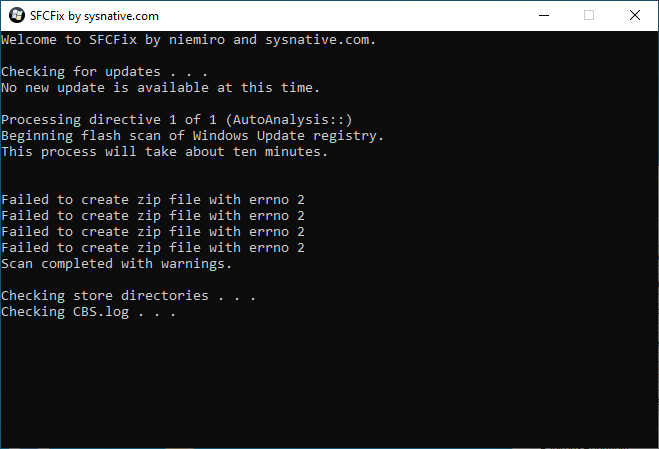
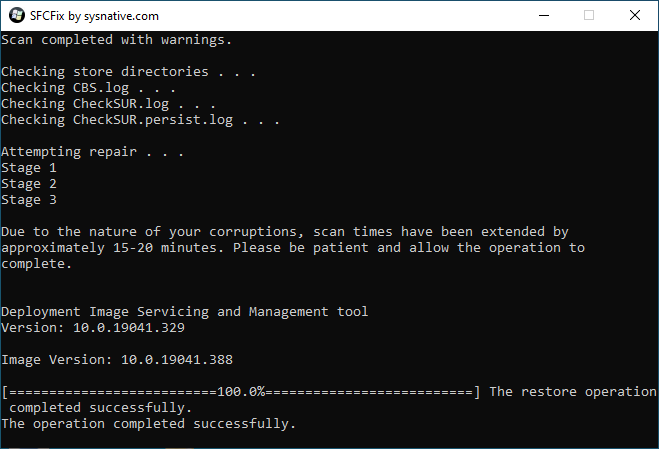
Tool that will attempt to detect and repair file system and registry corruptions. When it completes, a log file will open automatically, and will also be save to your Desktop under the name of SFCFix.txt .
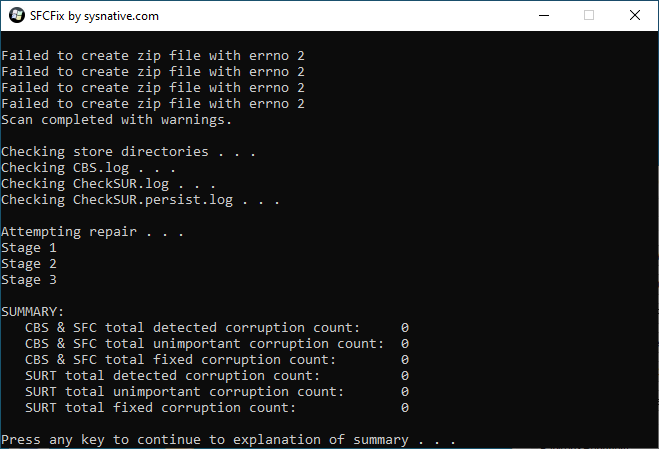
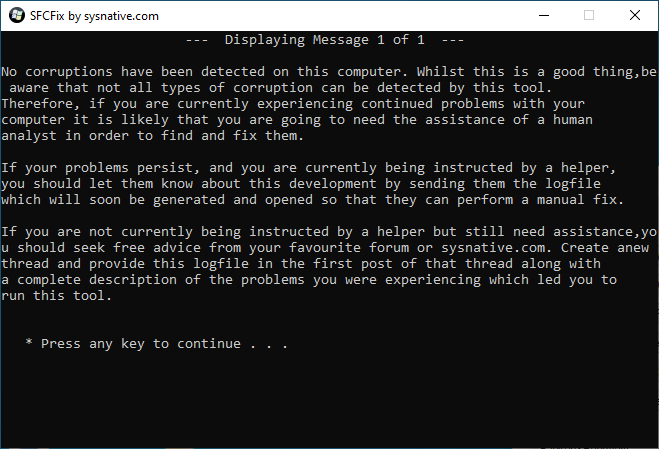
SFCFix version 3.0.2.1 by niemiro.
 Start time: 2021-05-09 14:38:00.977
 Microsoft Windows 10 Build 19041 - amd64
 Not using a script file.
 AutoAnalysis::
 SUMMARY: No corruptions were detected.
 AutoAnalysis:: directive completed successfully.
 Successfully processed all directives.
 Failed to generate a complete zip file. Upload aborted.
 SFCFix version 3.0.2.1 by niemiro has completed.
 Currently storing 0 datablocks.
 Finish time: 2021-05-09 14:44:26.836
 ----------------------EOF-----------------------
FRST
Farbar Recovery Scan Tool is manual malware diagnostics, removal and damage repair tool. This program will display detailed information about the Windows Registry loading points, services, driver services, Netsvcs entries, known DLLs, drivers, and partition specifications. It will also list some important system files that could be patched by malware. It can run in the Windows Recovery Environment, in order to diagnose and fix boot issues.
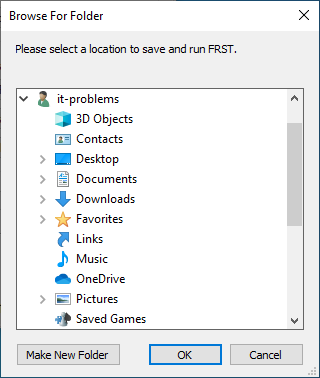
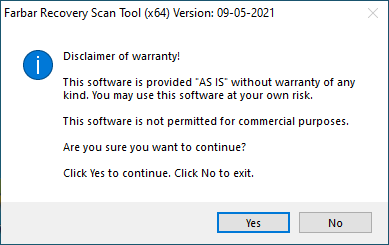
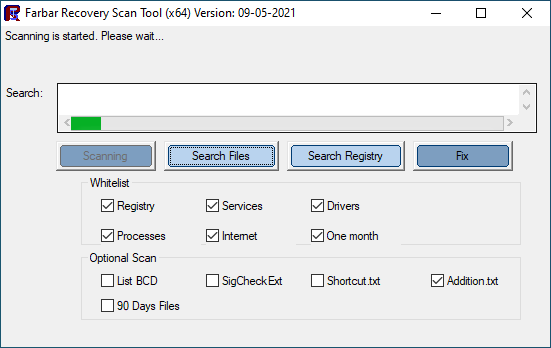
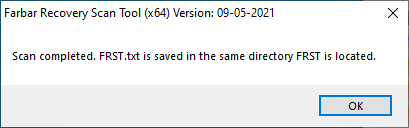
Scan result of Farbar Recovery Scan Tool (FRST) (x64) Version: 09-05-2021
 Ran by it-problems (administrator) on DESKTOP-GTRM4QO (Microsoft Corporation Virtual Machine) (09-05-2021 14:51:11)
 Running from C:\Users\it-problems\Documents
 Loaded Profiles: it-problems
 Platform: Windows 10 Pro Version 2004 19041.388 (X64) Language: Bulgarian (Bulgaria) -> English (United States)
 Default browser: Edge
 Boot Mode: Normal
 ==================== Processes (Whitelisted) =================
 (If an entry is included in the fixlist, the process will be closed. The file will not be moved.)
 (Alexandre Coelho) [File not signed] C:\Users\it-problems\Desktop\dev.itproblems.work\Windows_Repair_Toolbox\Windows_Repair_Toolbox.exe
 (Microsoft Corporation -> Microsoft Corporation) C:\Users\it-problems\AppData\Local\Microsoft\OneDrive\OneDrive.exe
 (Microsoft Corporation -> Microsoft Corporation) C:\Windows\SystemApps\Microsoft.MicrosoftEdge_8wekyb3d8bbwe\MicrosoftEdge.exe
 (Microsoft Windows -> ) C:\Windows\System32\Windows.WARP.JITService.exe <5>
 (Microsoft Windows -> Microsoft Corporation) C:\Windows\System32\browser_broker.exe
 (Microsoft Windows -> Microsoft Corporation) C:\Windows\System32\dllhost.exe <2>
 (Microsoft Windows -> Microsoft Corporation) C:\Windows\System32\LogonUI.exe
 (Microsoft Windows -> Microsoft Corporation) C:\Windows\System32\MicrosoftEdgeCP.exe <6>
 (Microsoft Windows -> Microsoft Corporation) C:\Windows\System32\MicrosoftEdgeSH.exe <2>
 (Microsoft Windows -> Microsoft Corporation) C:\Windows\System32\MoUsoCoreWorker.exe
 (Microsoft Windows -> Microsoft Corporation) C:\Windows\System32\rdpclip.exe
 (Microsoft Windows -> Microsoft Corporation) C:\Windows\System32\smartscreen.exe
 (Microsoft Windows -> Microsoft Corporation) C:\Windows\System32\SnippingTool.exe
 (Microsoft Windows Publisher -> Microsoft Corporation) C:\ProgramData\Microsoft\Windows Defender\Platform\4.18.2103.7-0\MsMpEng.exe
 (Microsoft Windows Publisher -> Microsoft Corporation) C:\ProgramData\Microsoft\Windows Defender\Platform\4.18.2103.7-0\NisSrv.exe
 ==================== Registry (Whitelisted) ===================
 (If an entry is included in the fixlist, the registry item will be restored to default or removed. The file will not be moved.)
 ==================== Scheduled Tasks (Whitelisted) ============
 (If an entry is included in the fixlist, it will be removed from the registry. The file will not be moved unless listed separately.)
 Task: {16DA86BC-703D-4DD8-89EE-12A33E2B486D} - System32\Tasks\Microsoft\Windows\Windows Defender\Windows Defender Scheduled Scan => C:\ProgramData\Microsoft\Windows Defender\platform\4.18.2103.7-0\MpCmdRun.exe [566368 2021-05-04] (Microsoft Windows Publisher -> Microsoft Corporation)
 Task: {A403A249-6BF5-4FE7-AE6E-2BD7013A82E5} - System32\Tasks\Microsoft\Windows\Windows Defender\Windows Defender Verification => C:\ProgramData\Microsoft\Windows Defender\platform\4.18.2103.7-0\MpCmdRun.exe [566368 2021-05-04] (Microsoft Windows Publisher -> Microsoft Corporation)
 Task: {E13FD670-147B-4500-A096-AE5CB0B2D5BA} - System32\Tasks\Microsoft\Windows\Windows Defender\Windows Defender Cleanup => C:\ProgramData\Microsoft\Windows Defender\platform\4.18.2103.7-0\MpCmdRun.exe [566368 2021-05-04] (Microsoft Windows Publisher -> Microsoft Corporation)
 Task: {E1EF79EA-B75A-4EB5-9115-F60419EFA686} - System32\Tasks\Microsoft\Windows\Windows Defender\Windows Defender Cache Maintenance => C:\ProgramData\Microsoft\Windows Defender\platform\4.18.2103.7-0\MpCmdRun.exe [566368 2021-05-04] (Microsoft Windows Publisher -> Microsoft Corporation)
 (If an entry is included in the fixlist, the task (.job) file will be moved. The file which is running by the task will not be moved.)
 ==================== Internet (Whitelisted) ====================
 (If an item is included in the fixlist, if it is a registry item it will be removed or restored to default.)
 Tcpip\Parameters: [DhcpNameServer] 192.168.0.1
 Tcpip..\Interfaces{64264840-a96c-45f8-9af7-7dd633b9baaf}: [DhcpNameServer] 192.168.0.1
 ==================== Services (Whitelisted) ===================
 (If an entry is included in the fixlist, it will be removed from the registry. The file will not be moved unless listed separately.)
 S3 Sense; C:\Program Files\Windows Defender Advanced Threat Protection\MsSense.exe [4956856 2020-07-10] (Microsoft Windows Publisher -> Microsoft Corporation)
 R3 WdNisSvc; C:\ProgramData\Microsoft\Windows Defender\platform\4.18.2103.7-0\NisSrv.exe [2624104 2021-05-04] (Microsoft Windows Publisher -> Microsoft Corporation)
 R2 WinDefend; C:\ProgramData\Microsoft\Windows Defender\platform\4.18.2103.7-0\MsMpEng.exe [128376 2021-05-04] (Microsoft Windows Publisher -> Microsoft Corporation)
 ===================== Drivers (Whitelisted) ===================
 (If an entry is included in the fixlist, it will be removed from the registry. The file will not be moved unless listed separately.)
 S3 MDA_NTDRV; C:\Windows\system32\MDA_NTDRV.sys [21208 2021-05-04] (北京铠信神州科技有限责任公司 -> )
 R3 MpKsl1b74288d; C:\ProgramData\Microsoft\Windows Defender\Definition Updates{BA514725-6F7B-4428-B882-F5756DD8DCD8}\MpKslDrv.sys [107744 2021-05-09] (Microsoft Windows -> Microsoft Corporation)
 U5 PROCMON24; C:\Windows\System32\Drivers\PROCMON24.sys [94072 2021-05-09] (Microsoft Windows Hardware Compatibility Publisher -> Sysinternals - www.sysinternals.com)
 S0 WdBoot; C:\Windows\System32\drivers\wd\WdBoot.sys [49560 2021-05-04] (Microsoft Windows Early Launch Anti-malware Publisher -> Microsoft Corporation)
 R0 WdFilter; C:\Windows\System32\drivers\wd\WdFilter.sys [421088 2021-05-04] (Microsoft Windows -> Microsoft Corporation)
 R3 WdNisDrv; C:\Windows\System32\drivers\wd\WdNisDrv.sys [72928 2021-05-04] (Microsoft Windows -> Microsoft Corporation)
 R3 WinRing0_1_2_0; C:\Users\it-problems\AppData\Local\Temp\tmpA96D.tmp [14544 2021-05-09] (Noriyuki MIYAZAKI -> OpenLibSys.org) <==== ATTENTION
 ==================== NetSvcs (Whitelisted) ===================
 (If an entry is included in the fixlist, it will be removed from the registry. The file will not be moved unless listed separately.)
 ==================== One month (created) (Whitelisted) =========
 (If an entry is included in the fixlist, the file/folder will be moved.)
 2021-05-09 14:51 - 2021-05-09 14:51 - 000006201 _ C:\Users\it-problems\Documents\FRST.txt 2021-05-09 14:51 - 2021-05-09 14:51 - 000000000 __D C:\FRST 2021-05-09 14:50 - 2021-05-09 14:50 - 002298880  (Farbar) C:\Users\it-problems\Documents\FRST64.exe
 2021-05-09 14:44 - 2021-05-09 14:44 - 000000000 _D C:\SFCFix 2021-05-09 14:37 - 2021-05-09 14:44 - 000000000 __D C:\Users\it-problems\AppData\Local\niemiro 2021-05-09 14:08 - 2021-05-09 14:31 - 000000000 ____D C:\Users\it-problems\AppData\Local\FreeFixer 2021-05-09 14:08 - 2021-05-09 14:08 - 000000000 ____D C:\Users\it-problems\AppData\Roaming\FreeFixer 2021-05-09 13:36 - 2021-05-09 13:36 - 000000000 ____D C:\Users\it-problems\AppData\Local\SaraResults 2021-05-09 13:23 - 2021-05-09 13:23 - 000000000 ____D C:\Users\it-problems\AppData\Local\SaRALogs 2021-05-09 13:22 - 2021-05-09 13:22 - 000000520  C:\Users\it-problems\Desktop\Microsoft Support and Recovery Assistant.appref-ms
 2021-05-09 13:22 - 2021-05-09 13:22 - 000000000 _D C:\Users\it-problems\AppData\Roaming\Microsoft\Windows\Start Menu\Programs\Microsoft Corporation 2021-05-09 13:19 - 2021-05-09 13:36 - 000000000 __D C:\Users\it-problems\AppData\Local\Deployment 2021-05-09 13:19 - 2021-05-09 13:19 - 000000000 ____D C:\Users\it-problems\AppData\Local\Apps\2.0 2021-05-09 13:10 - 2021-05-09 13:12 - 000000000 ____D C:\Users\it-problems\AppData\Local\paint.net 2021-05-09 13:10 - 2021-05-09 13:10 - 000001104  C:\ProgramData\Microsoft\Windows\Start Menu\Programs\paint.net.lnk
 2021-05-09 13:10 - 2021-05-09 13:10 - 000001092 _ C:\Users\Public\Desktop\paint.net.lnk 2021-05-09 13:10 - 2021-05-09 13:10 - 000001092  C:\ProgramData\Desktop\paint.net.lnk
 2021-05-09 13:10 - 2021-05-09 13:10 - 000000000 D C:\Program Files\paint.net 2021-05-09 12:01 - 2021-05-09 12:04 - 000000000 ____D C:\ProgramData\Ultra Adware Killer 2021-05-08 16:28 - 2021-05-08 16:28 - 000000000 ___HD C:\$WinREAgent 2021-05-04 17:39 - 2021-05-04 17:40 - 000000000 ____D C:\Users\it-problems\Desktop\zalez 2021-05-04 17:17 - 2021-05-04 17:17 - 000000973  C:\Users\Public\Desktop\WinMerge.lnk
 2021-05-04 17:17 - 2021-05-04 17:17 - 000000973 _ C:\ProgramData\Desktop\WinMerge.lnk 2021-05-04 17:17 - 2021-05-04 17:17 - 000000000 _D C:\ProgramData\Microsoft\Windows\Start Menu\Programs\WinMerge 2021-05-04 17:17 - 2021-05-04 17:17 - 000000000 ____D C:\Program Files\WinMerge 2021-05-04 17:09 - 2021-05-04 17:09 - 000729880  C:\Windows\system32\ndm-fre.exe
 2021-05-04 17:09 - 2021-05-04 17:09 - 000021208 _ C:\Windows\system32\MDA_NTDRV.sys 2021-05-04 17:00 - 2021-05-04 17:00 - 000000000 _D C:\Users\it-problems\AppData\Local\Patch_My_PC,_LLC 2021-05-04 16:46 - 2021-05-04 16:47 - 000000000 ____D C:\ProgramData\Mozilla 2021-05-04 14:57 - 2021-05-04 15:00 - 000000000 ____D C:\Users\it-problems\AppData\Roaming\gsmartcontrol 2021-05-04 14:38 - 2021-05-04 14:38 - 000001647  C:\Users\it-problems\Desktop\Windows_Repair_Toolbox - Shortcut.lnk
 2021-05-04 14:09 - 2021-05-04 15:16 - 000001339 _ C:\Users\it-problems\Desktop\FurMark.lnk 2021-05-04 14:09 - 2021-05-04 14:09 - 000000000 _D C:\ProgramData\Microsoft\Windows\Start Menu\Programs\Geeks3D 2021-05-04 14:09 - 2021-05-04 14:09 - 000000000 ____D C:\Program Files (x86)\Geeks3D 2021-05-04 13:57 - 2021-05-04 13:57 - 000000966  C:\Users\it-problems\AppData\Roaming\Microsoft\Windows\Start Menu\Programs\Windows_Repair_Toolbox.lnk
 2021-05-04 13:54 - 2021-05-09 14:08 - 000000000 _D C:\Users\it-problems\Desktop\dev.itproblems.work 2021-05-04 13:44 - 2021-05-04 13:44 - 000000000 __D C:\Users\it-problems\AppData\Local\OneDrive 2021-05-02 13:30 - 2021-05-02 13:31 - 000000000 ____D C:\Share 2021-04-11 17:56 - 2021-04-11 17:56 - 000000000 ____D C:\Users\it-problems\Documents\Adobe 2021-04-11 17:54 - 2021-04-11 17:54 - 000001085  C:\Users\it-problems\Desktop\Adobe Lightroom Classic.lnk
 2021-04-11 17:54 - 2021-04-11 17:54 - 000001085 _ C:\ProgramData\Microsoft\Windows\Start Menu\Programs\Adobe Lightroom Classic.lnk 2021-04-11 17:53 - 2021-04-11 17:54 - 000000000 __D C:\Program Files\Adobe 2021-04-11 17:49 - 2021-04-11 17:55 - 000000000 ____D C:\Users\it-problems\AppData\Local\Adobe 2021-04-11 17:48 - 2021-05-09 13:11 - 000094072 ____H (Sysinternals - www.sysinternals.com) C:\Windows\system32\Drivers\PROCMON24.SYS 2021-04-11 17:48 - 2021-04-11 17:55 - 000000000 ____D C:\ProgramData\Adobe 2021-04-11 17:48 - 2020-09-17 10:00 - 001180544  (Sysinternals - www.sysinternals.com) C:\Users\it-problems\Desktop\Procmon64.exe
 2021-04-11 17:47 - 2021-05-08 16:32 - 000000000 _D C:\Users\it-problems\AppData\Local\D3DSCache 2021-04-11 17:47 - 2021-04-11 17:48 - 000000000 __D C:\ProgramData\Package Cache 2021-04-11 17:29 - 2021-04-11 17:41 - 000000000 ____D C:\Users\it-problems\Downloads\Adobe Lightroom Classic 2020 2021-04-11 17:29 - 2021-04-11 17:29 - 000000000 ____D C:\Users\it-problems\AppData\Local\Comms 2021-04-11 17:29 - 2020-06-28 10:08 - 000084816  C:\Users\it-problems\Desktop\Adobe Lightroom Classic 2020.torrent
 2021-04-11 17:28 - 2021-04-11 17:46 - 000000000 ____D C:\Users\it-problems\AppData\Roaming\qBittorrent
 2021-04-11 17:28 - 2021-04-11 17:29 - 000000000 ____D C:\Users\it-problems\AppData\Local\qBittorrent
 2021-04-11 17:28 - 2021-04-11 17:28 - 000000000 ____D C:\ProgramData\Microsoft\Windows\Start Menu\Programs\qBittorrent
 2021-04-11 17:28 - 2021-04-11 17:28 - 000000000 ____D C:\Program Files\qBittorrent
 2021-04-11 17:27 - 2021-04-11 17:30 - 000000000 ____D C:\Users\it-problems\Desktop\11
 2021-04-11 17:18 - 2021-04-11 17:18 - 000000000 ____D C:\Users\it-problems\AppData\Local\PeerDistRepub
 2021-04-11 17:08 - 2021-05-04 13:50 - 000000000 ____D C:\Users\it-problems\AppData\Local\PlaceholderTileLogoFolder
 ==================== One month (modified) ==================
 (If an entry is included in the fixlist, the file/folder will be moved.)
 2021-05-09 14:51 - 2019-12-07 12:13 - 000000000 D C:\Windows\INF 2021-05-09 14:42 - 2019-12-07 12:03 - 000000000 __D C:\Windows\CbsTemp 2021-05-09 14:17 - 2019-12-07 12:14 - 000000000 ____D C:\ProgramData\regid.1991-06.com.microsoft 2021-05-09 13:08 - 2021-01-16 13:55 - 000000000 ____D C:\Windows\system32\SleepStudy 2021-05-09 11:56 - 2019-12-07 12:14 - 000000000 ___HD C:\Program Files\WindowsApps 2021-05-09 11:56 - 2019-12-07 12:14 - 000000000 ____D C:\Windows\AppReadiness 2021-05-09 11:51 - 2021-01-16 14:03 - 000795738  C:\Windows\system32\PerfStringBackup.INI
 2021-05-09 11:47 - 2021-01-16 13:56 - 000000006 _H C:\Windows\Tasks\SA.DAT 2021-05-09 11:47 - 2021-01-16 13:55 - 000008192 _SH C:\DumpStack.log.tmp 2021-05-09 11:47 - 2019-12-07 12:14 - 000000000 ____D C:\Windows\ServiceState 2021-05-08 16:43 - 2019-12-07 12:03 - 000524288  C:\Windows\system32\config\BBI
 2021-05-04 16:08 - 2021-01-16 14:03 - 000000000 _D C:\Users\it-problems 2021-05-04 15:04 - 2021-01-16 13:56 - 000000000 __D C:\Windows\system32\Drivers\wd 2021-05-04 15:04 - 2019-12-07 12:14 - 000000000 ____D C:\Program Files\Windows Defender 2021-05-02 13:32 - 2019-12-07 17:47 - 000000000 ____D C:\Program Files\Windows Photo Viewer 2021-05-02 13:32 - 2019-12-07 17:47 - 000000000 ____D C:\Program Files\Windows Defender Advanced Threat Protection 2021-05-02 13:32 - 2019-12-07 17:47 - 000000000 ____D C:\Program Files (x86)\Windows Photo Viewer 2021-05-02 13:32 - 2019-12-07 17:43 - 000000000 ____D C:\Windows\SysWOW64\WCN 2021-05-02 13:32 - 2019-12-07 17:43 - 000000000 ____D C:\Windows\system32\WCN 2021-05-02 13:32 - 2019-12-07 12:14 - 000000000 ___SD C:\Windows\SysWOW64\F12 2021-05-02 13:32 - 2019-12-07 12:14 - 000000000 ___SD C:\Windows\system32\F12 2021-05-02 13:32 - 2019-12-07 12:14 - 000000000 ___RD C:\Windows\ImmersiveControlPanel 2021-05-02 13:32 - 2019-12-07 12:14 - 000000000 ____D C:\Windows\system32\SystemResetPlatform 2021-05-02 13:32 - 2019-12-07 12:14 - 000000000 ____D C:\Windows\system32\migwiz 2021-05-02 13:32 - 2019-12-07 12:14 - 000000000 ____D C:\Program Files (x86)\Windows Defender 2021-05-02 13:31 - 2021-01-16 14:05 - 000003392  C:\Windows\system32\Tasks\OneDrive Standalone Update Task-S-1-5-21-2841668312-2932128218-1878793529-1001
 2021-05-02 13:31 - 2021-01-16 14:05 - 000000000 RD C:\Users\it-problems\OneDrive 2021-05-02 13:31 - 2021-01-16 14:03 - 000002385 _ C:\Users\it-problems\AppData\Roaming\Microsoft\Windows\Start Menu\Programs\OneDrive.lnk
 2021-05-02 13:29 - 2021-01-16 14:03 - 000000000 ____D C:\Users\it-problems\AppData\Local\Packages
 2021-05-02 13:27 - 2019-12-07 12:03 - 000000000 ____D C:\Windows\servicing
 2021-04-11 17:56 - 2021-01-16 14:03 - 000000000 ____D C:\Users\it-problems\AppData\Roaming\Adobe
 2021-04-11 17:47 - 2019-12-07 12:14 - 000000000 ____D C:\Program Files\Common Files\microsoft shared
 2021-04-11 17:44 - 2021-01-16 14:03 - 000000000 ____D C:\ProgramData\Packages
 2021-04-11 17:19 - 2021-01-16 13:55 - 000000000 ____D C:\Windows\Panther
 2021-04-11 17:07 - 2019-12-07 12:14 - 000000000 ____D C:\Windows\appcompat
 ==================== SigCheck ============================
 (There is no automatic fix for files that do not pass verification.)
 ==================== End of FRST.txt ========================
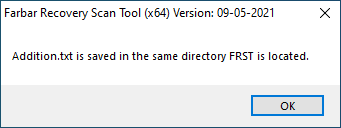
Additional scan result of Farbar Recovery Scan Tool (x64) Version: 09-05-2021
 Ran by it-problems (09-05-2021 14:52:05)
 Running from C:\Users\it-problems\Documents
 Windows 10 Pro Version 2004 19041.388 (X64) (2021-01-16 10:58:50)
 Boot Mode: Normal
 ==================== Accounts: =============================
 Administrator (S-1-5-21-2841668312-2932128218-1878793529-500 - Administrator - Disabled)
 DefaultAccount (S-1-5-21-2841668312-2932128218-1878793529-503 - Limited - Disabled)
 fixme (S-1-5-21-2841668312-2932128218-1878793529-1002 - Administrator - Enabled)
 Guest (S-1-5-21-2841668312-2932128218-1878793529-501 - Limited - Disabled)
 it-problems (S-1-5-21-2841668312-2932128218-1878793529-1001 - Administrator - Enabled) => C:\Users\it-problems
 WDAGUtilityAccount (S-1-5-21-2841668312-2932128218-1878793529-504 - Limited - Disabled)
 ==================== Security Center ========================
 (If an entry is included in the fixlist, it will be removed.)
 AV: Windows Defender (Enabled - Up to date) {D68DDC3A-831F-4fae-9E44-DA132C1ACF46}
 ==================== Installed Programs ======================
 (Only the adware programs with "Hidden" flag could be added to the fixlist to unhide them. The adware programs should be uninstalled manually.)
 Adobe Lightroom Classic (HKLM-x32...\LTRM_9_2_1) (Version: 9.2.1 - Adobe Systems Incorporated)
 Geeks3D FurMark 1.25.1.0 (HKLM-x32...{2397CAD4-2263-4CD0-96BE-E43A980B9C9A}_is1) (Version: 1.25.1.0 - Geeks3D)
 Microsoft OneDrive (HKU\S-1-5-21-2841668312-2932128218-1878793529-1001...\OneDriveSetup.exe) (Version: 21.062.0328.0001 - Microsoft Corporation)
 Microsoft Support and Recovery Assistant (HKU\S-1-5-21-2841668312-2932128218-1878793529-1001...\0527a644a4ddd31d) (Version: 17.0.6523.5 - Microsoft Corporation)
 Microsoft Visual C++ 2005 Redistributable - x64 8.0.61000 (HKLM...{ad8a2fa1-06e7-4b0d-927d-6e54b3d31028}) (Version: 8.0.61000 - Microsoft Corporation)
 Microsoft Visual C++ 2005 Redistributable - x86 8.0.61001 (HKLM-x32...{710f4c1c-cc18-4c49-8cbf-51240c89a1a2}) (Version: 8.0.61001 - Microsoft Corporation)
 Microsoft Visual C++ 2008 Redistributable - x64 9.0.30729.6161 (HKLM...{5FCE6D76-F5DC-37AB-B2B8-22AB8CEDB1D4}) (Version: 9.0.30729.6161 - Microsoft Corporation)
 Microsoft Visual C++ 2008 Redistributable - x86 9.0.30729.6161 (HKLM-x32...{9BE518E6-ECC6-35A9-88E4-87755C07200F}) (Version: 9.0.30729.6161 - Microsoft Corporation)
 Microsoft Visual C++ 2010 Redistributable - x64 10.0.40219 (HKLM...{1D8E6291-B0D5-35EC-8441-6616F567A0F7}) (Version: 10.0.40219 - Microsoft Corporation)
 Microsoft Visual C++ 2010 Redistributable - x86 10.0.40219 (HKLM-x32...{F0C3E5D1-1ADE-321E-8167-68EF0DE699A5}) (Version: 10.0.40219 - Microsoft Corporation)
 Microsoft Visual C++ 2012 Redistributable (x64) - 11.0.61030 (HKLM-x32...{a2199617-3609-410f-a8e8-e8806c73545b}) (Version: 11.0.61030.0 - Корпорация Майкрософт)
 Microsoft Visual C++ 2012 Redistributable (x86) - 11.0.61030 (HKLM-x32...{f0080ca2-80ae-4958-b6eb-e8fa916d744a}) (Version: 11.0.61030.0 - Корпорация Майкрософт)
 Microsoft Visual C++ 2013 Redistributable (x64) - 12.0.40664 (HKLM-x32...{49e969a1-2990-464d-92b5-25f6f34573c6}) (Version: 12.0.40664.0 - Корпорация Майкрософт)
 Microsoft Visual C++ 2013 Redistributable (x86) - 12.0.40664 (HKLM-x32...{d2c8df0e-f15d-4426-9e51-f13f329f9cb4}) (Version: 12.0.40664.0 - Корпорация Майкрософт)
 Microsoft Visual C++ 2015-2019 Redistributable (x64) - 14.26.28619 (HKLM-x32...{ca1949da-4a6b-4456-a81e-f22d176a5fdb}) (Version: 14.26.28619.0 - Microsoft Corporation)
 Microsoft Visual C++ 2015-2019 Redistributable (x86) - 14.26.28619 (HKLM-x32...{2104f43f-52eb-4726-9d51-49bdc0598221}) (Version: 14.26.28619.0 - Microsoft Corporation)
 paint.net (HKLM...{1A59F8A6-6AB4-4522-9340-F420B9155A31}) (Version: 4.2.16 - dotPDN LLC)
 qBittorrent 4.3.4.1 (HKLM-x32...\qBittorrent) (Version: 4.3.4.1 - The qBittorrent project)
 WinMerge 2.16.12.0 x64 (HKLM...\WinMerge_is1) (Version: 2.16.12.0 - Thingamahoochie Software)
 Packages:
 Microsoft Advertising SDK for XAML -> C:\Program Files\WindowsApps\Microsoft.Advertising.Xaml_10.1811.1.0_x64__8wekyb3d8bbwe [2021-04-11] (Microsoft Corporation) [MS Ad]
 Microsoft Advertising SDK for XAML -> C:\Program Files\WindowsApps\Microsoft.Advertising.Xaml_10.1811.1.0_x86__8wekyb3d8bbwe [2021-04-11] (Microsoft Corporation) [MS Ad]
 Microsoft Solitaire Collection -> C:\Program Files\WindowsApps\Microsoft.MicrosoftSolitaireCollection_4.9.4213.0_x64__8wekyb3d8bbwe [2021-05-04] (Microsoft Studios) [MS Ad]
 Spotify Music -> C:\Program Files\WindowsApps\SpotifyAB.SpotifyMusic_1.158.820.0_x86__zpdnekdrzrea0 [2021-05-04] (Spotify AB) [Startup Task]
 ==================== Custom CLSID (Whitelisted): ==============
 (If an entry is included in the fixlist, it will be removed from the registry. The file will not be moved unless listed separately.)
 ContextMenuHandlers1: [WinMerge] -> {4E716236-AA30-4C65-B225-D68BBA81E9C2} => C:\Program Files\WinMerge\ShellExtensionX64.dll 2021-04-03 [File not signed]
 ContextMenuHandlers2: [WinMerge] -> {4E716236-AA30-4C65-B225-D68BBA81E9C2} => C:\Program Files\WinMerge\ShellExtensionX64.dll 2021-04-03 [File not signed]
 ContextMenuHandlers4: [WinMerge] -> {4E716236-AA30-4C65-B225-D68BBA81E9C2} => C:\Program Files\WinMerge\ShellExtensionX64.dll 2021-04-03 [File not signed]
 ContextMenuHandlers5: [WinMerge] -> {4E716236-AA30-4C65-B225-D68BBA81E9C2} => C:\Program Files\WinMerge\ShellExtensionX64.dll 2021-04-03 [File not signed]
 ==================== Codecs (Whitelisted) ====================
 ==================== Shortcuts & WMI ========================
 (The entries could be listed to be restored or removed.)
 Shortcut: C:\Users\it-problems\AppData\Roaming\Microsoft\Windows\SendTo\Прехвърляне на файлове с Bluetooth.LNK -> C:\Windows\System32\fsquirt.exe (Microsoft Corporation) <==== Cyrillic
 ==================== Loaded Modules (Whitelisted) =============
 2021-05-04 17:17 - 2021-04-03 16:04 - 000203264 _ (hxxp://winmerge.org) [File not signed] C:\Program Files\WinMerge\ShellExtensionX64.dll
 ==================== Alternate Data Streams (Whitelisted) ========
 ==================== Safe Mode (Whitelisted) ==================
 ==================== Association (Whitelisted) =================
 ==================== Internet Explorer (Whitelisted) ==========
 ==================== Hosts content: =========================
 (If needed Hosts: directive could be included in the fixlist to reset Hosts.)
 2019-12-07 12:14 - 2019-12-07 12:12 - 000000824 _ C:\Windows\system32\drivers\etc\hosts
 ==================== Other Areas ===========================
 (Currently there is no automatic fix for this section.)
 HKU\DefaultUser\Control Panel\Desktop\Wallpaper -> C:\Windows\Web\Wallpaper\Windows\img0.jpg
 HKU\S-1-5-21-2841668312-2932128218-1878793529-1001\Control Panel\Desktop\Wallpaper -> C:\Windows\web\wallpaper\Windows\img0.jpg
 DNS Servers: 192.168.0.1
 HKLM\SOFTWARE\Microsoft\Windows\CurrentVersion\Policies\System => (ConsentPromptBehaviorAdmin: 5) (ConsentPromptBehaviorUser: 3) (EnableLUA: 1)
 HKLM\SOFTWARE\Microsoft\Windows\CurrentVersion\Explorer => (SmartScreenEnabled: )
 Windows Firewall is enabled.
 ==================== MSCONFIG/TASK MANAGER disabled items ==
 ==================== FirewallRules (Whitelisted) ================
 (If an entry is included in the fixlist, it will be removed from the registry. The file will not be moved unless listed separately.)
 FirewallRules: [{423B8C77-972D-4CBC-8AEB-D461CFEE9C25}] => (Allow) C:\Users\it-problems\Desktop\dev.itproblems.work\Windows_Repair_Toolbox\Downloads\UltraAdwKiller\UltraAdwareKiller.exe (Da Silva Alfrédo -> Carifred)
 FirewallRules: [{26D32431-857C-4217-9705-E91EBA953A18}] => (Allow) C:\Users\it-problems\Desktop\dev.itproblems.work\Windows_Repair_Toolbox\Downloads\UltraAdwKiller\UltraAdwareKiller.exe (Da Silva Alfrédo -> Carifred)
 FirewallRules: [{D6211660-2738-4D46-B992-242D19A161C8}] => (Allow) C:\Users\it-problems\Desktop\dev.itproblems.work\Windows_Repair_Toolbox\Downloads\UltraAdwKiller\UltraAdwareKiller64.exe (Da Silva Alfrédo -> Carifred)
 FirewallRules: [{AD2F5E71-5D9D-4F82-8832-1B3F0D41141E}] => (Allow) C:\Users\it-problems\Desktop\dev.itproblems.work\Windows_Repair_Toolbox\Downloads\UltraAdwKiller\UltraAdwareKiller64.exe (Da Silva Alfrédo -> Carifred)
 ==================== Restore Points =========================
 ATTENTION: System Restore is disabled (Total:126.39 GB) (Free:97.06 GB) (77%)
 ==================== Faulty Device Manager Devices ============
 ==================== Event log errors: ========================
 Application errors:
 Error: (05/09/2021 01:36:57 PM) (Source: Application Error) (EventID: 1000) (User: )
 Description: Faulting application name: Microsoft.Sara.exe, version: 17.0.6523.5, time stamp: 0x93f48183
 Faulting module name: KERNELBASE.dll, version: 10.0.19041.388, time stamp: 0xa2224bb6
 Exception code: 0xe0434352
 Fault offset: 0x00129862
 Faulting process id: 0x129c
 Faulting application start time: 0x01d744bf38b17766
 Faulting application path: C:\Users\it-problems\AppData\Local\Apps\2.0\Y2Q8BQVB.7G8\HXHN87Q2.0KM\micr..tion_b1d1a6c45aa418ce_0011.0000_ab3e1fabe995495e\Microsoft.Sara.exe
 Faulting module path: C:\Windows\System32\KERNELBASE.dll
 Report Id: 010cc321-c8d2-41b4-9012-2c86375fdbb5
 Faulting package full name:
 Faulting package-relative application ID:
 Error: (05/09/2021 01:36:56 PM) (Source: .NET Runtime) (EventID: 1026) (User: )
 Description: Application: Microsoft.Sara.exe
 Framework Version: v4.0.30319
 Description: The process was terminated due to an unhandled exception.
 Exception Info: System.Threading.AbandonedMutexException
    at System.Threading.WaitHandle.InternalWaitOne(System.Runtime.InteropServices.SafeHandle, Int64, Boolean, Boolean)
    at System.Threading.WaitHandle.WaitOne(System.TimeSpan, Boolean)
    at Microsoft.Sara.Framework.UI.App.Main(System.String[])
 Error: (05/09/2021 11:47:35 AM) (Source: Software Protection Platform Service) (EventID: 8198) (User: )
 Description: License Activation (slui.exe) failed with the following error code:
 hr=0x803F7001
 Command-line arguments:
 RuleId=31e71c49-8da7-4a2f-ad92-45d98a1c79ba;Action=AutoActivate;AppId=55c92734-d682-4d71-983e-d6ec3f16059f;SkuId=4de7cb65-cdf1-4de9-8ae8-e3cce27b9f2c;NotificationInterval=1440;Trigger=UserLogon;SessionId=2
 Error: (05/09/2021 11:47:18 AM) (Source: Software Protection Platform Service) (EventID: 8198) (User: )
 Description: License Activation (slui.exe) failed with the following error code:
 hr=0x8007139F
 Command-line arguments:
 RuleId=31e71c49-8da7-4a2f-ad92-45d98a1c79ba;Action=AutoActivate;AppId=55c92734-d682-4d71-983e-d6ec3f16059f;SkuId=4de7cb65-cdf1-4de9-8ae8-e3cce27b9f2c;NotificationInterval=1440;Trigger=NetworkAvailable
 Error: (05/08/2021 04:26:53 PM) (Source: Software Protection Platform Service) (EventID: 8198) (User: )
 Description: License Activation (slui.exe) failed with the following error code:
 hr=0x803F7001
 Command-line arguments:
 RuleId=31e71c49-8da7-4a2f-ad92-45d98a1c79ba;Action=AutoActivate;AppId=55c92734-d682-4d71-983e-d6ec3f16059f;SkuId=4de7cb65-cdf1-4de9-8ae8-e3cce27b9f2c;NotificationInterval=1440;Trigger=UserLogon;SessionId=2
 Error: (05/08/2021 04:26:30 PM) (Source: Software Protection Platform Service) (EventID: 8198) (User: )
 Description: License Activation (slui.exe) failed with the following error code:
 hr=0x8007139F
 Command-line arguments:
 RuleId=31e71c49-8da7-4a2f-ad92-45d98a1c79ba;Action=AutoActivate;AppId=55c92734-d682-4d71-983e-d6ec3f16059f;SkuId=4de7cb65-cdf1-4de9-8ae8-e3cce27b9f2c;NotificationInterval=1440;Trigger=TimerEvent
 Error: (05/08/2021 04:26:29 PM) (Source: Software Protection Platform Service) (EventID: 8198) (User: )
 Description: License Activation (slui.exe) failed with the following error code:
 hr=0x8007139F
 Command-line arguments:
 RuleId=31e71c49-8da7-4a2f-ad92-45d98a1c79ba;Action=AutoActivate;AppId=55c92734-d682-4d71-983e-d6ec3f16059f;SkuId=4de7cb65-cdf1-4de9-8ae8-e3cce27b9f2c;NotificationInterval=1440;Trigger=NetworkAvailable
 Error: (05/04/2021 05:38:16 PM) (Source: Software Protection Platform Service) (EventID: 8198) (User: )
 Description: License Activation (slui.exe) failed with the following error code:
 hr=0x803F7001
 Command-line arguments:
 RuleId=31e71c49-8da7-4a2f-ad92-45d98a1c79ba;Action=AutoActivate;AppId=55c92734-d682-4d71-983e-d6ec3f16059f;SkuId=4de7cb65-cdf1-4de9-8ae8-e3cce27b9f2c;NotificationInterval=1440;Trigger=UserLogon;SessionId=2
 System errors:
 Error: (05/08/2021 04:43:29 PM) (Source: Service Control Manager) (EventID: 7000) (User: )
 Description: The Client License Service (ClipSVC) service failed to start due to the following error:
 The service did not respond to the start or control request in a timely fashion.
 Error: (05/08/2021 04:27:37 PM) (Source: Microsoft-Windows-WindowsUpdateClient) (EventID: 20) (User: NT AUTHORITY)
 Description: Installation Failure: Windows failed to install the following update with error 0x8024200b: Актуализация на аналитичната информация за защита за Microsoft Defender Antivirus - KB2267602 (Версия 1.339.218.0).
 Error: (05/04/2021 02:40:01 PM) (Source: DCOM) (EventID: 10010) (User: DESKTOP-GTRM4QO)
 Description: The server {9BA05972-F6A8-11CF-A442-00A0C90A8F39} did not register with DCOM within the required timeout.
 Error: (05/02/2021 01:30:01 PM) (Source: Microsoft-Windows-WindowsUpdateClient) (EventID: 20) (User: NT AUTHORITY)
 Description: Installation Failure: Windows failed to install the following update with error 0x80073d02: 9NZKPSTSNW4P-Microsoft.XboxGamingOverlay.
 Error: (05/02/2021 01:29:57 PM) (Source: DCOM) (EventID: 10010) (User: DESKTOP-GTRM4QO)
 Description: The server {FD06603A-2BDF-4BB1-B7DF-5DC68F353601} did not register with DCOM within the required timeout.
 Error: (01/16/2021 01:58:59 PM) (Source: Service Control Manager) (EventID: 7030) (User: )
 Description: The Разширения и известия за принтер service is marked as an interactive service.  However, the system is configured to not allow interactive services.  This service may not function properly.
 Error: (01/16/2021 01:58:10 PM) (Source: Service Control Manager) (EventID: 7023) (User: )
 Description: The Услуга за списъци с мрежи service terminated with the following error:
 The device is not ready.
 Error: (01/16/2021 01:58:10 PM) (Source: DCOM) (EventID: 10010) (User: NT AUTHORITY)
 Description: The server {A47979D2-C419-11D9-A5B4-001185AD2B89} did not register with DCOM within the required timeout.
 Windows Defender:
 Date: 2021-05-09 11:58:29
 Description:
 Microsoft Defender Antivirus scan has been stopped before completion.
 Scan Type: Antimalware
 Scan Parameters: Quick Scan
 Date: 2021-04-11 17:24:38
 Description:
 Microsoft Defender Antivirus scan has been stopped before completion.
 Scan Type: Antimalware
 Scan Parameters: Quick Scan
 Date: 2021-05-08 16:27:34
 Description:
 Microsoft Defender Antivirus has encountered an error trying to update security intelligence.
 New security intelligence Version: 1.339.218.0
 Previous security intelligence Version: 1.337.585.0
 Update Source: User
 Security intelligence Type: AntiSpyware
 Update Type: Delta
 Current Engine Version: 1.1.18100.6
 Previous Engine Version: 1.1.18100.5
 Error code: 0x80070666
 Error description: Another version of this product is already installed. Installation of this version cannot continue. To configure or remove the existing version of this product, use Add/Remove Programs on the Control Panel.
 Date: 2021-05-08 16:27:34
 Description:
 Microsoft Defender Antivirus has encountered an error trying to update security intelligence.
 New security intelligence Version: 1.339.218.0
 Previous security intelligence Version: 1.337.585.0
 Update Source: User
 Security intelligence Type: AntiVirus
 Update Type: Delta
 Current Engine Version: 1.1.18100.6
 Previous Engine Version: 1.1.18100.5
 Error code: 0x80070666
 Error description: Another version of this product is already installed. Installation of this version cannot continue. To configure or remove the existing version of this product, use Add/Remove Programs on the Control Panel.
 Date: 2021-05-08 16:27:34
 Description:
 Microsoft Defender Antivirus has encountered an error trying to update the engine.
 New Engine Version: 1.1.18100.6
 Previous Engine Version: 1.1.18100.5
 Error Code: 0x80070666
 Error description: Another version of this product is already installed. Installation of this version cannot continue. To configure or remove the existing version of this product, use Add/Remove Programs on the Control Panel.
 Date: 2021-05-04 13:39:23
 Description:
 Microsoft Defender Antivirus has encountered an error trying to update security intelligence.
 New security intelligence Version:
 Previous security intelligence Version: 1.303.25.0
 Update Source: Microsoft Malware Protection Center
 Security intelligence Type: AntiVirus
 Update Type: Full
 Current Engine Version:
 Previous Engine Version: 1.1.16400.2
 Error code: 0x80072ee7
 Error description: The server name or address could not be resolved
 Date: 2021-05-04 13:39:23
 Description:
 Microsoft Defender Antivirus has encountered an error trying to update security intelligence.
 New security intelligence Version:
 Previous security intelligence Version: 1.303.25.0
 Update Source: Microsoft Malware Protection Center
 Security intelligence Type: AntiSpyware
 Update Type: Full
 Current Engine Version:
 Previous Engine Version: 1.1.16400.2
 Error code: 0x80072ee7
 Error description: The server name or address could not be resolved
 ==================== Memory info ===========================
 BIOS: Microsoft Corporation Hyper-V UEFI Release v4.0 11/01/2019
 Motherboard: Microsoft Corporation Virtual Machine
 Processor: Intel(R) Core(TM) i5-6500 CPU @ 3.20GHz
 Percentage of memory in use: 46%
 Total physical RAM: 7998.92 MB
 Available physical RAM: 4252.24 MB
 Total Virtual: 9918.92 MB
 Available Virtual: 6151.35 MB
 ==================== Drives ================================
 Drive c: () (Fixed) (Total:126.39 GB) (Free:97.06 GB) NTFS
 Drive d: (ESD-ISO) (CDROM) (Total:6.56 GB) (Free:0 GB) UDF
 \?\Volume{1a6622a1-8b97-4942-b05f-00146947a6a0}\ () (Fixed) (Total:0.49 GB) (Free:0.08 GB) NTFS
 \?\Volume{a8259346-c04a-417c-b4f5-039ca4348178}\ () (Fixed) (Total:0.09 GB) (Free:0.07 GB) FAT32
 ==================== MBR & Partition Table ====================
 ==========================================================
 Disk: 0 (Protective MBR) (Size: 127 GB) (Disk ID: 00000000)
 Partition: GPT.
 ==================== End of Addition.txt =======================
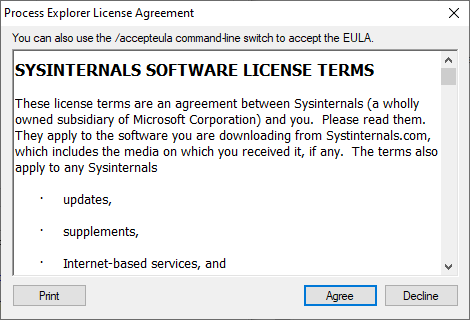
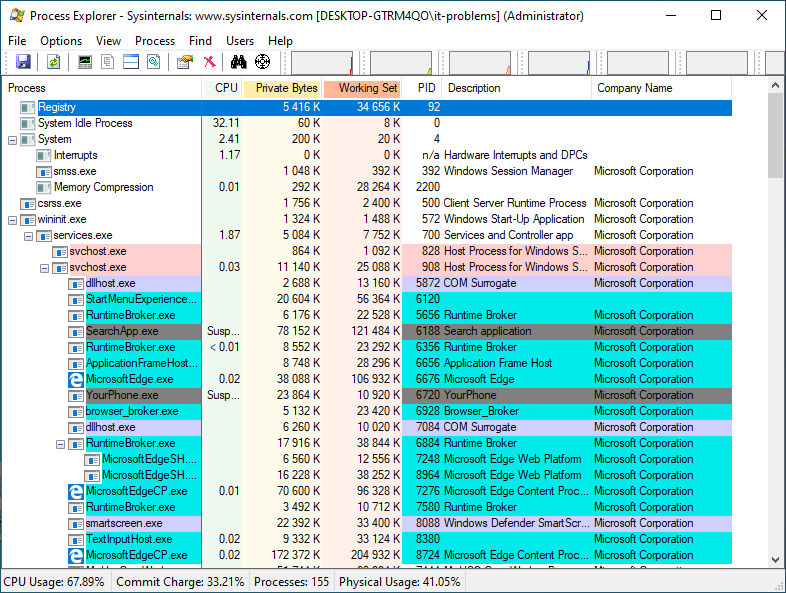
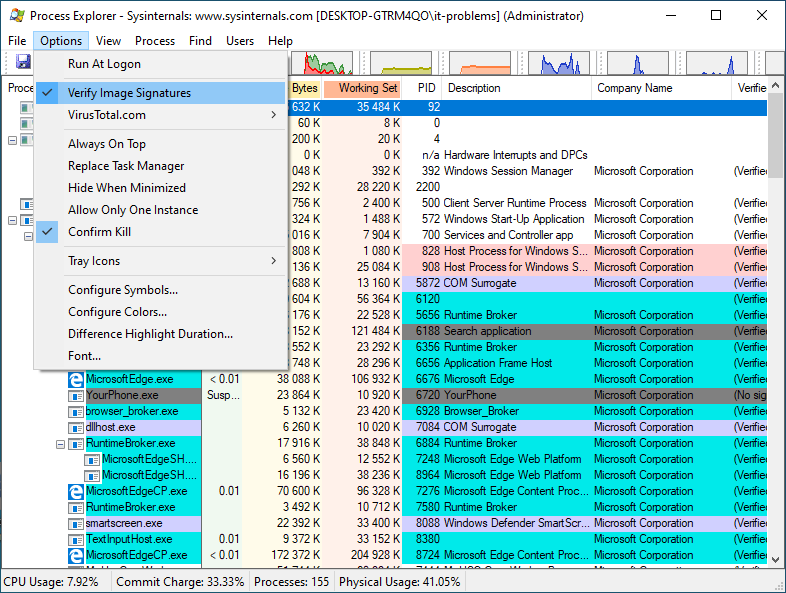
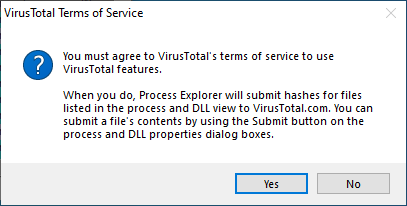
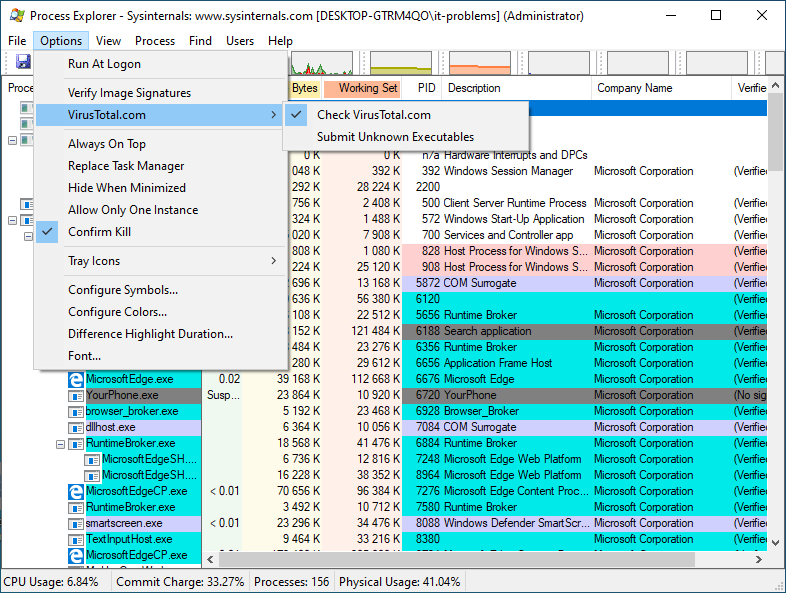
Proc. Explorer
Finds out what file, registry keys and other object processes have open, which DLLS they have loaded, and more.

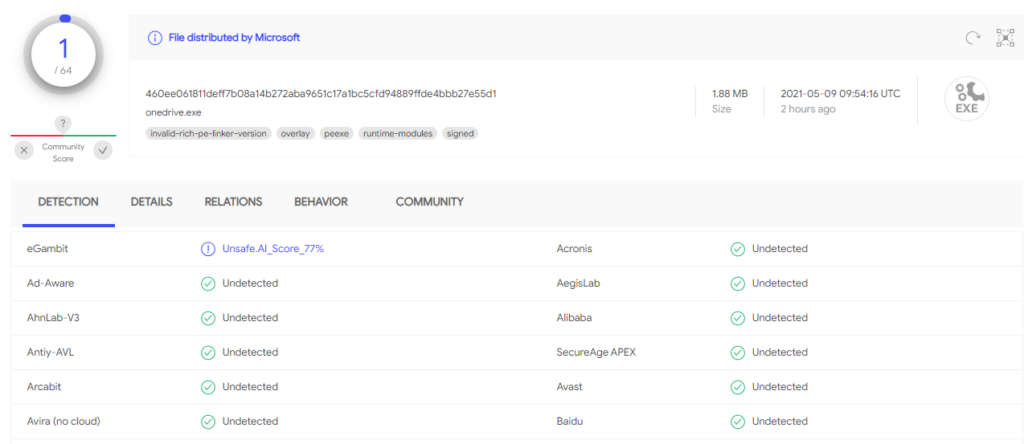
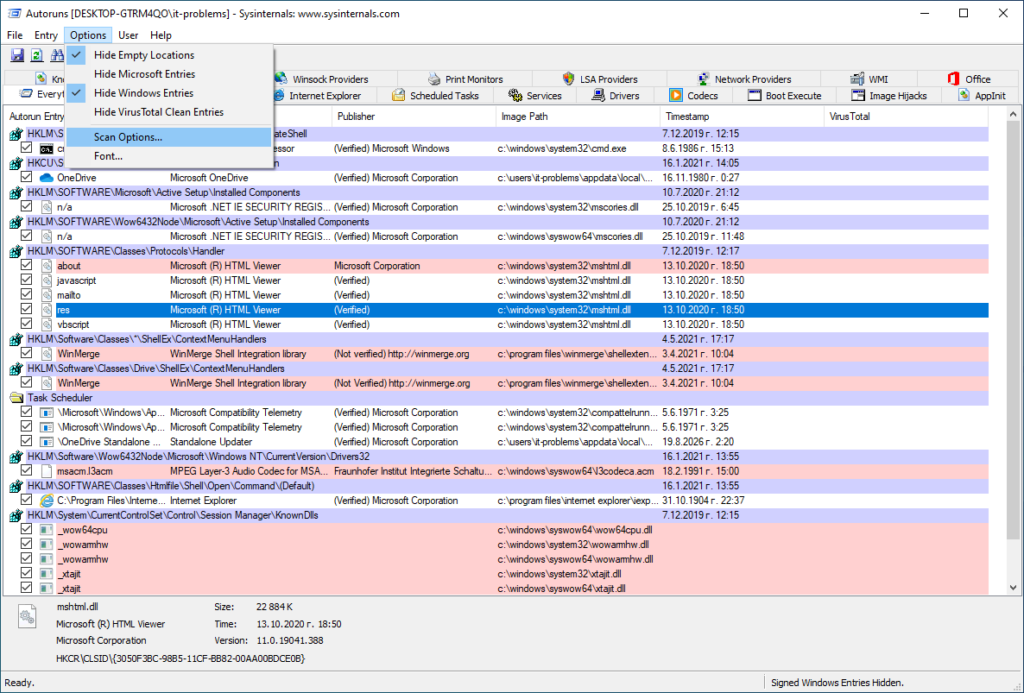
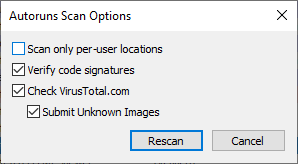
Autoruns
Enumerates all the programs that automatically start on a Windows machine.
Uninstallers
Revo
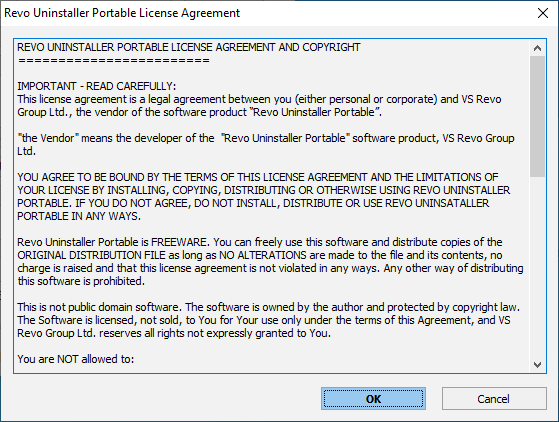
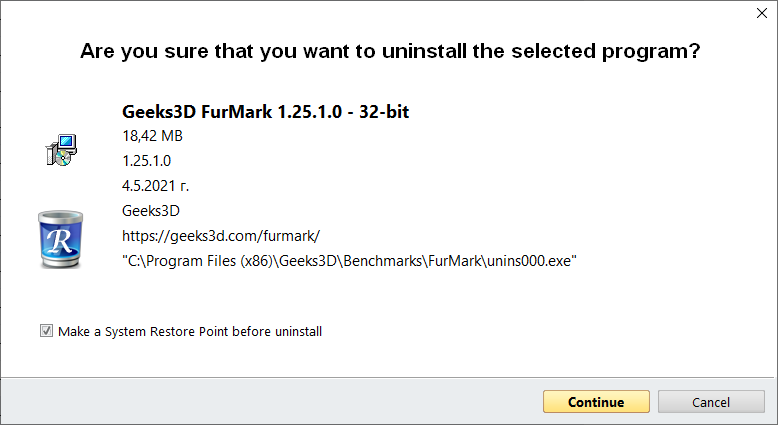
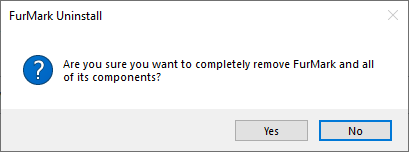
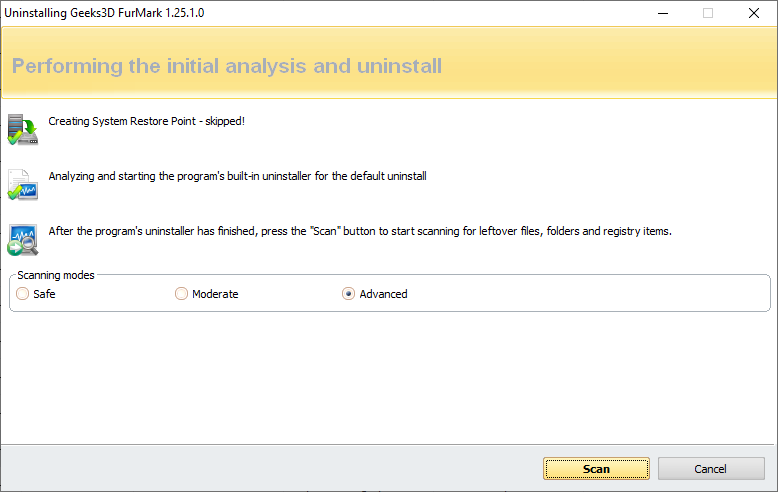
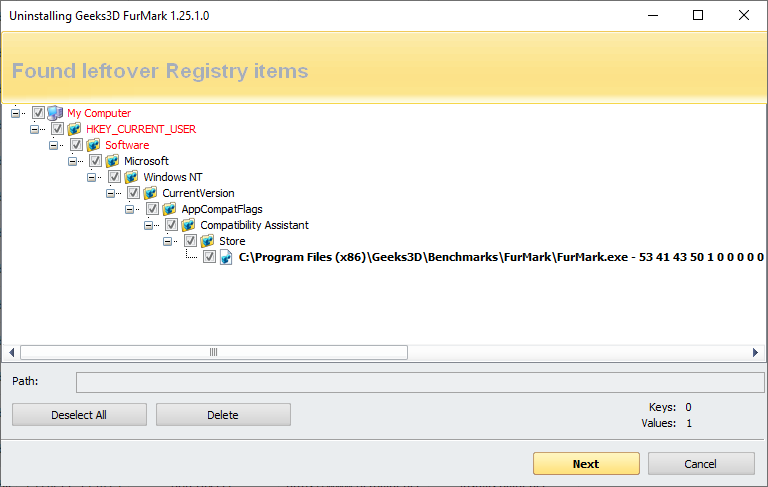
Revo Uninstallers helps you to uninstall software and remove unwanted programs installed on your computer. Analyzes and application’s data before uninstall and scans for remnants after the uninstall of a program. After the program’s regular uninstaller runs, you can remove additional unnecessary files, folders, registry keys and values that are usually left over on your computer.
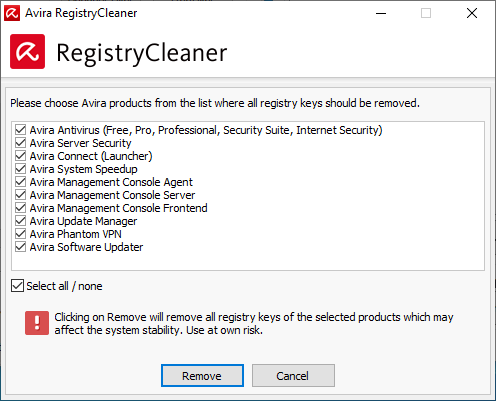
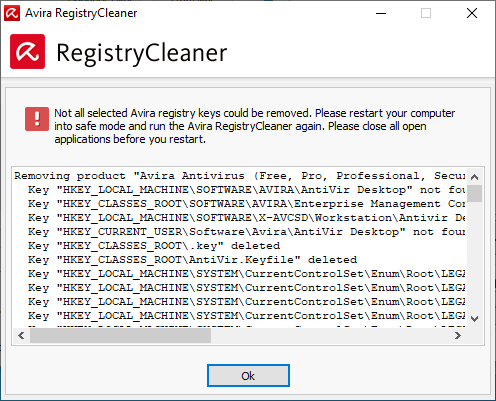
AVRemoval
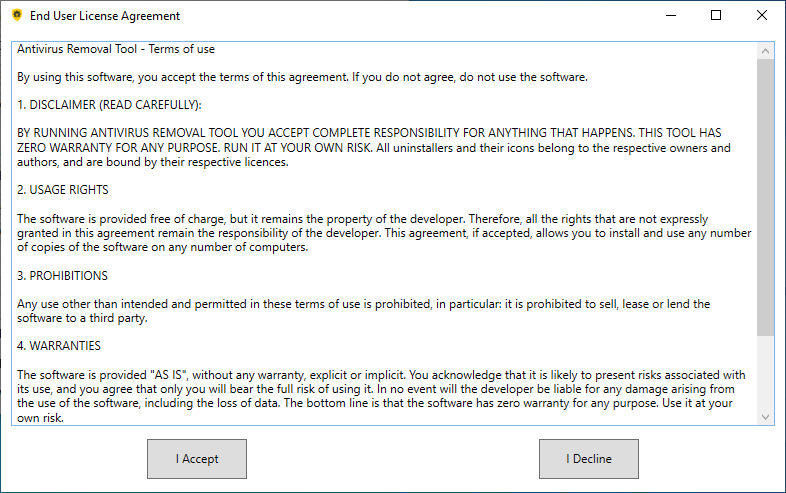
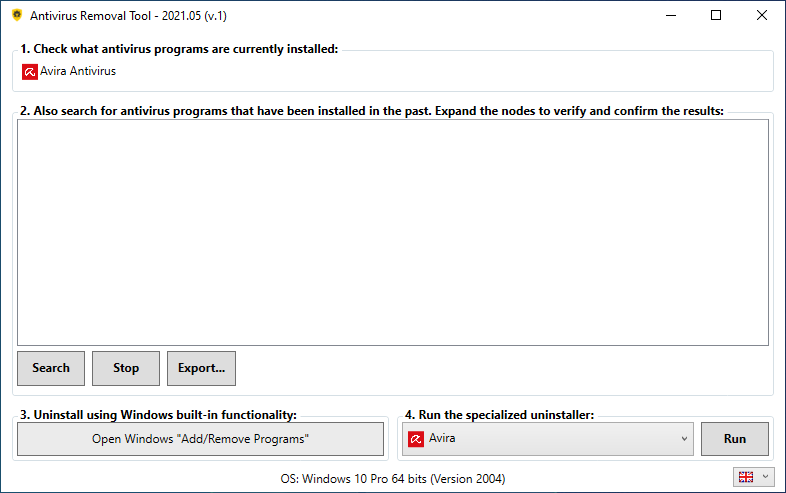
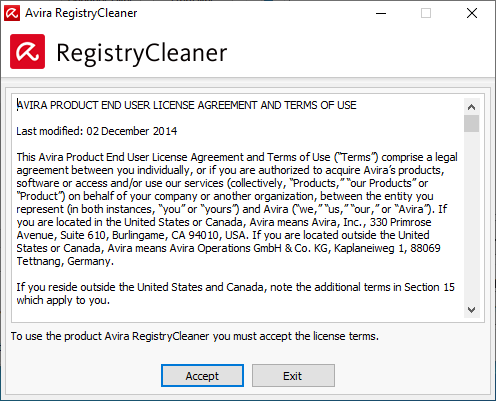
Antivirus Removal Tool is a program that helps to identify what Antivirus programs are and have been previously installed, and that also provides the official dedicated uninstallers. The regular uninstaller through Windows “Control Panel” > “Programs and Features” is frequently insufficient. Running the dedicated uninstaller provided by the vendor helps solving problems caused by incomplete uninstalls, and it’s generally a good practice before installing a new Antivirus.
UltraSearch
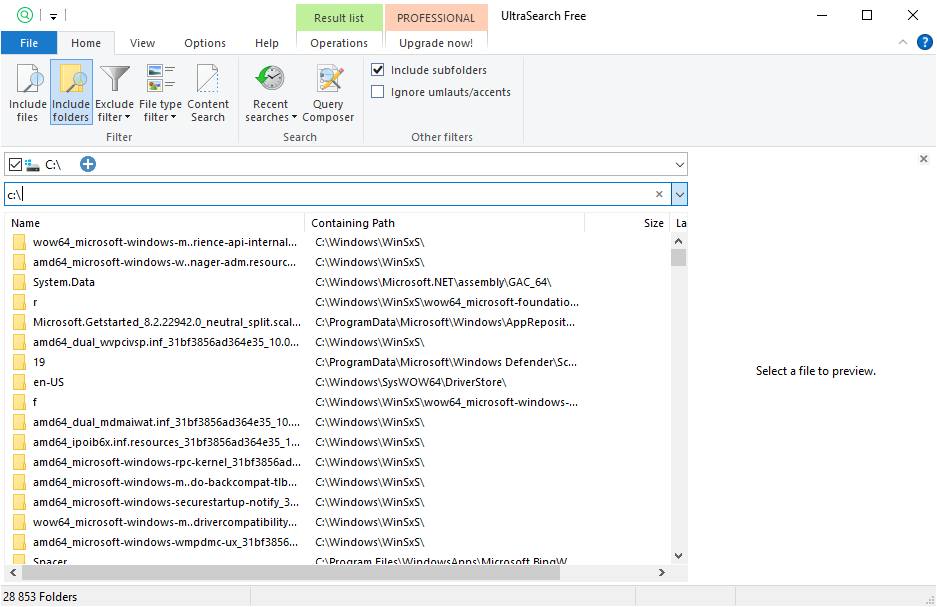
Find files and folders on local NTFS drives and provides the results in just seconds.
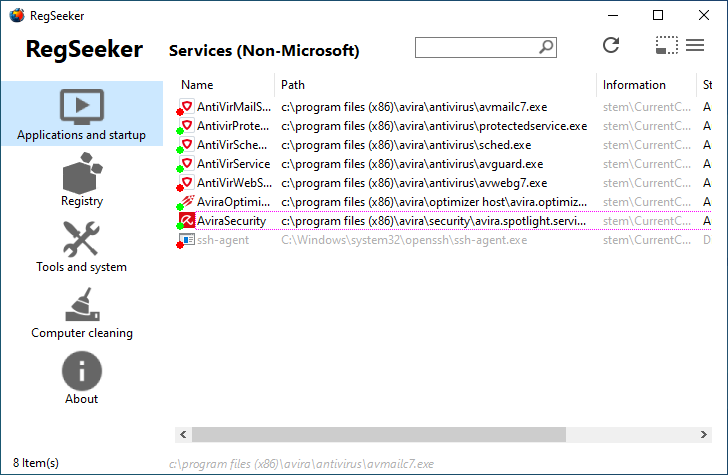
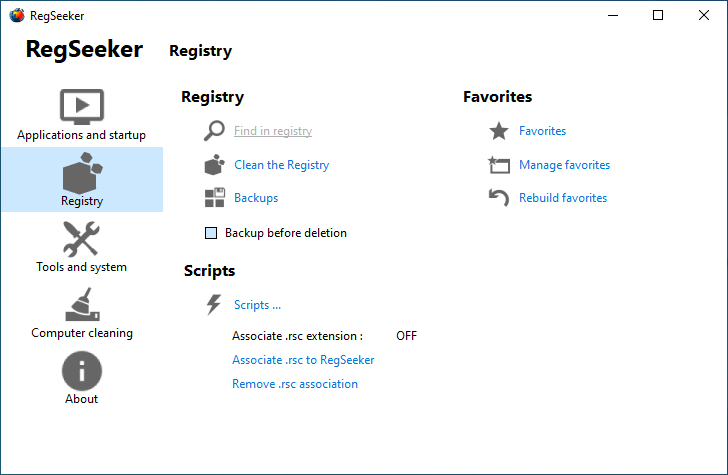
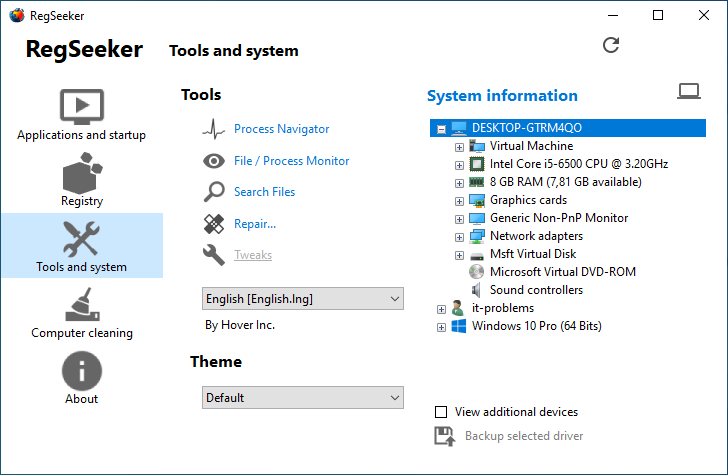
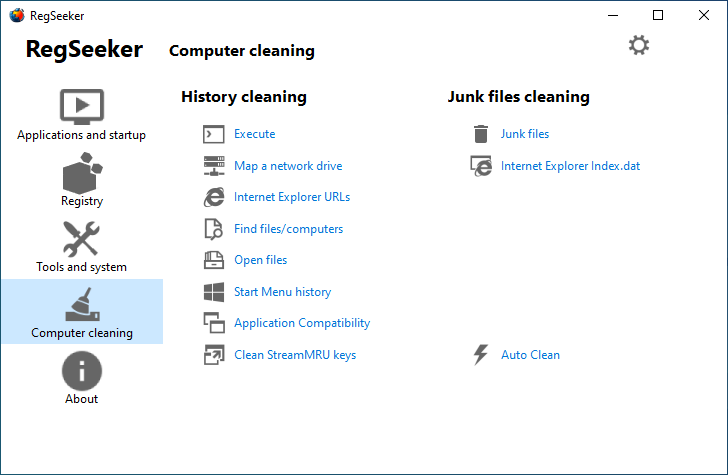
RegSeeker
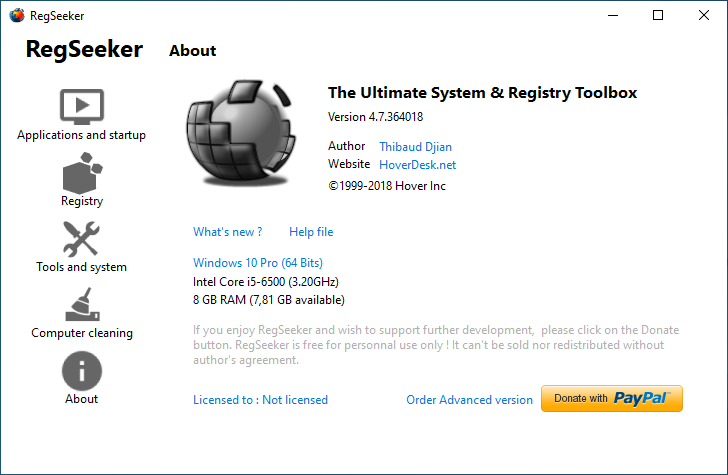
Registry search and cleaner tool. Allows you to perform a search for a keyword, and then delete all or some of the entries where that keyword was found. By default, a backup is created prior to deletion.
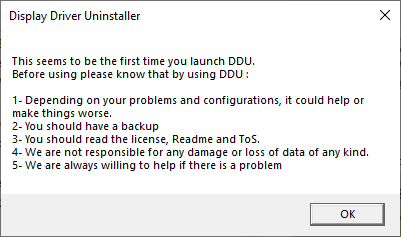
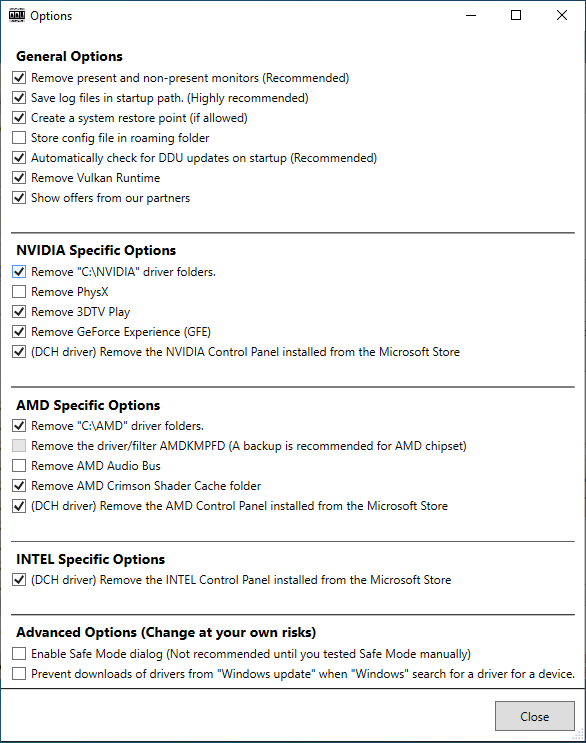
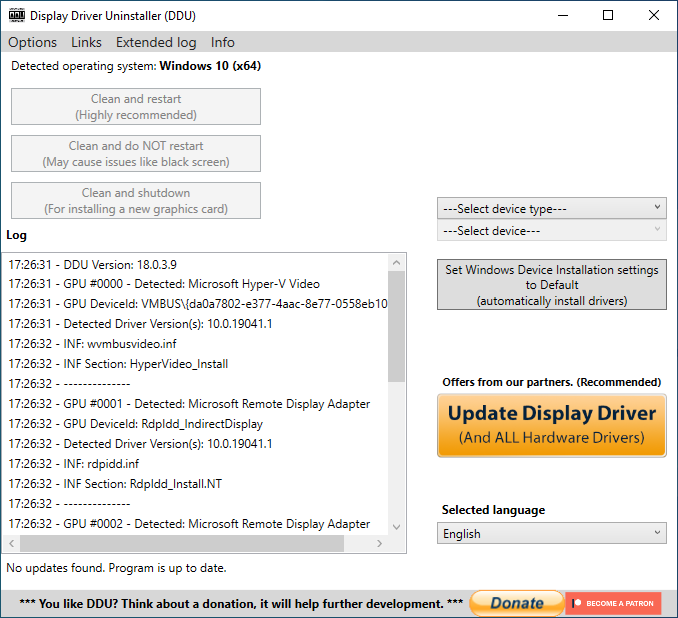
DDU
Display Driver Uninstaller is removal utility that can help you completely uninstall AMD/NVIDIA graphics card drivers and packages from your system, without leaving leftovers behind (including registry keys, folders and files, driver store).
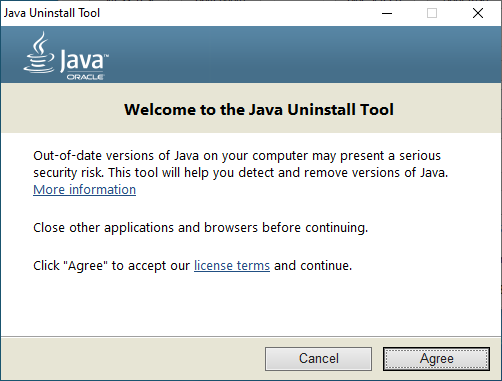
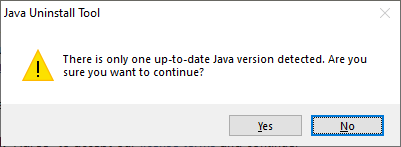
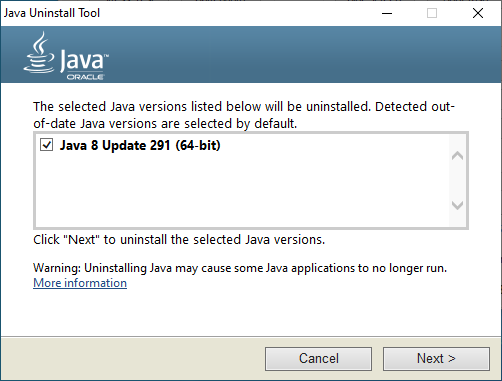
Java Uninst.
Java Uninstall Tool helps you improve your computer security by simplifying the process of finding and uninstalling versions of Java. The Uninstall tool shoes you a list of the Java versions on your computer and then allows you to select which versions to remove.